_811205.png)
_e196d8.png)
_32b3d9.png)
_1c53fe.png)

Apple today discontinued its Pro Display XDR, following the introduction of a new 27-inch Studio Display XDR monitor.
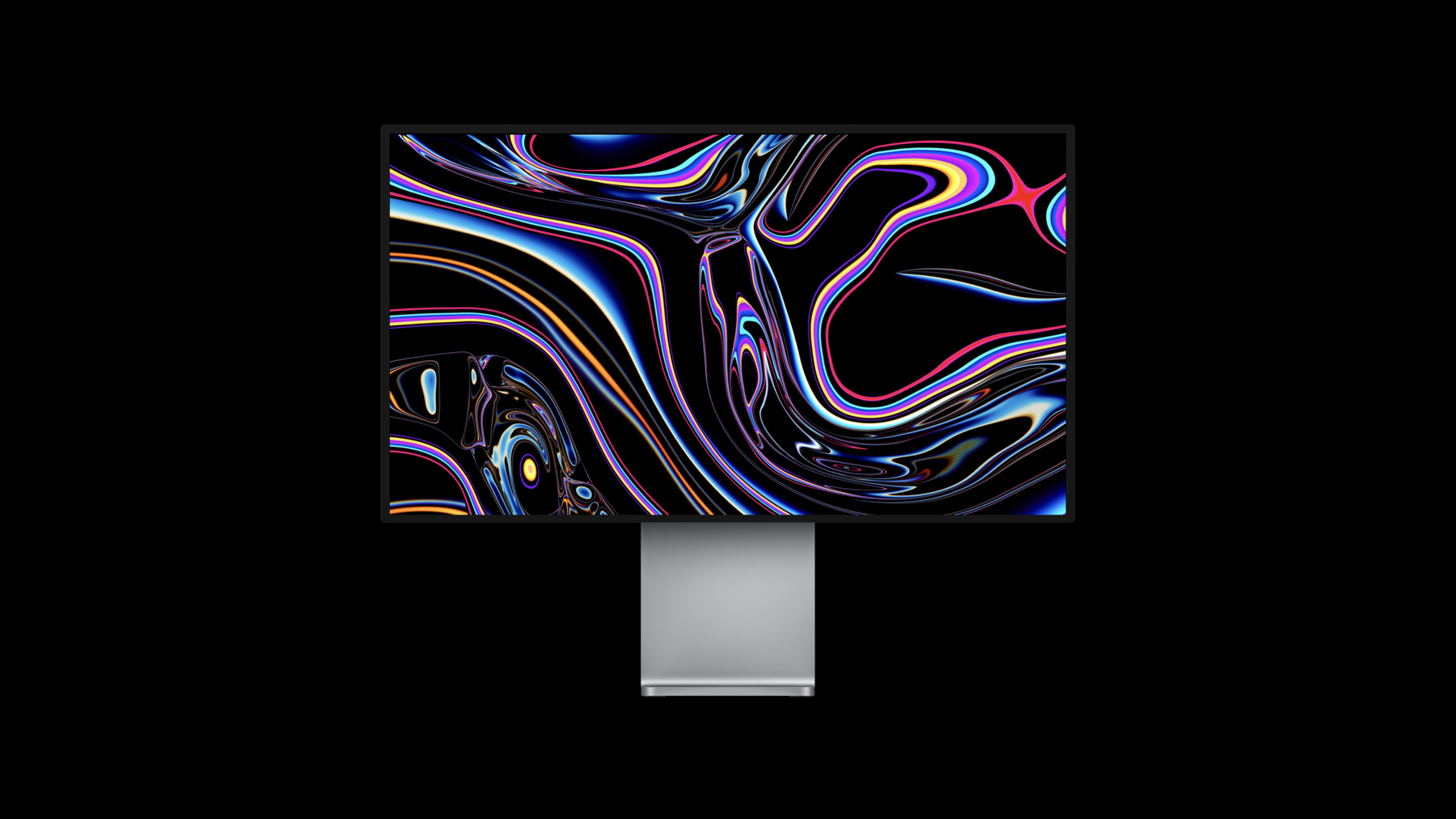
Introduced in December 2019 alongside a redesigned Mac Pro, the 32-inch Pro Display XDR was Apple's return to the premium external monitor market. The launch came three years after the company exited the category with the discontinuation of the Thunderbolt Display in 2016.
The Pro Display XDR drew particular scrutiny for its $999 Pro Stand, which was sold separately from the $4,999 display. Apple defended the price by emphasizing its precise engineering, height, tilt, and rotation adjustments, and support for both landscape and portrait orientations, but it was a focal point of criticism at launch.
In its place, Apple now offers an all-new Studio Display XDR, featuring a 5K resolution with mini-LED backlighting and up to 2,000 nits peak HDR brightness, adaptive refresh up to 120Hz, and Thunderbolt 5 connectivity with up to 140W charging and multiple high-speed ports.
Compared with the Pro Display XDR, which was a larger 32-inch 6K monitor aimed at high-end HDR workflows, the new Studio Display XDR is smaller and cheaper, but it also features modern panel technology, higher refresh rates, and more connectivity.
Pre-orders for the new display begin March 4 and availability starts March 11, with pricing starting at $3,299 for standard glass and $3,599 with nano-texture glass.
This article, "Apple Discontinues Pro Display XDR and $999 Stand" first appeared on MacRumors.com
Discuss this article in our forums
Introduced in December 2019 alongside a redesigned Mac Pro, the 32-inch Pro Display XDR was Apple's return to the premium external monitor market. The launch came three years after the company exited the category with the discontinuation of the Thunderbolt Display in 2016.
The Pro Display XDR drew particular scrutiny for its $999 Pro Stand, which was sold separately from the $4,999 display. Apple defended the price by emphasizing its precise engineering, height, tilt, and rotation adjustments, and support for both landscape and portrait orientations, but it was a focal point of criticism at launch.
In its place, Apple now offers an all-new Studio Display XDR, featuring a 5K resolution with mini-LED backlighting and up to 2,000 nits peak HDR brightness, adaptive refresh up to 120Hz, and Thunderbolt 5 connectivity with up to 140W charging and multiple high-speed ports.
Compared with the Pro Display XDR, which was a larger 32-inch 6K monitor aimed at high-end HDR workflows, the new Studio Display XDR is smaller and cheaper, but it also features modern panel technology, higher refresh rates, and more connectivity.
Pre-orders for the new display begin March 4 and availability starts March 11, with pricing starting at $3,299 for standard glass and $3,599 with nano-texture glass.
Tag: Pro Display XDR
This article, "Apple Discontinues Pro Display XDR and $999 Stand" first appeared on MacRumors.com
Discuss this article in our forums
Recommended Comments
Join the conversation
You can post now and register later. If you have an account, sign in now to post with your account.