_811205.png)
_e196d8.png)
_32b3d9.png)
_1c53fe.png)

TechRadar's Jacob Krol recently sat down with Apple's VP of Platform Architecture Tim Millet and Director of Audio Product Marketing Eric Treski to discuss the AirPods Max 2, including the H2 chip and increased active noise cancellation.
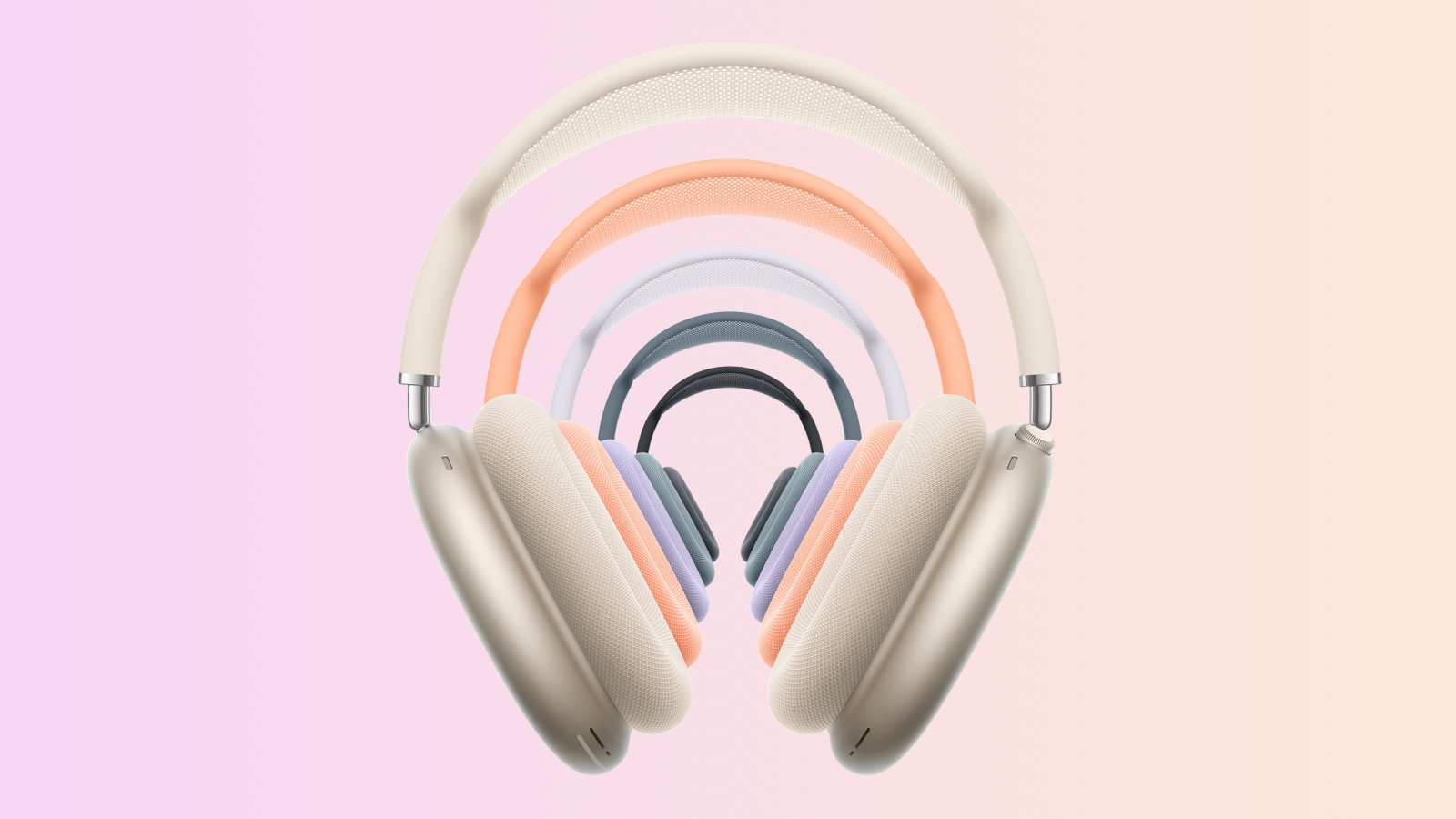
AirPods Max 2 have the same overall design as the previous generation, with most of the improvements coming from the upgrade to the H2 chip, including up to 1.5× more active noise cancellation, enhanced sound quality, and features such as Adaptive Audio, Conversation Awareness, Voice Isolation, and Live Translation.
Even still, Apple suggested that the H2 chip has more to offer, with future AirPods Max 2 firmware updates likely to unlock additional features.
"H2 is this platform that continues to demonstrate that it has continued headroom," said Millet.
Regarding the up to 1.5× more active noise cancellation, Apple said it is not a cherry-picked stat.
"We take that average at 1.5 times across an average of all frequencies," said Treski. "We're not cherry-picking individual frequencies or a certain range."
TechRadar's interview contains more comments from Millet and Treski, so be sure to check it out if you are interested in learning more.
AirPods Max 2 are available at Apple Stores and began arriving to customers starting today.
This article, "Apple Discusses AirPods Max 2, Says H2 Chip Has More to Offer in Future" first appeared on MacRumors.com
Discuss this article in our forums
AirPods Max 2 have the same overall design as the previous generation, with most of the improvements coming from the upgrade to the H2 chip, including up to 1.5× more active noise cancellation, enhanced sound quality, and features such as Adaptive Audio, Conversation Awareness, Voice Isolation, and Live Translation.
Even still, Apple suggested that the H2 chip has more to offer, with future AirPods Max 2 firmware updates likely to unlock additional features.
"H2 is this platform that continues to demonstrate that it has continued headroom," said Millet.
Regarding the up to 1.5× more active noise cancellation, Apple said it is not a cherry-picked stat.
"We take that average at 1.5 times across an average of all frequencies," said Treski. "We're not cherry-picking individual frequencies or a certain range."
TechRadar's interview contains more comments from Millet and Treski, so be sure to check it out if you are interested in learning more.
AirPods Max 2 are available at Apple Stores and began arriving to customers starting today.
Related Roundup: AirPods Max 2
Tag: H2 Chip
Buyer's Guide: AirPods Max (Buy Now)
Related Forum: AirPods
This article, "Apple Discusses AirPods Max 2, Says H2 Chip Has More to Offer in Future" first appeared on MacRumors.com
Discuss this article in our forums
Recommended Comments
Join the conversation
You can post now and register later. If you have an account, sign in now to post with your account.