_811205.png)
_e196d8.png)
_32b3d9.png)
_1c53fe.png)

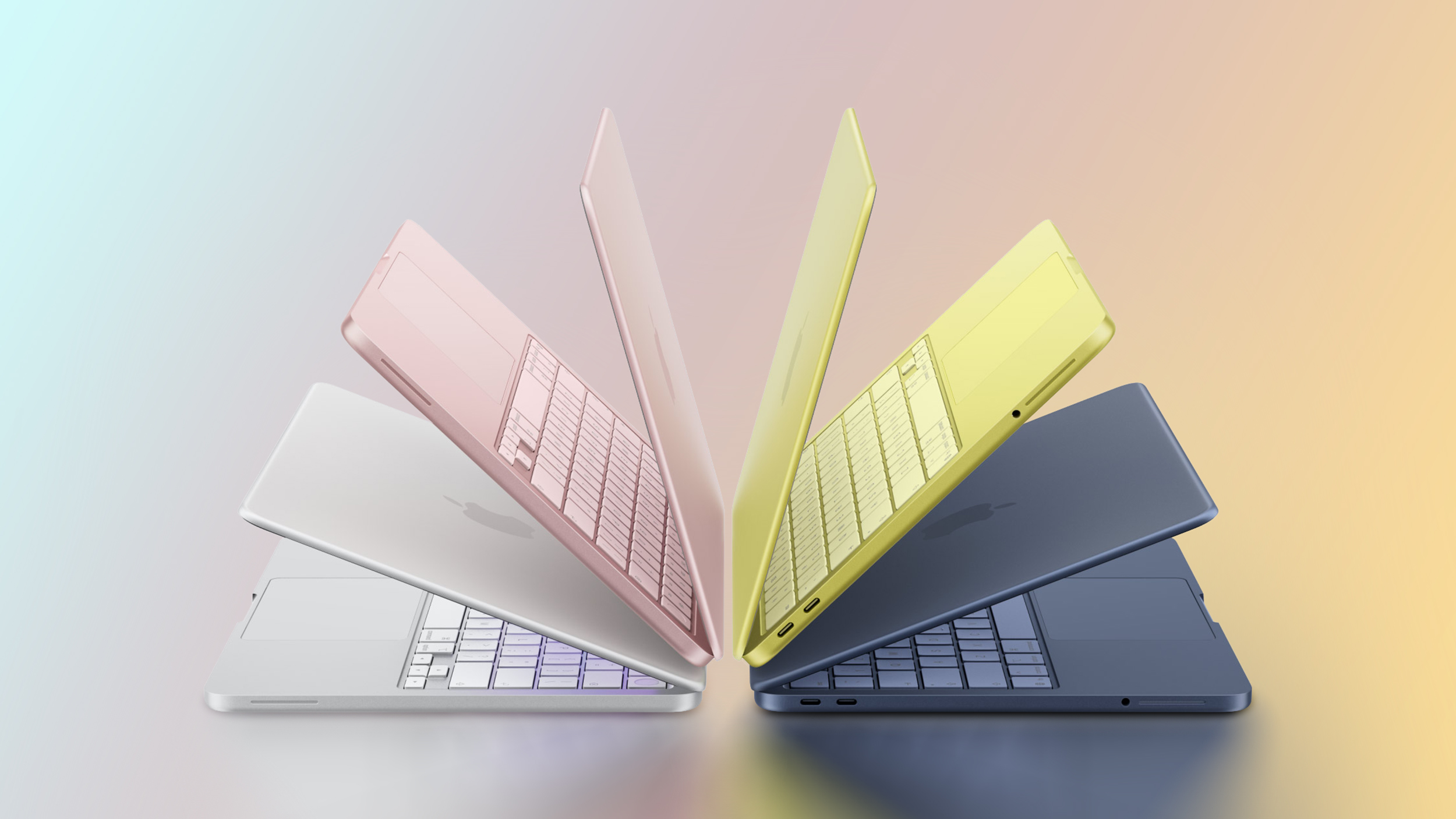
None of the new MacBook Neo, MacBook Air, or MacBook Pro models unveiled this week come with a charger in the UK and EU countries, such as Germany, France, Italy, and Spain. This change began with the base 14-inch MacBook Pro last year.
If you need a power adapter, you must purchase one separately during checkout or later.
In all other countries, Apple includes a charger in the box with these Macs, at no additional cost. In the U.S., for example, the MacBook Neo ships with Apple's 20W USB-C Power Adapter (sold separately for $19), while the 16-inch MacBook Pro comes with Apple's 140W USB-C Power Adapter (sold separately for $99).
Apple includes a USB-C or MagSafe 3 charging cable with all of the new MacBooks sold worldwide.
This article, "Apple Does Not Include a Charger With All New MacBooks in UK and EU" first appeared on MacRumors.com
Discuss this article in our forums
If you need a power adapter, you must purchase one separately during checkout or later.
In all other countries, Apple includes a charger in the box with these Macs, at no additional cost. In the U.S., for example, the MacBook Neo ships with Apple's 20W USB-C Power Adapter (sold separately for $19), while the 16-inch MacBook Pro comes with Apple's 140W USB-C Power Adapter (sold separately for $99).
Apple includes a USB-C or MagSafe 3 charging cable with all of the new MacBooks sold worldwide.
Related Forums: MacBook Air, MacBook Pro
This article, "Apple Does Not Include a Charger With All New MacBooks in UK and EU" first appeared on MacRumors.com
Discuss this article in our forums
Recommended Comments
Join the conversation
You can post now and register later. If you have an account, sign in now to post with your account.