_811205.png)
_e196d8.png)
_32b3d9.png)
_1c53fe.png)

Apple is planning to remove the AirPort Utility app from the App Store in the near future, according to the release notes for iOS 27 beta 2. The app is no longer fully supported in iOS 27, and Apple warns that it is not guaranteed to work.
Users who have downloaded AirPort Utility in the past will be able to re-download it if needed.
Apple also plans to remove AirPort Utility from new installations of macOS, but users who already have it installed will continue to be able to use it after updating to new versions of macOS. As with iOS 27, Apple says it isn't guaranteed to work in macOS Golden Gate.
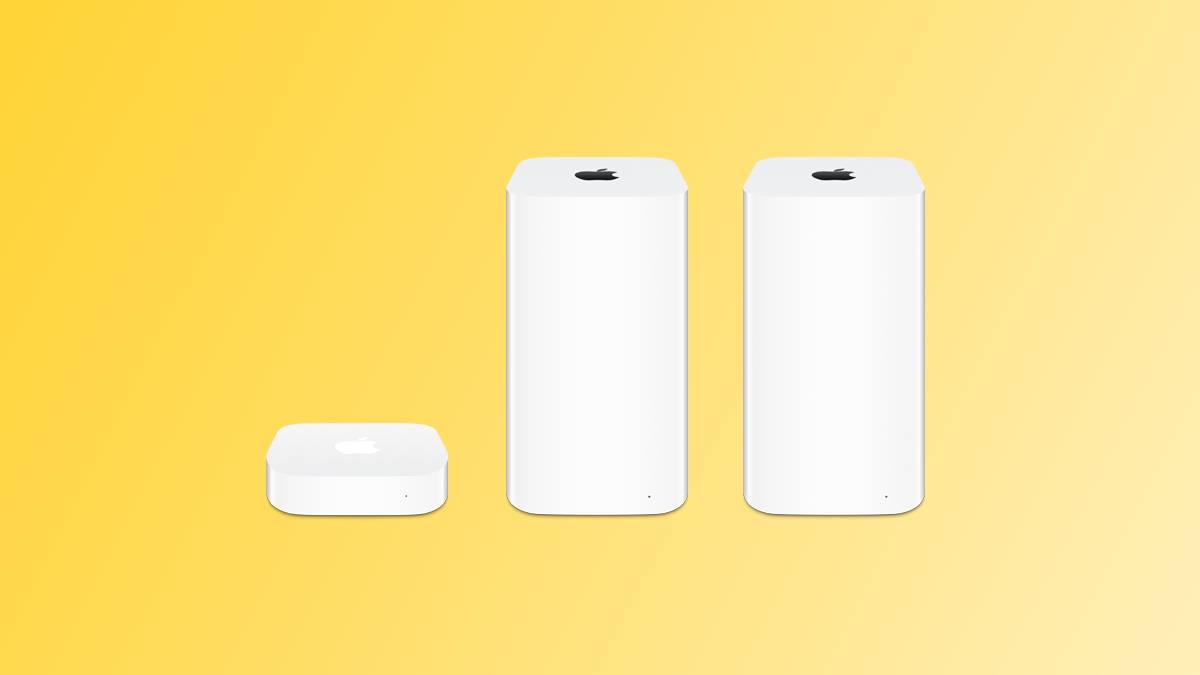
AirPort Utility lets users manage AirPort base stations like the AirPort Extreme, AirPort Express, and AirPort Time Capsule. Apple discontinued its AirPort routers back in 2018, but has continued to support them through the AirPort Utility app.
With macOS Golden Gate, Apple is eliminating AFP support, which means the Time Machine feature on Macs will no longer work with the AirPort Time Capsule.
With Time Capsule support ending and Apple sunsetting the AirPort Utility app, it's clear Apple does not plan to continue offering updates to users who are still holding on to their AirPort devices.
This article, "Apple Dropping AirPort Utility From the App Store With iOS 27" first appeared on MacRumors.com
Discuss this article in our forums
AirPort Utility will no longer be available for new downloads from the App Store. If you previously downloaded the app, you can still re-download it. When using AirPort Utility on iOS 27 and later, functionality is not guaranteed.
Users who have downloaded AirPort Utility in the past will be able to re-download it if needed.
Apple also plans to remove AirPort Utility from new installations of macOS, but users who already have it installed will continue to be able to use it after updating to new versions of macOS. As with iOS 27, Apple says it isn't guaranteed to work in macOS Golden Gate.
AirPort Utility lets users manage AirPort base stations like the AirPort Extreme, AirPort Express, and AirPort Time Capsule. Apple discontinued its AirPort routers back in 2018, but has continued to support them through the AirPort Utility app.
With macOS Golden Gate, Apple is eliminating AFP support, which means the Time Machine feature on Macs will no longer work with the AirPort Time Capsule.
With Time Capsule support ending and Apple sunsetting the AirPort Utility app, it's clear Apple does not plan to continue offering updates to users who are still holding on to their AirPort devices.
Tag: App Store
This article, "Apple Dropping AirPort Utility From the App Store With iOS 27" first appeared on MacRumors.com
Discuss this article in our forums
Recommended Comments
Join the conversation
You can post now and register later. If you have an account, sign in now to post with your account.