_811205.png)
_e196d8.png)
_32b3d9.png)
_1c53fe.png)

Italy's competition regulator said on Tuesday it had launched an investigation into Apple over its compliance with interoperability obligations as set out in the European Digital Markets Act (DMA).
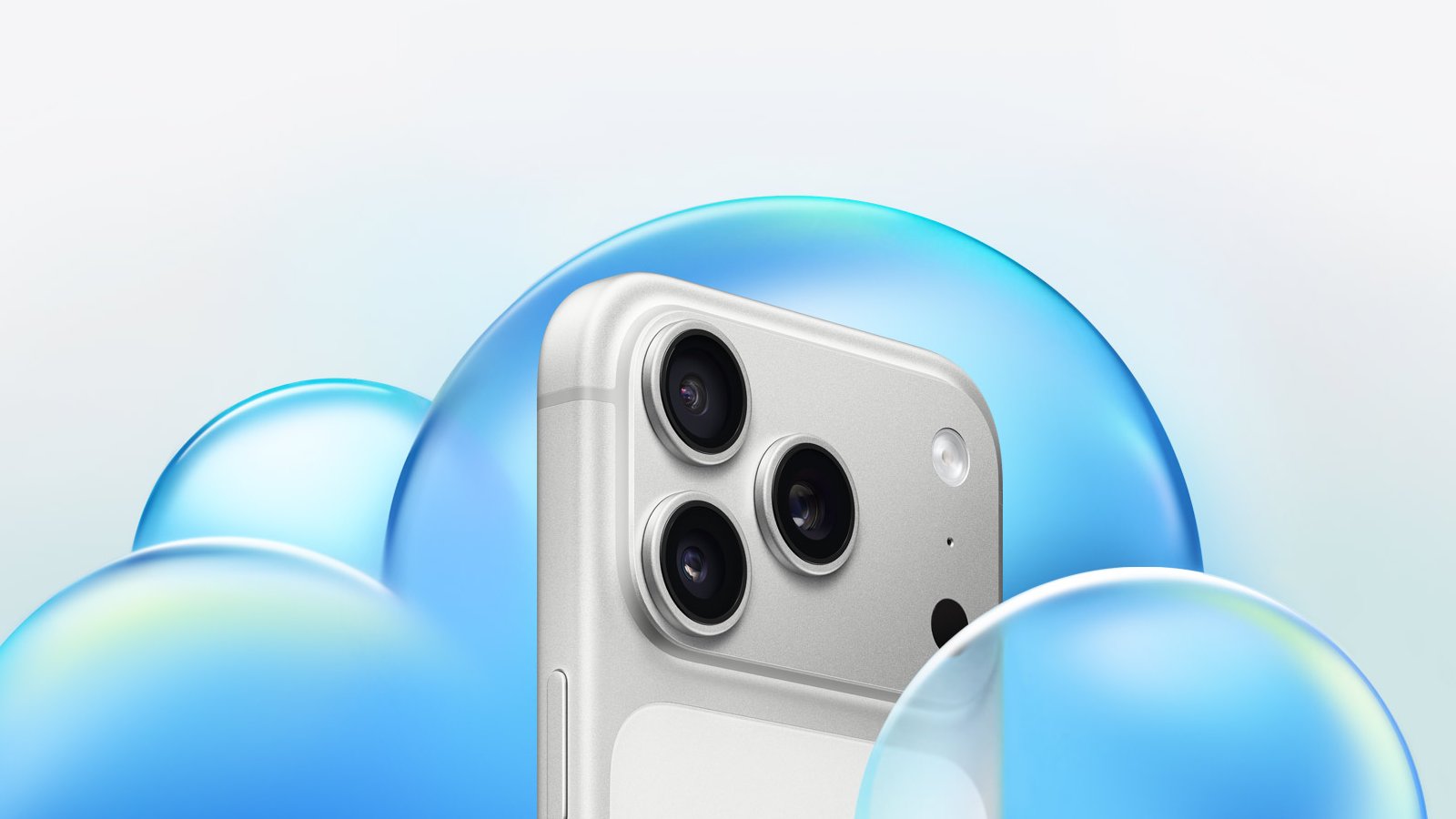
Under the DMA, Apple must ensure that third-party providers of consumer cloud services can interoperate effectively and free of charge with Apple's iOS and iPadOS software platforms. The rules also mandate equal access to Apple's iCloud service.
The Italian Competition Authority said in a statement on its website that it had proof that other providers of consumer cloud services "may not be placed on an equal footing as Apple's iCloud," as they did not appear to have access to the same software features available to Apple's own service.
Specifically, the authority said that Apple does not allow alternative cloud storage services to use features in iOS and iPadOS that enable users to perform a full backup of their device's data.
The probe is the first of its kind opened by the Italian watchdog under the DMA, which allows national regulators to conduct preliminary investigations.
The authority said its findings will be shared with the European Commission "to support it in its role as sole DMA enforcer." Companies violating DMA rules can face fines up to 10% of worldwide annual revenue.
This article, "Apple Faces First Italian DMA Probe on iCloud Interoperability" first appeared on MacRumors.com
Discuss this article in our forums
Under the DMA, Apple must ensure that third-party providers of consumer cloud services can interoperate effectively and free of charge with Apple's iOS and iPadOS software platforms. The rules also mandate equal access to Apple's iCloud service.
The Italian Competition Authority said in a statement on its website that it had proof that other providers of consumer cloud services "may not be placed on an equal footing as Apple's iCloud," as they did not appear to have access to the same software features available to Apple's own service.
Specifically, the authority said that Apple does not allow alternative cloud storage services to use features in iOS and iPadOS that enable users to perform a full backup of their device's data.
The probe is the first of its kind opened by the Italian watchdog under the DMA, which allows national regulators to conduct preliminary investigations.
The authority said its findings will be shared with the European Commission "to support it in its role as sole DMA enforcer." Companies violating DMA rules can face fines up to 10% of worldwide annual revenue.
This article, "Apple Faces First Italian DMA Probe on iCloud Interoperability" first appeared on MacRumors.com
Discuss this article in our forums
Recommended Comments
Join the conversation
You can post now and register later. If you have an account, sign in now to post with your account.