_811205.png)
_e196d8.png)
_32b3d9.png)
_1c53fe.png)

Apple is expanding its partnership with the Save The Music Foundation, a non-profit organization dedicated to supporting music education in U.S. public schools. The organization donates musical instruments and technology to schools and much more.
"We're thrilled to be expanding our partnership with Save the Music, bringing music education to even more schools across the country," said Apple CEO Tim Cook.
Apple's expanded partnership will help to bring music programming to nearly 50 more schools.
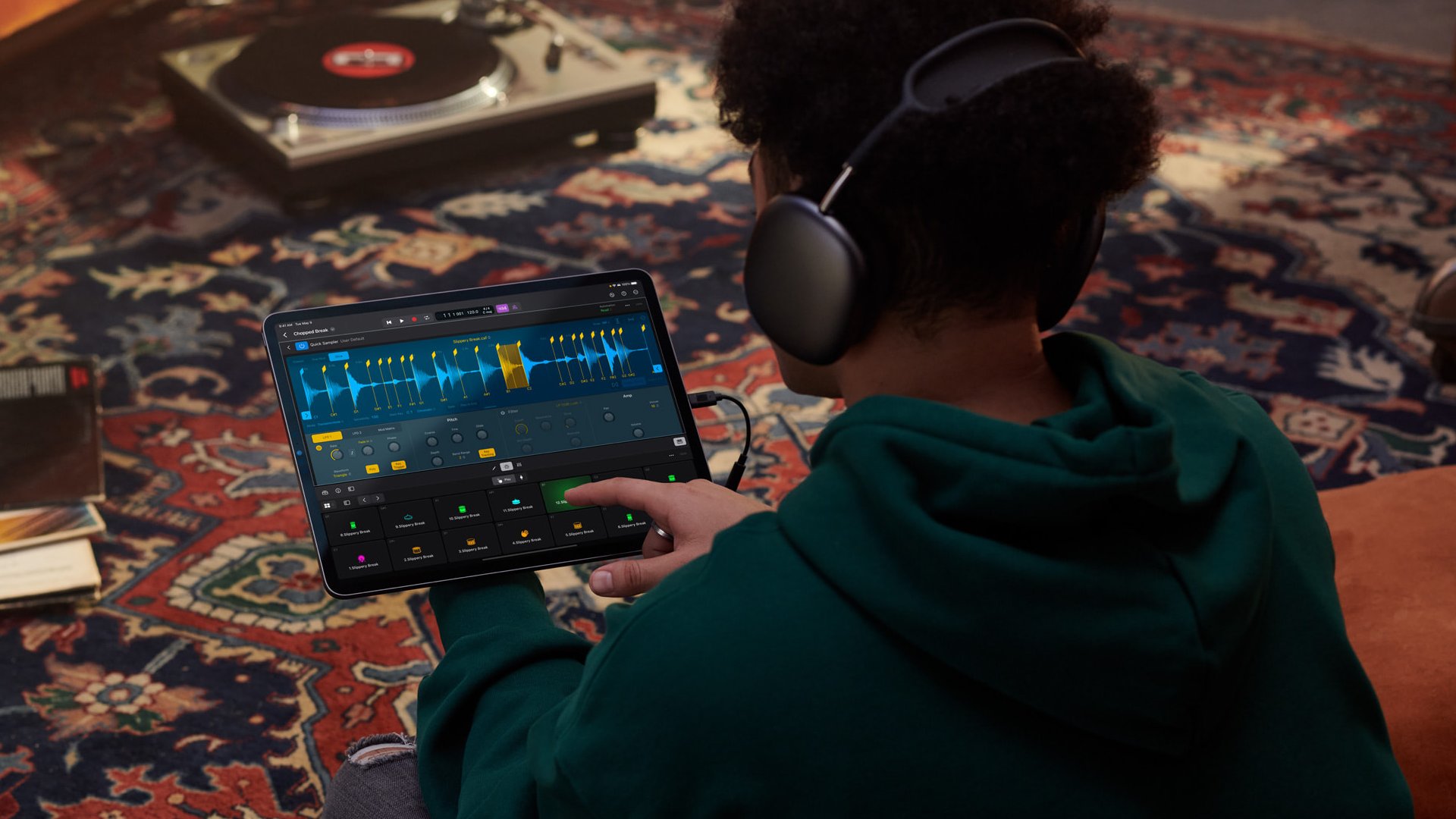
Cook visited the Wadleigh Secondary School for the Performing and Visual Arts in New York City to listen to music created by students there. In a short video, the students can be seen using Apple products like the iPad, Apple Pencil, and AirPods Max.
This article, "Apple Helping to Expand Music Education to More Students and Schools" first appeared on MacRumors.com
Discuss this article in our forums
"We're thrilled to be expanding our partnership with Save the Music, bringing music education to even more schools across the country," said Apple CEO Tim Cook.
Apple's expanded partnership will help to bring music programming to nearly 50 more schools.
Cook visited the Wadleigh Secondary School for the Performing and Visual Arts in New York City to listen to music created by students there. In a short video, the students can be seen using Apple products like the iPad, Apple Pencil, and AirPods Max.
Incredible to hear music created by students at Wadleigh Secondary School for the Performing & Visual Arts in Harlem with Maggie Rogers!
— Tim Cook (@tim_cook) March 17, 2026
We're thrilled to be expanding our partnership with Save the Music, bringing music education to even more schools across the country. pic.twitter.com/pKbTfsn1yl
Tag: Tim Cook
This article, "Apple Helping to Expand Music Education to More Students and Schools" first appeared on MacRumors.com
Discuss this article in our forums
Recommended Comments
Join the conversation
You can post now and register later. If you have an account, sign in now to post with your account.