_811205.png)
_e196d8.png)
_32b3d9.png)
_1c53fe.png)

Apple today increased the starting price of the Mac mini with M4 Pro chip by $200, taking the higher-tier model up to $1,599 on its online store.
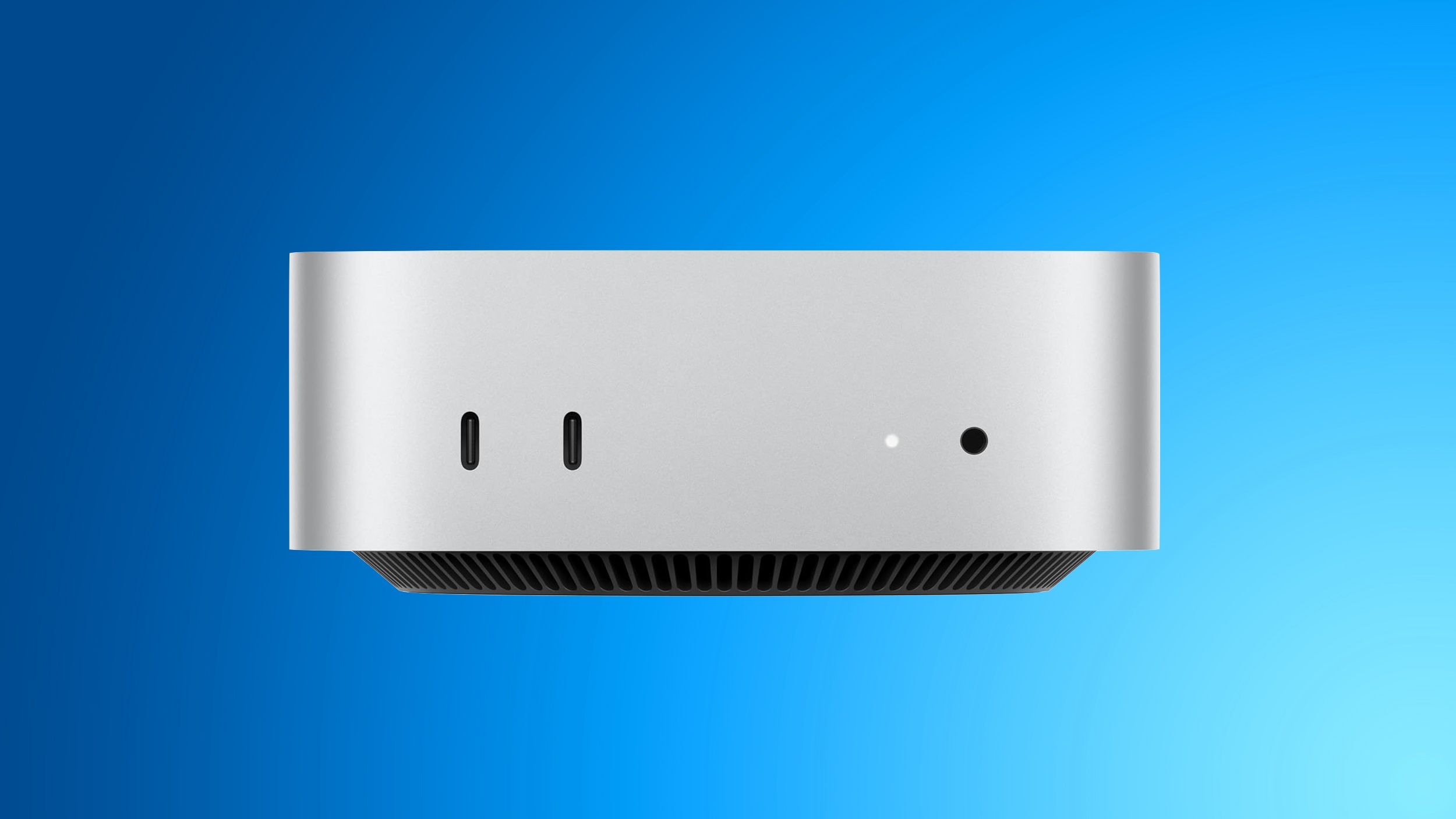
When the M4 Pro model launched in October 2024, the starting price was $1,399, but Apple has been hit by the rapid expansion of AI data centres, which has driven up the demand for memory and storage chips across the tech industry.
Apple had already raised the Mac mini's effective starting price in May by discontinuing the $599 configuration with 16GB of RAM and a 256GB SSD, leaving the $799 model with a 512GB SSD as the new entry-level option. Interestingly, the 16GB RAM / 256GB storage option has now been reinstated, but the $799 starting price remains.
"We have now reached a point where we need to begin raising prices," Apple said in a statement given to The Wall Street Journal. "We have never seen a component price increase this much, this quickly," it added.
Apple briefly took down its online store earlier today as it typically does when announcing new products. But when it came back online, the price tags for Mac computers rose approximately 15 percent to 20 percent and iPad prices rose 15 percent to 25 percent. Apart from the price hikes, there were no other changes to the site.
This article, "Apple Hikes M4 Pro Mac Mini Starting Price Amid Rising Memory Costs" first appeared on MacRumors.com
Discuss this article in our forums
When the M4 Pro model launched in October 2024, the starting price was $1,399, but Apple has been hit by the rapid expansion of AI data centres, which has driven up the demand for memory and storage chips across the tech industry.
Apple had already raised the Mac mini's effective starting price in May by discontinuing the $599 configuration with 16GB of RAM and a 256GB SSD, leaving the $799 model with a 512GB SSD as the new entry-level option. Interestingly, the 16GB RAM / 256GB storage option has now been reinstated, but the $799 starting price remains.
"We have now reached a point where we need to begin raising prices," Apple said in a statement given to The Wall Street Journal. "We have never seen a component price increase this much, this quickly," it added.
Apple briefly took down its online store earlier today as it typically does when announcing new products. But when it came back online, the price tags for Mac computers rose approximately 15 percent to 20 percent and iPad prices rose 15 percent to 25 percent. Apart from the price hikes, there were no other changes to the site.
Related Roundup: Mac mini
Buyer's Guide: Mac Mini (Caution)
Related Forum: Mac mini
This article, "Apple Hikes M4 Pro Mac Mini Starting Price Amid Rising Memory Costs" first appeared on MacRumors.com
Discuss this article in our forums
Recommended Comments
Join the conversation
You can post now and register later. If you have an account, sign in now to post with your account.