_811205.png)
_e196d8.png)
_32b3d9.png)
_1c53fe.png)

Apple today introduced an all-new Studio Display XDR monitor with a 27-inch screen, mini-LED backlighting, 5K resolution, and up to a 120Hz refresh rate.
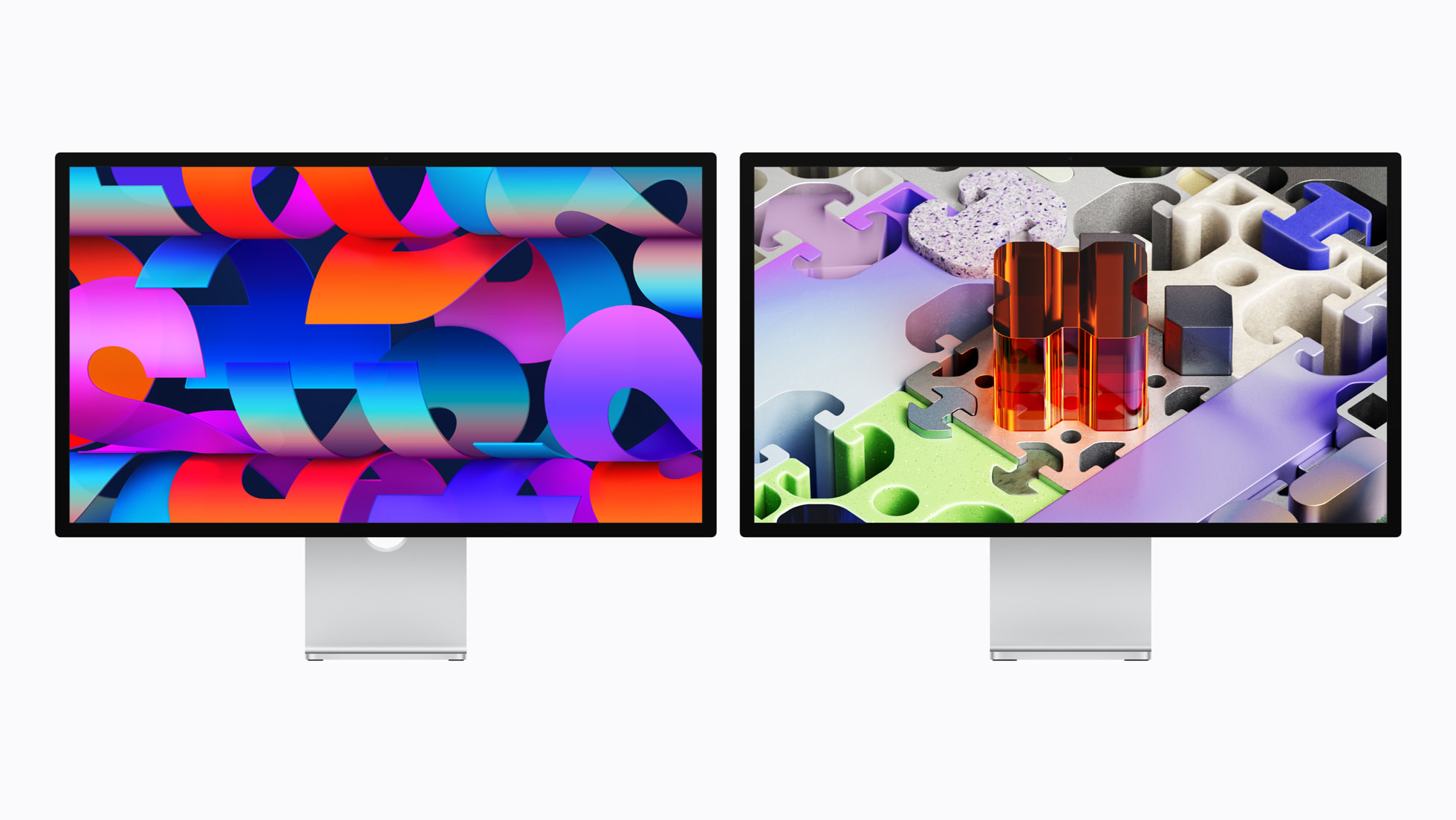
The new Studio Display XDR replaces Apple's former Pro Display XDR. In the U.S., pricing starts at $3,299.
You can pre-order the Studio Display XDR on Apple.com and in the Apple Store app starting this Wednesday, March 4, and it launches on Wednesday, March 11.
More details to follow.
This article, "Apple Introduces All-New Studio Display XDR" first appeared on MacRumors.com
Discuss this article in our forums
The new Studio Display XDR replaces Apple's former Pro Display XDR. In the U.S., pricing starts at $3,299.
You can pre-order the Studio Display XDR on Apple.com and in the Apple Store app starting this Wednesday, March 4, and it launches on Wednesday, March 11.
More details to follow.
This article, "Apple Introduces All-New Studio Display XDR" first appeared on MacRumors.com
Discuss this article in our forums
Recommended Comments
Join the conversation
You can post now and register later. If you have an account, sign in now to post with your account.