_811205.png)
_e196d8.png)
_32b3d9.png)
_1c53fe.png)

Developers that have been invited to watch the WWDC 2026 keynote at Apple Park are also able to attend a special screening of The Mandalorian and Grogu.
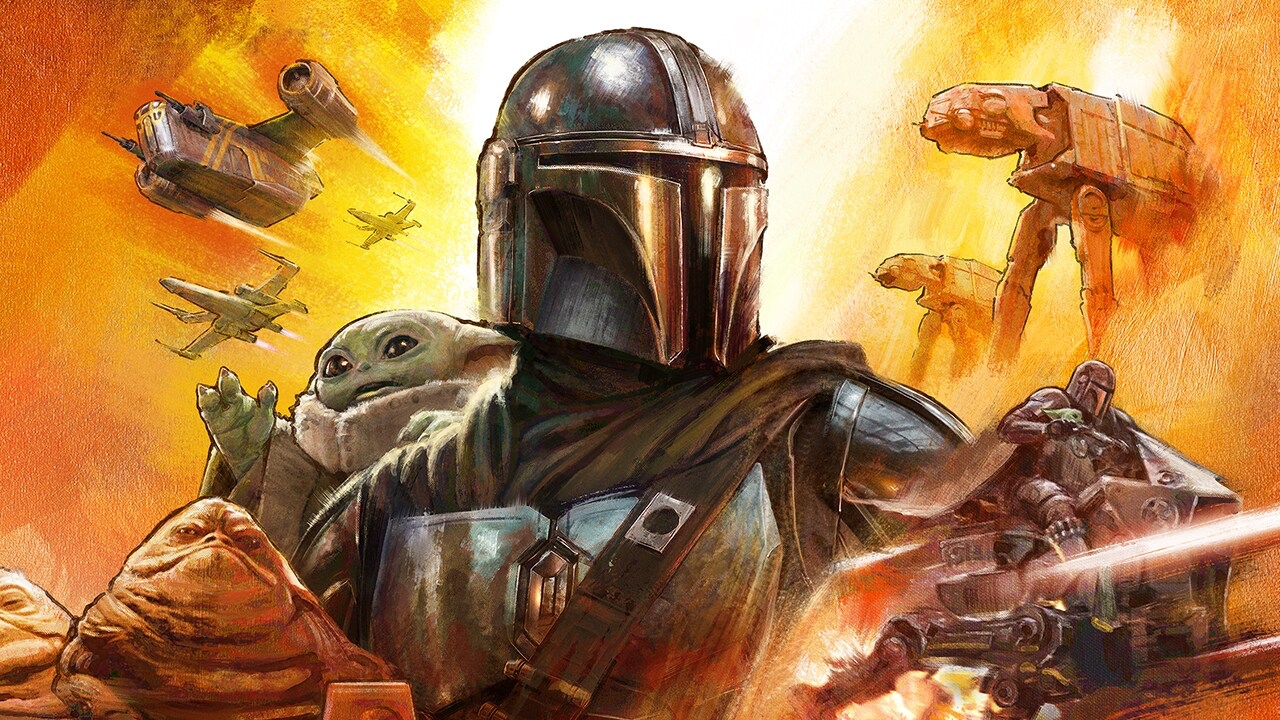
The screening will take place at 8:00 p.m. Pacific Time on Tuesday, June 9 at the Steve Jobs Theater. Apple says that a "special guest" will be in attendance, with the doors set to open at 7:00 p.m. There is no word on the special guest, but the movie stars Pedro Pascal as the Mandalorian and Jon Favreau directed. Favreau reportedly used the Apple Vision Pro headset to preview the IMAX version of the film while working on it, which explains why Apple is planning to screen the movie.
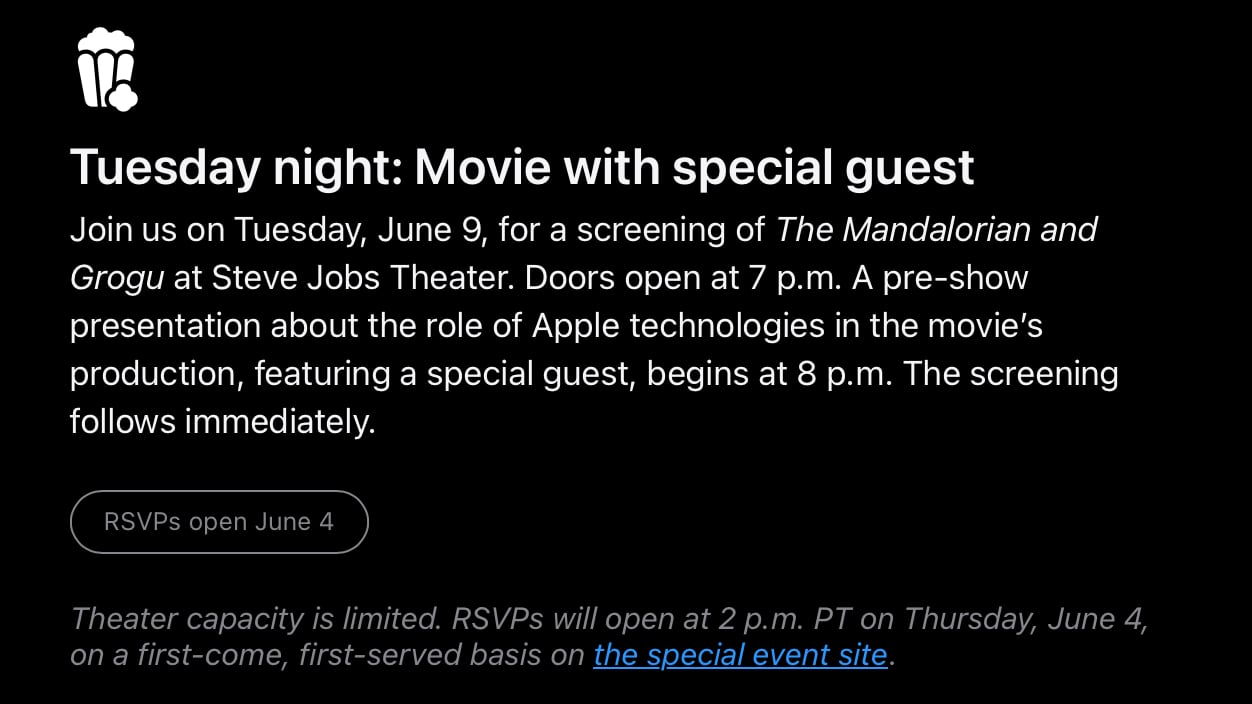
Apple says that theater capacity is limited, and developers can RSVP to attend on Thursday, June 4 on a first-come, first-served basis on the event site.
Developers were able to enter a lottery to attend an in-person WWDC event in Cupertino, California. Apple picked lottery winners earlier this year. Attendees will also be able to watch the keynote and Platforms State of the Union, plus meet with Apple experts one-on-one and in group labs.
The Mandalorian and Grogu came out in the U.S. on May 22, and it is the latest film in Disney's Star Wars franchise.
This article, "Apple Invites WWDC 2026 Attendees to 'The Mandalorian and Grogu' Screening at Apple Park" first appeared on MacRumors.com
Discuss this article in our forums
The screening will take place at 8:00 p.m. Pacific Time on Tuesday, June 9 at the Steve Jobs Theater. Apple says that a "special guest" will be in attendance, with the doors set to open at 7:00 p.m. There is no word on the special guest, but the movie stars Pedro Pascal as the Mandalorian and Jon Favreau directed. Favreau reportedly used the Apple Vision Pro headset to preview the IMAX version of the film while working on it, which explains why Apple is planning to screen the movie.
Apple says that theater capacity is limited, and developers can RSVP to attend on Thursday, June 4 on a first-come, first-served basis on the event site.
Developers were able to enter a lottery to attend an in-person WWDC event in Cupertino, California. Apple picked lottery winners earlier this year. Attendees will also be able to watch the keynote and Platforms State of the Union, plus meet with Apple experts one-on-one and in group labs.
The Mandalorian and Grogu came out in the U.S. on May 22, and it is the latest film in Disney's Star Wars franchise.
Related Roundup: WWDC 2026
Related Forum: Apple, Inc and Tech Industry
This article, "Apple Invites WWDC 2026 Attendees to 'The Mandalorian and Grogu' Screening at Apple Park" first appeared on MacRumors.com
Discuss this article in our forums
Recommended Comments
Join the conversation
You can post now and register later. If you have an account, sign in now to post with your account.