_811205.png)
_e196d8.png)
_32b3d9.png)
_1c53fe.png)

Apple is "exploring" the idea of a foldable iPhone with a "square, clamshell-style" design, according to Bloomberg's Mark Gurman.
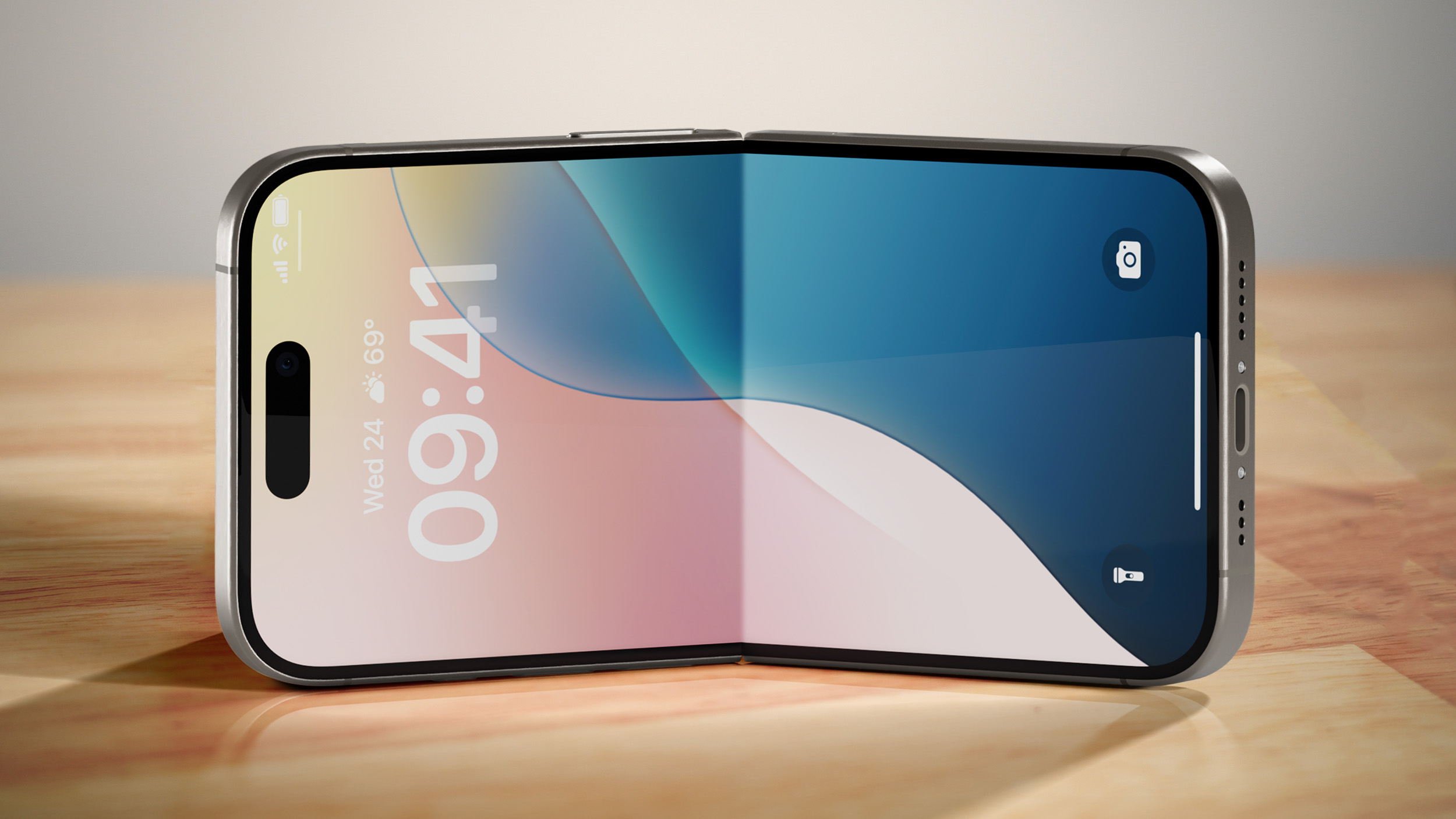
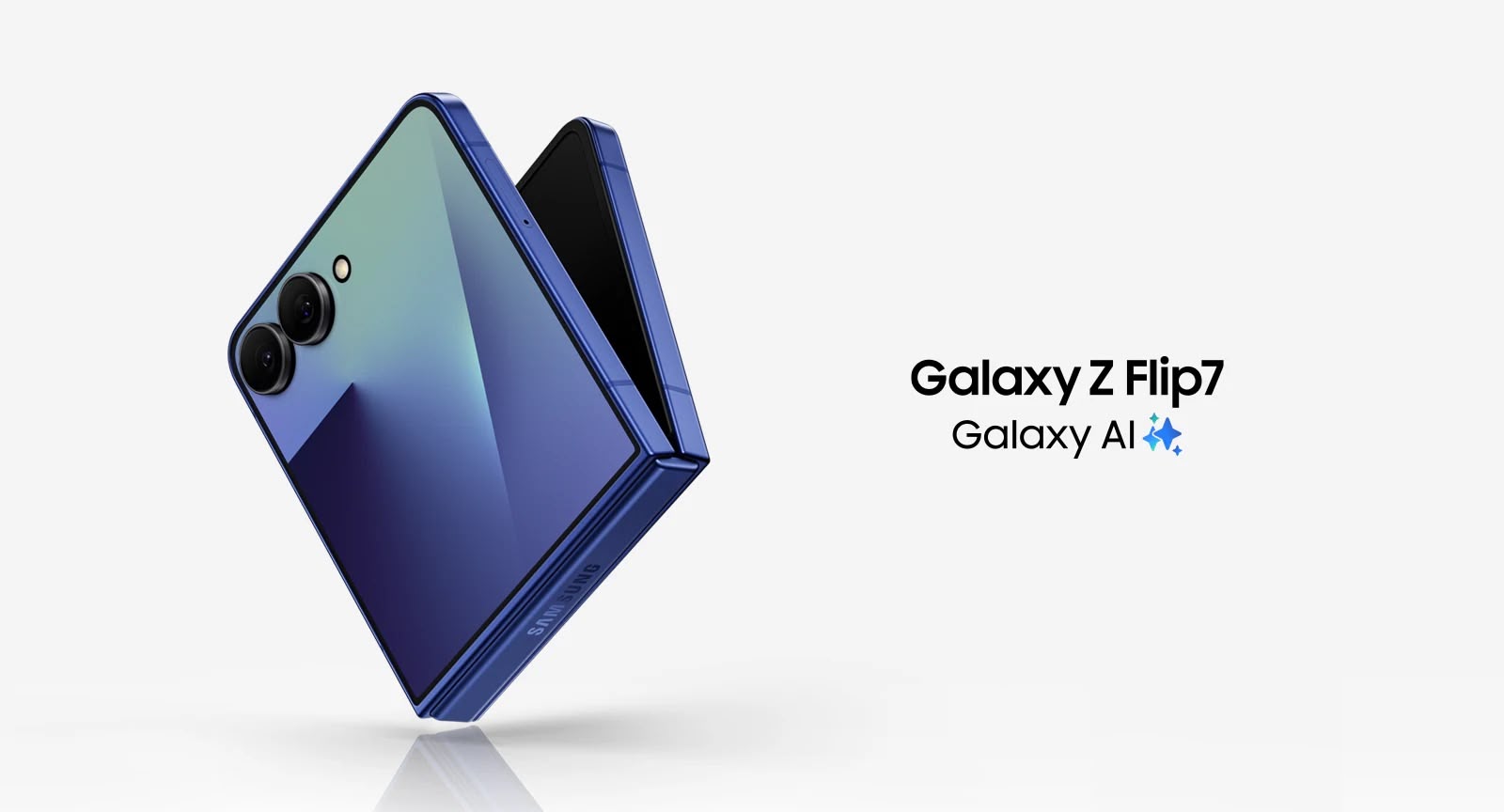
A so-called "iPhone Flip" — unlikely to be the real name — would compete with devices such as Samsung's Galaxy Z Flip 7 and the modern-day Motorola Razr.
The clamshell iPhone would be released at some point after Apple's first foldable iPhone, which is expected to launch in September this year. The first foldable iPhone is expected to open up like a book, similar to Samsung's Galaxy Z Fold 7.
"Apple is betting that its first foldable iPhone will be successful enough to generate real demand for the category and that customers will want additional shapes and sizes, much as they have with traditional slab-style iPhones," said Gurman. Nevertheless, he said a clamshell iPhone is "far from guaranteed to reach the market."
The book-like foldable iPhone will reportedly be equipped with a 7.7-inch inner display, and a 5.3-inch outer display. The device is also rumored to feature two rear cameras, one front camera, and a Touch ID button instead of Face ID.

This article, "Apple is Exploring an 'iPhone Flip' as Follow-Up to Foldable iPhone" first appeared on MacRumors.com
Discuss this article in our forums
A so-called "iPhone Flip" — unlikely to be the real name — would compete with devices such as Samsung's Galaxy Z Flip 7 and the modern-day Motorola Razr.
The clamshell iPhone would be released at some point after Apple's first foldable iPhone, which is expected to launch in September this year. The first foldable iPhone is expected to open up like a book, similar to Samsung's Galaxy Z Fold 7.
"Apple is betting that its first foldable iPhone will be successful enough to generate real demand for the category and that customers will want additional shapes and sizes, much as they have with traditional slab-style iPhones," said Gurman. Nevertheless, he said a clamshell iPhone is "far from guaranteed to reach the market."
The book-like foldable iPhone will reportedly be equipped with a 7.7-inch inner display, and a 5.3-inch outer display. The device is also rumored to feature two rear cameras, one front camera, and a Touch ID button instead of Face ID.
Tag: Mark Gurman
This article, "Apple is Exploring an 'iPhone Flip' as Follow-Up to Foldable iPhone" first appeared on MacRumors.com
Discuss this article in our forums
Recommended Comments
Join the conversation
You can post now and register later. If you have an account, sign in now to post with your account.