_811205.png)
_e196d8.png)
_32b3d9.png)
_1c53fe.png)

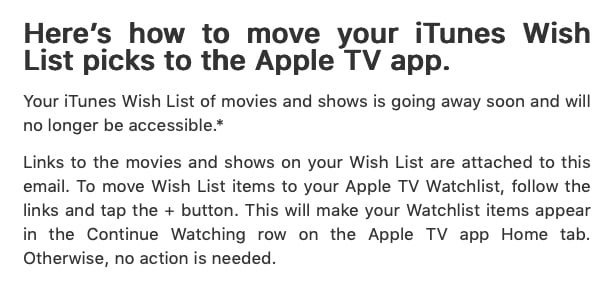
Apple will soon do away with iTunes Wish Lists featuring movie and TV shows, according to emails going out to customers as of today. Apple says that people who still have wish lists should migrate items to their Apple TV watchlist before the feature is removed.
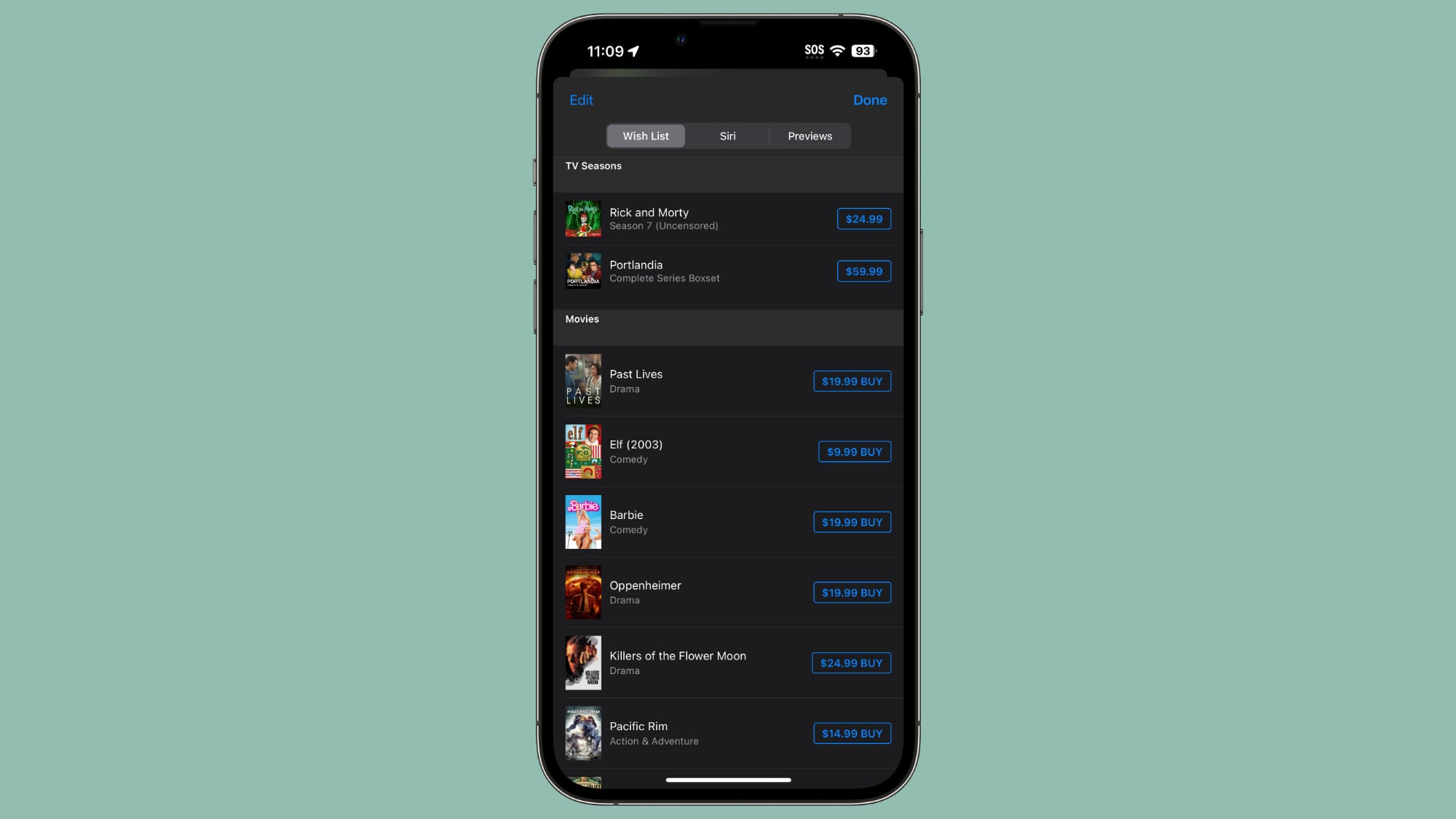
Each email that Apple is sending out includes a PDF with TV shows and movies that are on the individual's iTunes Wish List. Apple says that users can tap on each link and then tap on the "+" button to get items to appear in the Apple TV watchlist.
Apple began phasing out TV show and movie wish lists with the launch of iOS 17.2. In fact, the iOS 17.2 update removed wish lists entirely, without giving customers a heads-up. People with extensive wish lists were understandably upset, and a slew of complaints led Apple to reintroduce iTunes wish lists in iOS 17.3.
Apple wanted to remove wish lists because it migrated iTunes TV show and movie purchase options from the iTunes app to the TV app, and since iOS 17.2, the Apple TV app has been the sole place to purchase TV shows and movies on iOS devices.
Apple kept wish lists around after reintroducing them in iOS 17.3, but now the feature will be going away. This time around, Apple is notifying customers, so anyone who wants to keep their wish list should make sure to migrate it to the Apple TV watchlist by following Apple's emailed instructions.
Apple did not provide a specific date for the wish list removal.
This article, "Apple is Getting Rid of iTunes Wish Lists, Here's How to Save Yours" first appeared on MacRumors.com
Discuss this article in our forums
Each email that Apple is sending out includes a PDF with TV shows and movies that are on the individual's iTunes Wish List. Apple says that users can tap on each link and then tap on the "+" button to get items to appear in the Apple TV watchlist.
Apple began phasing out TV show and movie wish lists with the launch of iOS 17.2. In fact, the iOS 17.2 update removed wish lists entirely, without giving customers a heads-up. People with extensive wish lists were understandably upset, and a slew of complaints led Apple to reintroduce iTunes wish lists in iOS 17.3.
Apple wanted to remove wish lists because it migrated iTunes TV show and movie purchase options from the iTunes app to the TV app, and since iOS 17.2, the Apple TV app has been the sole place to purchase TV shows and movies on iOS devices.
Apple kept wish lists around after reintroducing them in iOS 17.3, but now the feature will be going away. This time around, Apple is notifying customers, so anyone who wants to keep their wish list should make sure to migrate it to the Apple TV watchlist by following Apple's emailed instructions.
Apple did not provide a specific date for the wish list removal.
This article, "Apple is Getting Rid of iTunes Wish Lists, Here's How to Save Yours" first appeared on MacRumors.com
Discuss this article in our forums
Recommended Comments
Join the conversation
You can post now and register later. If you have an account, sign in now to post with your account.