_811205.png)
_e196d8.png)
_32b3d9.png)
_1c53fe.png)

Apple's website homepage is doing its part for the company's 50th anniversary celebrations today, showcasing a special animated video that references some of Apple's most memorable products.
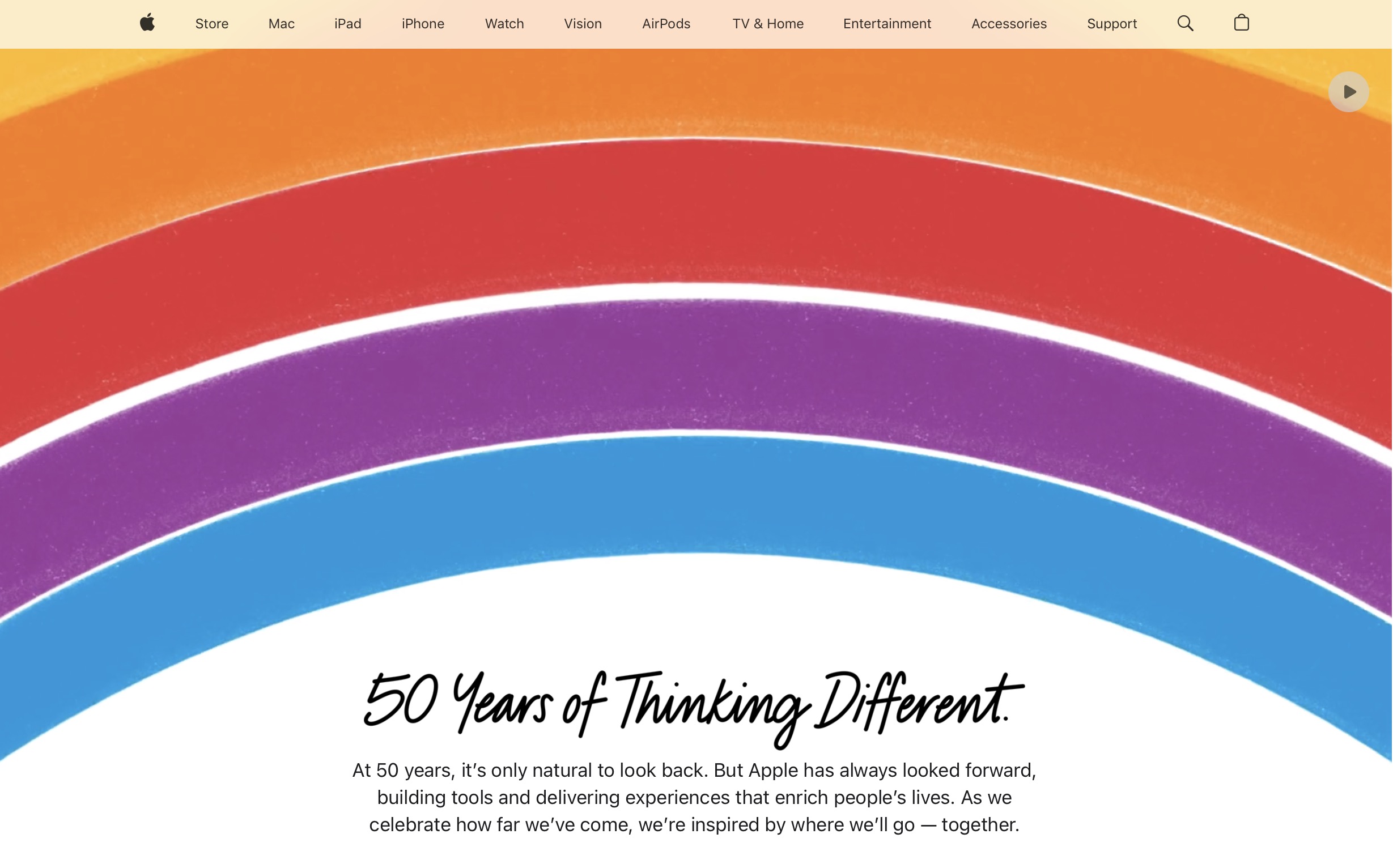
The sketch-style animation outlines the original Mac, iMac, iPod, MacBook, AirPods, iPhone 17 Pro, and Vision Pro, as well as the Finder icon, App Store, Apple Music, and more. Beneath the video, the webpage reads:
Apple was founded on April 1, 1976, by Steve Jobs and Steve Wozniak, making the company officially 50 years old today. An Apple Park show headlined by Paul McCartney last night capped weeks of anniversary events that also included performances by Alicia Keys at Apple Grand Central in New York City and Mumford & Sons at Apple Battersea in London.
This article, "Apple Marks 50th Anniversary With Animated Homepage Tribute" first appeared on MacRumors.com
Discuss this article in our forums
The sketch-style animation outlines the original Mac, iMac, iPod, MacBook, AirPods, iPhone 17 Pro, and Vision Pro, as well as the Finder icon, App Store, Apple Music, and more. Beneath the video, the webpage reads:
50 Years of Thinking DifferentSeparately, Apple CEO Tim Cook has shared on X (Twitter) a video celebrating 50 years of innovation at Apple, featuring many of the same products alluded to in the homepage animation.
At 50 years, it's only natural to look back. But Apple has always looked forward, building tools and delivering experiences that enrich people's lives. As we celebrate how far we've come, we're inspired by where we'll go – together.
50 years of Apple, 50 years of innovation.
— Tim Cook (@tim_cook) April 1, 2026
Thank you to our teams, our users, and everyone who’s been part of the journey. #Apple50 pic.twitter.com/YYkMN24Vzc
Apple was founded on April 1, 1976, by Steve Jobs and Steve Wozniak, making the company officially 50 years old today. An Apple Park show headlined by Paul McCartney last night capped weeks of anniversary events that also included performances by Alicia Keys at Apple Grand Central in New York City and Mumford & Sons at Apple Battersea in London.
This article, "Apple Marks 50th Anniversary With Animated Homepage Tribute" first appeared on MacRumors.com
Discuss this article in our forums
Recommended Comments
Join the conversation
You can post now and register later. If you have an account, sign in now to post with your account.