_811205.png)
_e196d8.png)
_32b3d9.png)
_1c53fe.png)

Apple's iPad Pro is likely to be left for years without a major update, according to a reliable leaker.
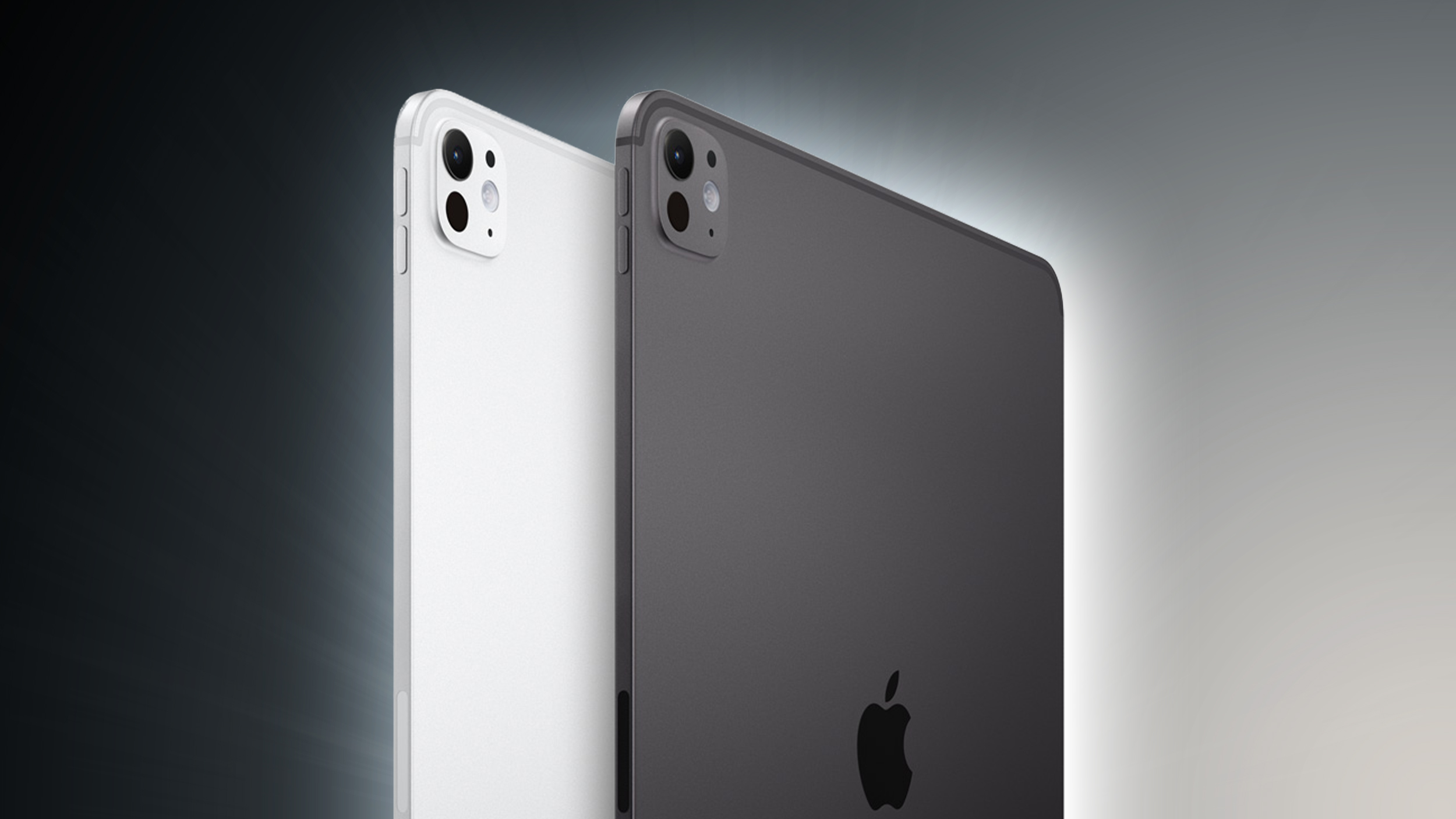
The Weibo-based leaker, known as "Instant Digital," says that the iPad Pro will not have a major update for a prolonged period of time. The cost of the OLED panel now used in the device is unlikely to come down in price and the last major redesign apparently did not significantly stimulate sales growth.
While Apple may maintain a regular iteration cycle with the device, it apparently has no intention of pursuing significant upgrades such as ultra-slim borders around the display, the likes of which are available on rival high-end tablets.
In 2024, Apple introduced the first major redesign of the device since 2018. Apple added the M5 chip to it in October 2025, along with some minor connectivity upgrades.
The iPad Pro is likely to gain the M6 chip and iPhone 17 Pro-style vapor chamber cooling at some point toward the end of 2026 or in 2027, but there have been no other rumors about the future of the product line.
This article, "Apple May Leave iPad Pro Without Major Upgrades for Years" first appeared on MacRumors.com
Discuss this article in our forums
The Weibo-based leaker, known as "Instant Digital," says that the iPad Pro will not have a major update for a prolonged period of time. The cost of the OLED panel now used in the device is unlikely to come down in price and the last major redesign apparently did not significantly stimulate sales growth.
While Apple may maintain a regular iteration cycle with the device, it apparently has no intention of pursuing significant upgrades such as ultra-slim borders around the display, the likes of which are available on rival high-end tablets.
In 2024, Apple introduced the first major redesign of the device since 2018. Apple added the M5 chip to it in October 2025, along with some minor connectivity upgrades.
The iPad Pro is likely to gain the M6 chip and iPhone 17 Pro-style vapor chamber cooling at some point toward the end of 2026 or in 2027, but there have been no other rumors about the future of the product line.
Related Roundup: iPad Pro
Tag: Instant Digital
Buyer's Guide: iPad Pro (Buy Now)
This article, "Apple May Leave iPad Pro Without Major Upgrades for Years" first appeared on MacRumors.com
Discuss this article in our forums
Recommended Comments
Join the conversation
You can post now and register later. If you have an account, sign in now to post with your account.