_811205.png)
_e196d8.png)
_32b3d9.png)
_1c53fe.png)

Apple is working with German confectionary brand Ritter Sport to offer a unique Apple Music promotion.
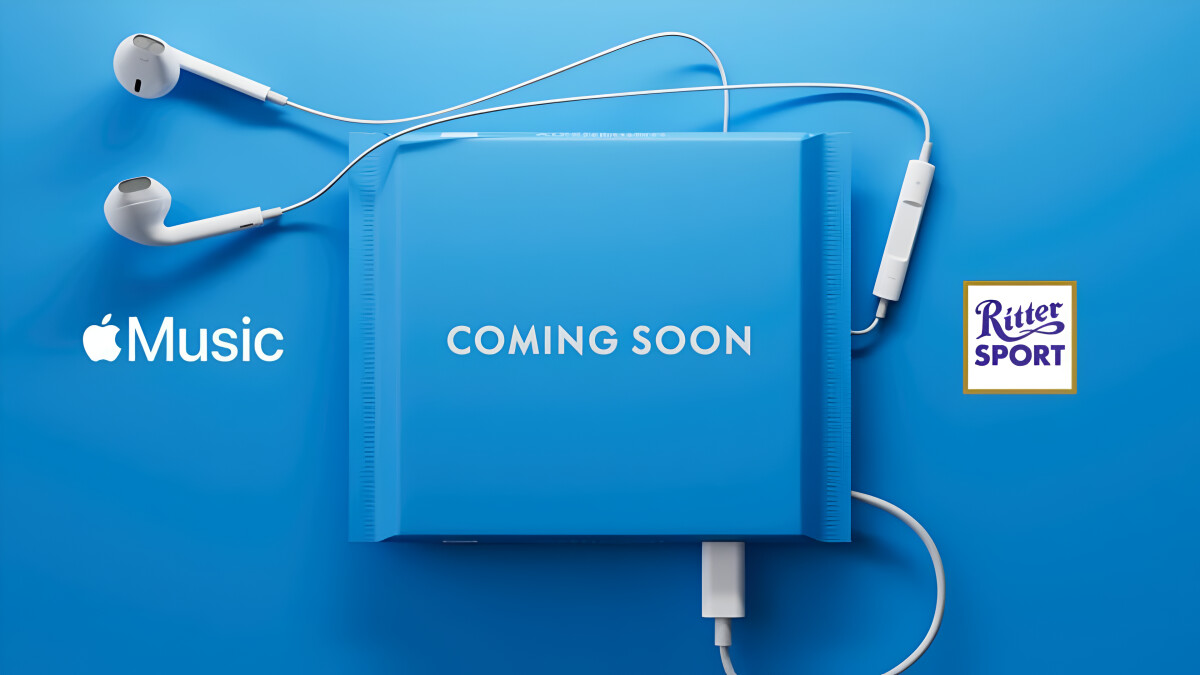
The collaboration, branded as "Limited Edition Ritter Sport x Apple Music," involves promoting iconic albums on Ritter Sport's iconic 100g square chocolate bars (via Macerkopf). There will be a QR code on the back of each bar that links directly to the album on Apple Music and provides a free trial subscription to the service.
Ritter Sport and Apple Music have selected five albums that have shaped German music history across different genres, including Cro's "RAOP," Marteria's "Happy for the Future II," Scorpions' "Crazy World," Sarah Connor's "Mother Tongue," and Helene Fischer's "Farbenspiel," for the series. They are each available on Apple Music in Dolby Atmos.
The promotion begins on Monday, March 2 in Germany, when the chocolate bars will begin to appear in stores across the country. Each bar costs €1.99 and they will be available for a limited time only.
This article, "Apple Music Coming to Chocolate Bars" first appeared on MacRumors.com
Discuss this article in our forums
The collaboration, branded as "Limited Edition Ritter Sport x Apple Music," involves promoting iconic albums on Ritter Sport's iconic 100g square chocolate bars (via Macerkopf). There will be a QR code on the back of each bar that links directly to the album on Apple Music and provides a free trial subscription to the service.
Ritter Sport and Apple Music have selected five albums that have shaped German music history across different genres, including Cro's "RAOP," Marteria's "Happy for the Future II," Scorpions' "Crazy World," Sarah Connor's "Mother Tongue," and Helene Fischer's "Farbenspiel," for the series. They are each available on Apple Music in Dolby Atmos.
The promotion begins on Monday, March 2 in Germany, when the chocolate bars will begin to appear in stores across the country. Each bar costs €1.99 and they will be available for a limited time only.
This article, "Apple Music Coming to Chocolate Bars" first appeared on MacRumors.com
Discuss this article in our forums
Recommended Comments
Join the conversation
You can post now and register later. If you have an account, sign in now to post with your account.