_811205.png)
_e196d8.png)
_32b3d9.png)
_1c53fe.png)

Apple is now selling M4 iPad Pro models in its online store for refurbished products, allowing customers to purchase like-new models at a discounted price.
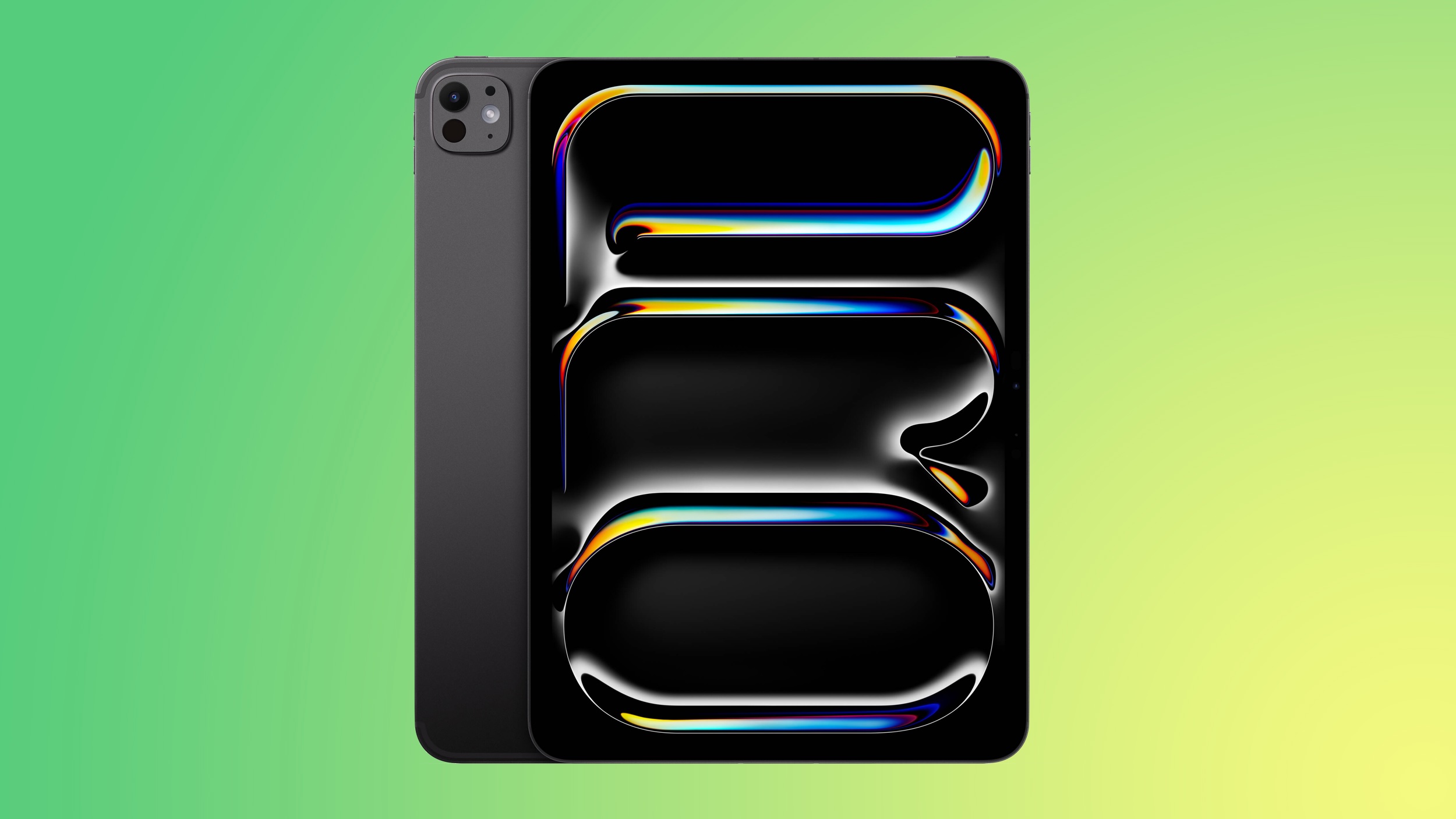
There are both 11-inch and 13-inch options available, in multiple storage configurations. Apple is offering Wi-Fi and Cellular refurbished models, and silver and black color options.
Pricing on the 11-inch M4 iPad Pro starts at $759, down from the original $999 price. The 13-inch model is priced starting at $1,019, down from the original $1,299 price. Entry-level models are Wi-Fi only with 256GB of storage.
Apple released the M4 iPad Pro models in May 2024, but this is the first time that refurbished models have been available for purchase. Apple discontinued the M4 iPad Pro models with the launch of the M5 iPad Pro in October 2025.
Apple sells refurbished devices with the same one-year warranty that comes with a new Apple product. Refurbished iPads feature all manuals and accessories, plus Apple has a testing, repair, repackaging, and cleaning process to make sure that refurbished products are identical to new devices. Refurbished products are eligible for AppleCare+ protection.
This article, "Apple Now Sells Refurbished M4 iPad Pro Models Starting at $759" first appeared on MacRumors.com
Discuss this article in our forums
There are both 11-inch and 13-inch options available, in multiple storage configurations. Apple is offering Wi-Fi and Cellular refurbished models, and silver and black color options.
Pricing on the 11-inch M4 iPad Pro starts at $759, down from the original $999 price. The 13-inch model is priced starting at $1,019, down from the original $1,299 price. Entry-level models are Wi-Fi only with 256GB of storage.
Apple released the M4 iPad Pro models in May 2024, but this is the first time that refurbished models have been available for purchase. Apple discontinued the M4 iPad Pro models with the launch of the M5 iPad Pro in October 2025.
Apple sells refurbished devices with the same one-year warranty that comes with a new Apple product. Refurbished iPads feature all manuals and accessories, plus Apple has a testing, repair, repackaging, and cleaning process to make sure that refurbished products are identical to new devices. Refurbished products are eligible for AppleCare+ protection.
Related Roundup: iPad Pro
Buyer's Guide: iPad Pro (Neutral)
This article, "Apple Now Sells Refurbished M4 iPad Pro Models Starting at $759" first appeared on MacRumors.com
Discuss this article in our forums
Recommended Comments
Join the conversation
You can post now and register later. If you have an account, sign in now to post with your account.