_811205.png)
_e196d8.png)
_32b3d9.png)
_1c53fe.png)

Apple is offering U.S. customers who purchase and redeem an Apple Gift Card three months of free access to Apple Arcade. Holiday gift card purchases made before January 6, 2026 are eligible for the Apple Arcade trial, as long as the card is redeemed by January 13, 2026.
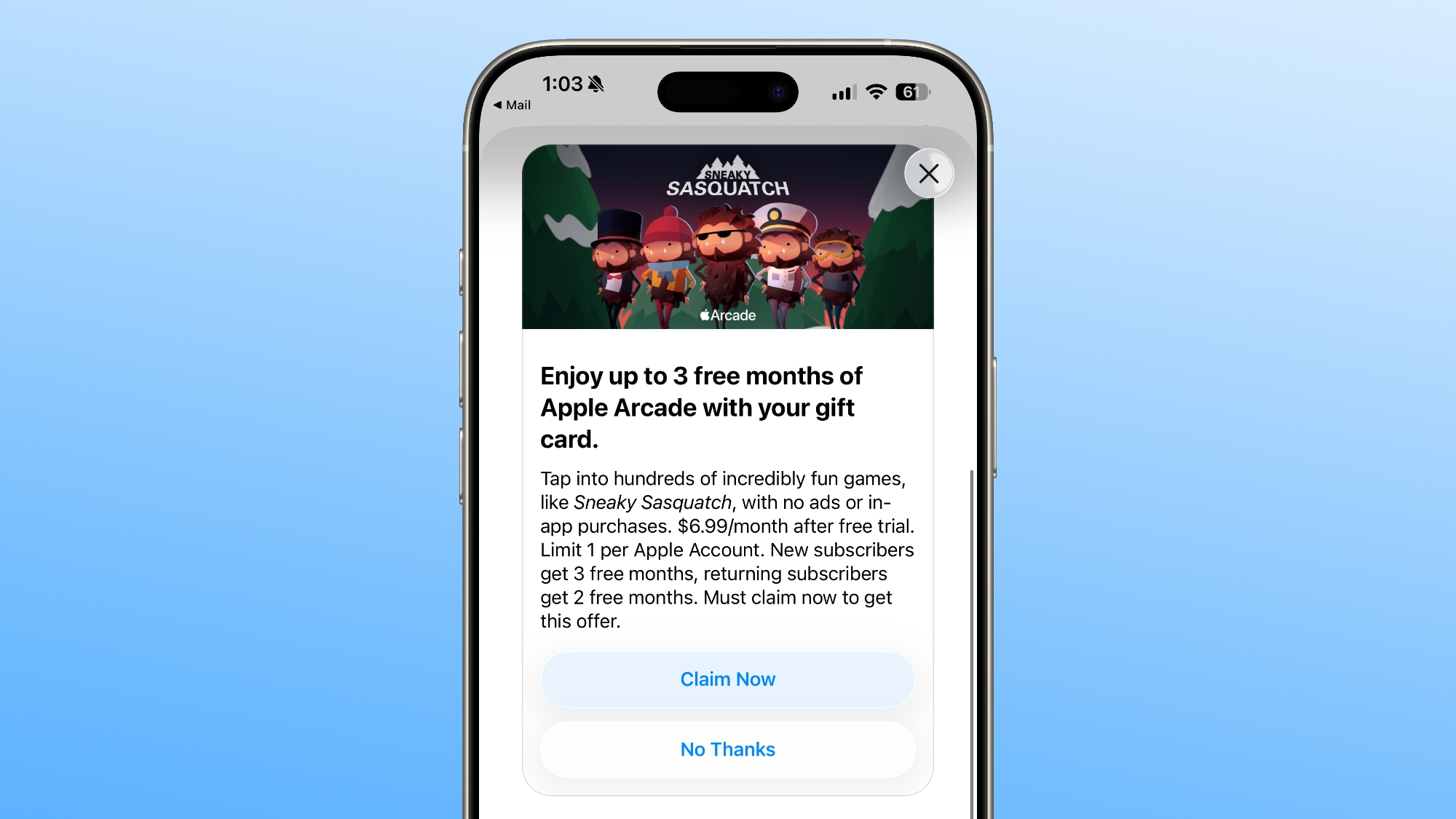
The offer is available to new or qualified returning Apple Arcade subscribers, but it is not an option for existing Apple Arcade subscribers. New subscribers can try Apple Arcade for three months, while returning subscribers get two months of access.
There is no minimum denomination required for the gift card purchase, and the gift card can be acquired from the Apple retail store or Apple online store. Apple gift cards from third-party retailers or new value added to an Apple Account balance are not eligible for the Apple Arcade trial. Only one trial per Apple Account is available.
Apple will provide the bonus code immediately after gift card redemption to an Apple Account balance. An Apple Account with a payment method on file is required, and the plan will automatically renew at $6.99 per month unless it is canceled.
Apple Arcade is Apple's subscription gaming service, offering over 200 games with no in-app fees or ads. Up to six family members can access Apple Arcade with a single subscription.
This article, "Apple Offering Up to 3 Free Months of Apple Arcade With Holiday Gift Card Purchase" first appeared on MacRumors.com
Discuss this article in our forums
The offer is available to new or qualified returning Apple Arcade subscribers, but it is not an option for existing Apple Arcade subscribers. New subscribers can try Apple Arcade for three months, while returning subscribers get two months of access.
There is no minimum denomination required for the gift card purchase, and the gift card can be acquired from the Apple retail store or Apple online store. Apple gift cards from third-party retailers or new value added to an Apple Account balance are not eligible for the Apple Arcade trial. Only one trial per Apple Account is available.
Apple will provide the bonus code immediately after gift card redemption to an Apple Account balance. An Apple Account with a payment method on file is required, and the plan will automatically renew at $6.99 per month unless it is canceled.
Apple Arcade is Apple's subscription gaming service, offering over 200 games with no in-app fees or ads. Up to six family members can access Apple Arcade with a single subscription.
Tag: Apple Arcade
This article, "Apple Offering Up to 3 Free Months of Apple Arcade With Holiday Gift Card Purchase" first appeared on MacRumors.com
Discuss this article in our forums
Recommended Comments
Join the conversation
You can post now and register later. If you have an account, sign in now to post with your account.