_811205.png)
_e196d8.png)
_32b3d9.png)
_1c53fe.png)

Apple is now accepting pre-orders for all of the new products that it announced this week. Everything can be ordered from the online Apple Store following the debut of the new low-cost MacBook earlier this morning, with deliveries starting on Wednesday, March 11.
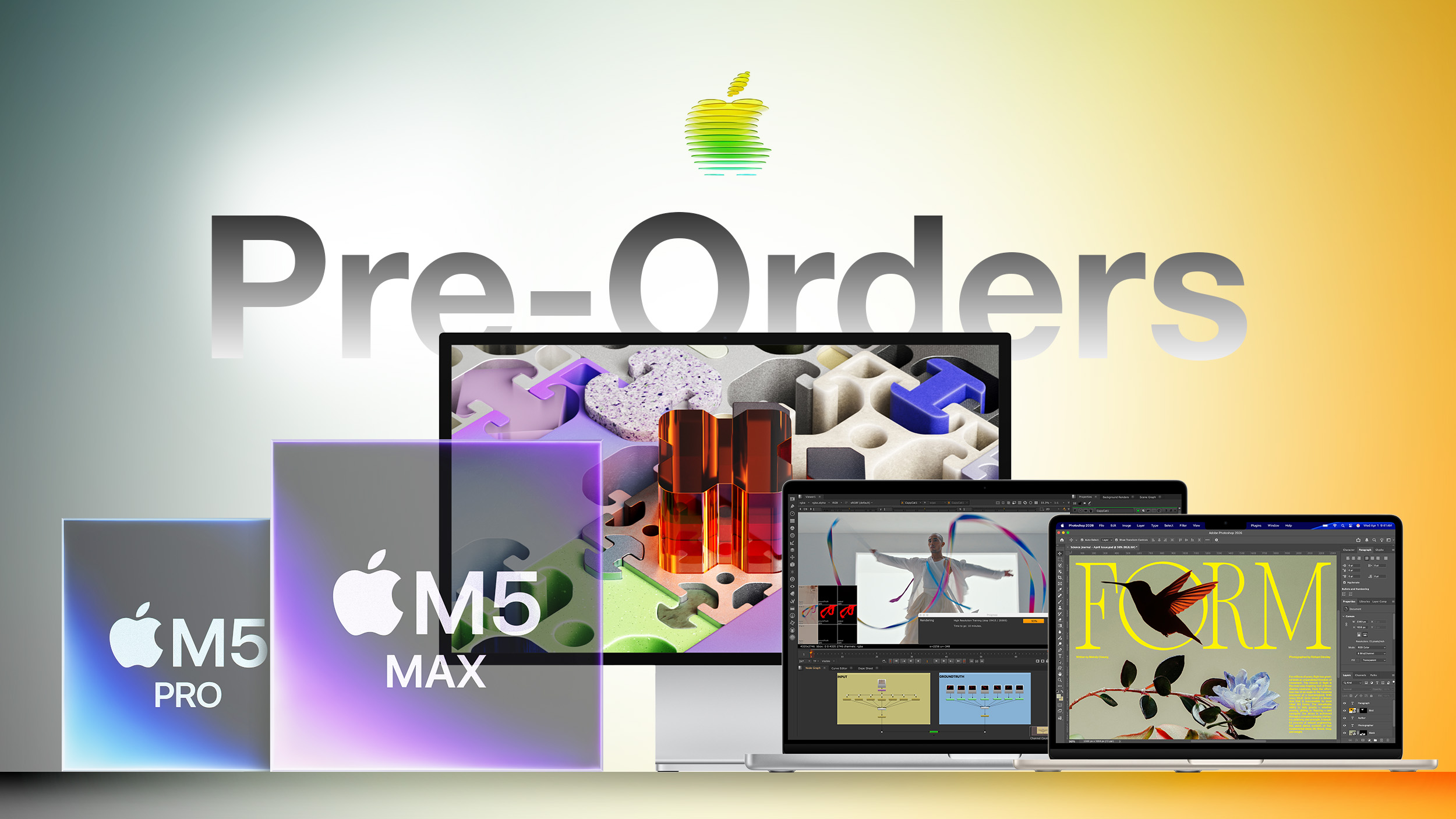
Here's a list of what you can order now, with pricing details included.
MacBook Neo - The 13-inch MacBook Neo has an A18 Pro chip and it's priced starting at $599. It comes in Silver, Indigo, Blush, and Citrus.
iPhone 17e - Pricing starts at $599 for 256GB of storage. Features A19 chip, MagSafe, and C1X modem.
Studio Display - $1,599 for standard glass, or $1,899 for nano-texture glass. Includes Thunderbolt 5 and 5K Retina display with 60Hz refresh rate.
Studio Display XDR - Starts at $3,299 for standard glass, or $3,599 for nano-texture glass. Comes with mini-LED display technology, a 120Hz refresh rate, and Thunderbolt 5.
M5 Pro/M5 Max MacBook Pro - Pricing starts at $2,199 for the 14-inch model, or $2,699 for the 16-inch model. M5 Pro and M5 Max chips, plus faster SSDs.
M5 MacBook Air - Priced starting at $1,099. Includes faster M5 chip and 512GB base storage.
iPad Air - Priced starting at $599. Features M4 chip, 12GB RAM, and Wi-Fi 7.
All of the new devices will launch on Wednesday, March 11, which is also when they'll be available in Apple retail stores.
This article, "Apple Opens Pre-Orders for MacBook Neo, iPhone 17e, M5 Pro/Max MacBook Pro, New Studio Displays and More" first appeared on MacRumors.com
Discuss this article in our forums
Here's a list of what you can order now, with pricing details included.
MacBook Neo - The 13-inch MacBook Neo has an A18 Pro chip and it's priced starting at $599. It comes in Silver, Indigo, Blush, and Citrus.
iPhone 17e - Pricing starts at $599 for 256GB of storage. Features A19 chip, MagSafe, and C1X modem.
Studio Display - $1,599 for standard glass, or $1,899 for nano-texture glass. Includes Thunderbolt 5 and 5K Retina display with 60Hz refresh rate.
Studio Display XDR - Starts at $3,299 for standard glass, or $3,599 for nano-texture glass. Comes with mini-LED display technology, a 120Hz refresh rate, and Thunderbolt 5.
M5 Pro/M5 Max MacBook Pro - Pricing starts at $2,199 for the 14-inch model, or $2,699 for the 16-inch model. M5 Pro and M5 Max chips, plus faster SSDs.
M5 MacBook Air - Priced starting at $1,099. Includes faster M5 chip and 512GB base storage.
iPad Air - Priced starting at $599. Features M4 chip, 12GB RAM, and Wi-Fi 7.
All of the new devices will launch on Wednesday, March 11, which is also when they'll be available in Apple retail stores.
This article, "Apple Opens Pre-Orders for MacBook Neo, iPhone 17e, M5 Pro/Max MacBook Pro, New Studio Displays and More" first appeared on MacRumors.com
Discuss this article in our forums
Recommended Comments
Join the conversation
You can post now and register later. If you have an account, sign in now to post with your account.