_811205.png)
_e196d8.png)
_32b3d9.png)
_1c53fe.png)

Apple's original film "F1: The Movie" yesterday won an Oscar for Best Sound at the 98th Academy Awards.
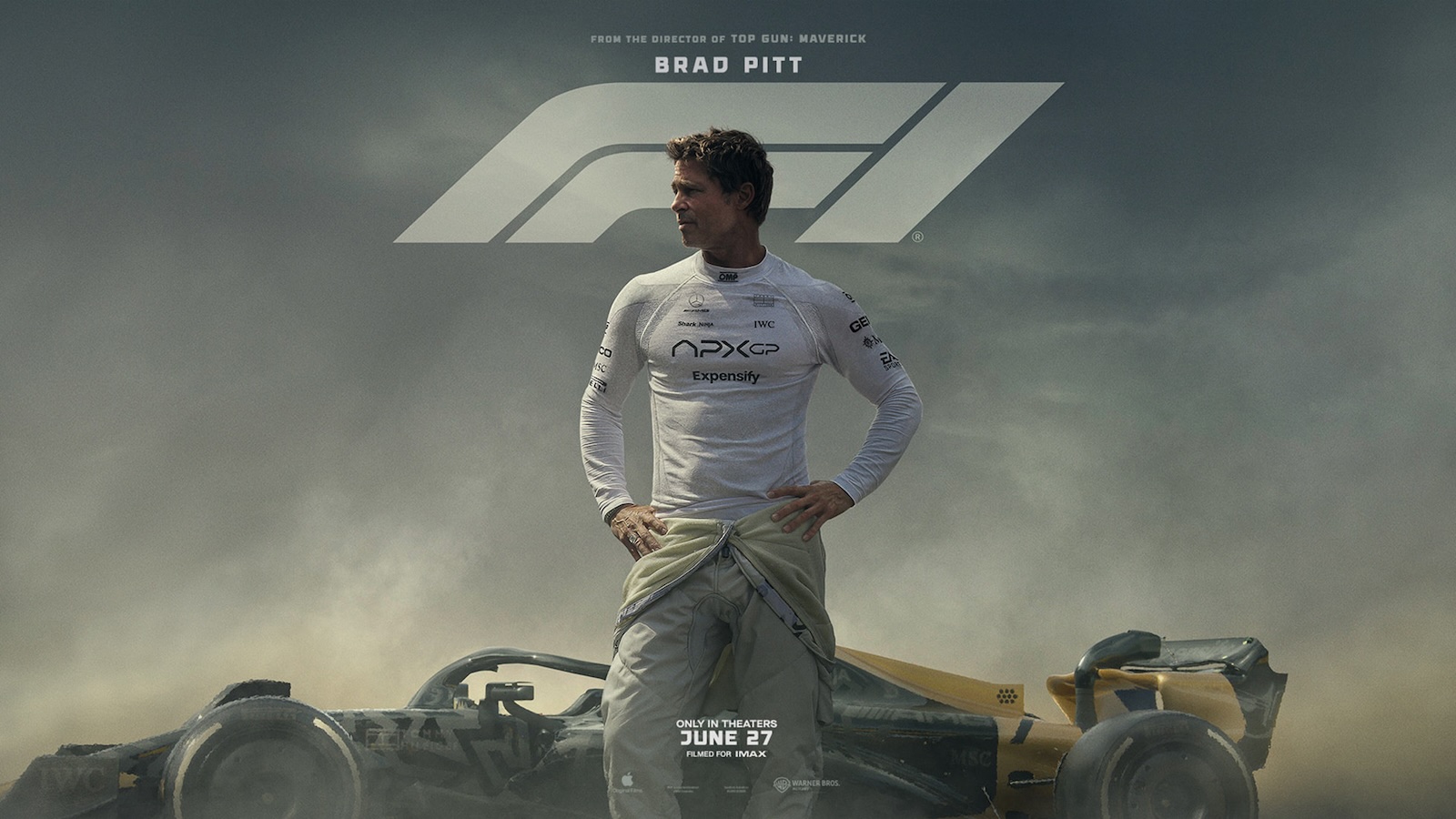
The film, produced by Jerry Bruckheimer and directed by Joseph Kosinski, received four Oscar nominations in total, including Best Picture. "F1" has already picked up multiple honors across the industry, including Best Editing and Best Sound at the Critics Choice Awards and Best Sound at the BAFTA Film Awards.
The film stars Brad Pitt as a once-promising Formula 1 driver whose career was nearly ended by a crash in the 1990s. Decades later, he returns to the sport after being recruited by his former teammate to help save a struggling team, partnering with an ambitious rookie driver.
In 2022, Apple's "CODA" became the first streaming film to win Best Picture, with Troy Kotsur winning Best Supporting Actor and Siân Heder winning Best Adapted Screenplay. Apple later won Best Animated Short Film for "The Boy, the Mole, the Fox and the Horse." More recently, "Killers of the Flower Moon" received several Oscar nominations, including Best Actress for Lily Gladstone.
"F1" is now available to stream globally on Apple TV. Apple previously said it is the highest-grossing sports feature film of all time.
This article, "Apple Original Film 'F1' Wins Oscar for Best Sound" first appeared on MacRumors.com
Discuss this article in our forums
The film, produced by Jerry Bruckheimer and directed by Joseph Kosinski, received four Oscar nominations in total, including Best Picture. "F1" has already picked up multiple honors across the industry, including Best Editing and Best Sound at the Critics Choice Awards and Best Sound at the BAFTA Film Awards.
The film stars Brad Pitt as a once-promising Formula 1 driver whose career was nearly ended by a crash in the 1990s. Decades later, he returns to the sport after being recruited by his former teammate to help save a struggling team, partnering with an ambitious rookie driver.
In 2022, Apple's "CODA" became the first streaming film to win Best Picture, with Troy Kotsur winning Best Supporting Actor and Siân Heder winning Best Adapted Screenplay. Apple later won Best Animated Short Film for "The Boy, the Mole, the Fox and the Horse." More recently, "Killers of the Flower Moon" received several Oscar nominations, including Best Actress for Lily Gladstone.
"F1" is now available to stream globally on Apple TV. Apple previously said it is the highest-grossing sports feature film of all time.
Tag: Apple TV Service
This article, "Apple Original Film 'F1' Wins Oscar for Best Sound" first appeared on MacRumors.com
Discuss this article in our forums
Recommended Comments
Join the conversation
You can post now and register later. If you have an account, sign in now to post with your account.