_811205.png)
_e196d8.png)
_32b3d9.png)
_1c53fe.png)

Klarna is now available as a buy-now, pay-later option when using Apple Pay in France and Italy. This financing option lets you pay for your Apple Pay purchase in monthly installments, with the shortest payment plans being interest free.
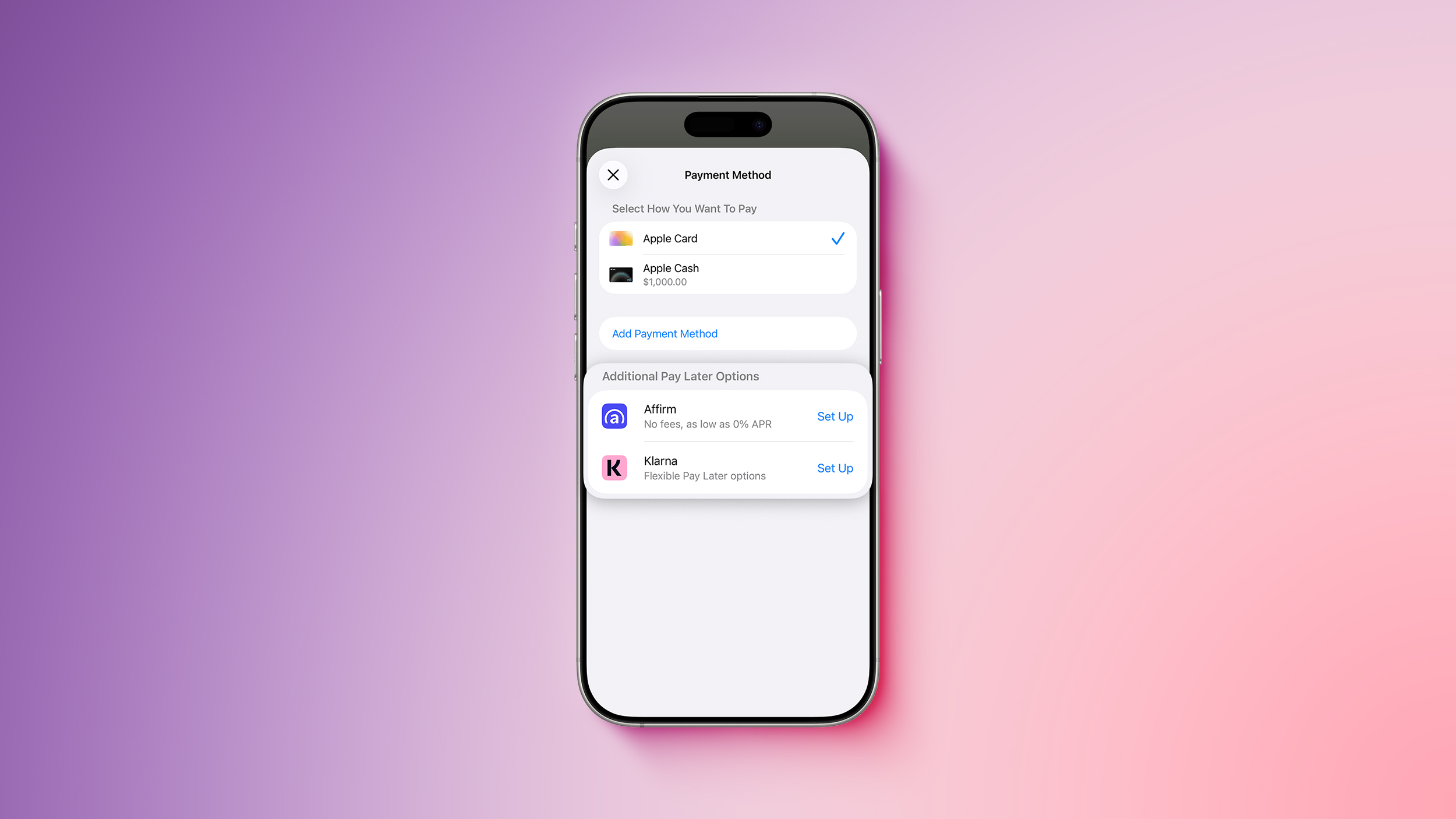
Eligible customers can split purchases into three monthly installments, or choose to pay up to 30 days later, without paying any interest. For higher-value purchases with longer payment plans, Klarna says it offers competitive interest rates.
Klarna was already available via Apple Pay in the United States, Canada, the United Kingdom, Denmark, Spain, and Sweden, so there are now eight countries supported.
Apple discontinued its own buy-now, pay-later service called Apple Pay Later last year, and instead started partnering with third-party providers, including Klarna, Affirm, and Synchrony. Availability of these providers varies by country.
When checking out with Apple Pay online and in apps, iPhone and iPad users can select "Other Cards & Pay Later Options" to access installment payment plans from Klarna and other financing partners, where available. Starting with iOS 26, the buy-now, pay-later options are also available for in-store Apple Pay purchases.
This article, "Apple Pay Now Lets You 'Pay Later' With Klarna in Two More Countries" first appeared on MacRumors.com
Discuss this article in our forums
Eligible customers can split purchases into three monthly installments, or choose to pay up to 30 days later, without paying any interest. For higher-value purchases with longer payment plans, Klarna says it offers competitive interest rates.
Klarna was already available via Apple Pay in the United States, Canada, the United Kingdom, Denmark, Spain, and Sweden, so there are now eight countries supported.
Apple discontinued its own buy-now, pay-later service called Apple Pay Later last year, and instead started partnering with third-party providers, including Klarna, Affirm, and Synchrony. Availability of these providers varies by country.
When checking out with Apple Pay online and in apps, iPhone and iPad users can select "Other Cards & Pay Later Options" to access installment payment plans from Klarna and other financing partners, where available. Starting with iOS 26, the buy-now, pay-later options are also available for in-store Apple Pay purchases.
Related Roundup: Apple Pay
Related Forum: Apple Music, Apple Pay/Card, iCloud, Fitness+
This article, "Apple Pay Now Lets You 'Pay Later' With Klarna in Two More Countries" first appeared on MacRumors.com
Discuss this article in our forums
Recommended Comments
Join the conversation
You can post now and register later. If you have an account, sign in now to post with your account.