_811205.png)
_e196d8.png)
_32b3d9.png)
_1c53fe.png)

Apple currently plans to unveil its first smart glasses at WWDC 2027 next June, and privacy will be a focus, according to Bloomberg's Mark Gurman.
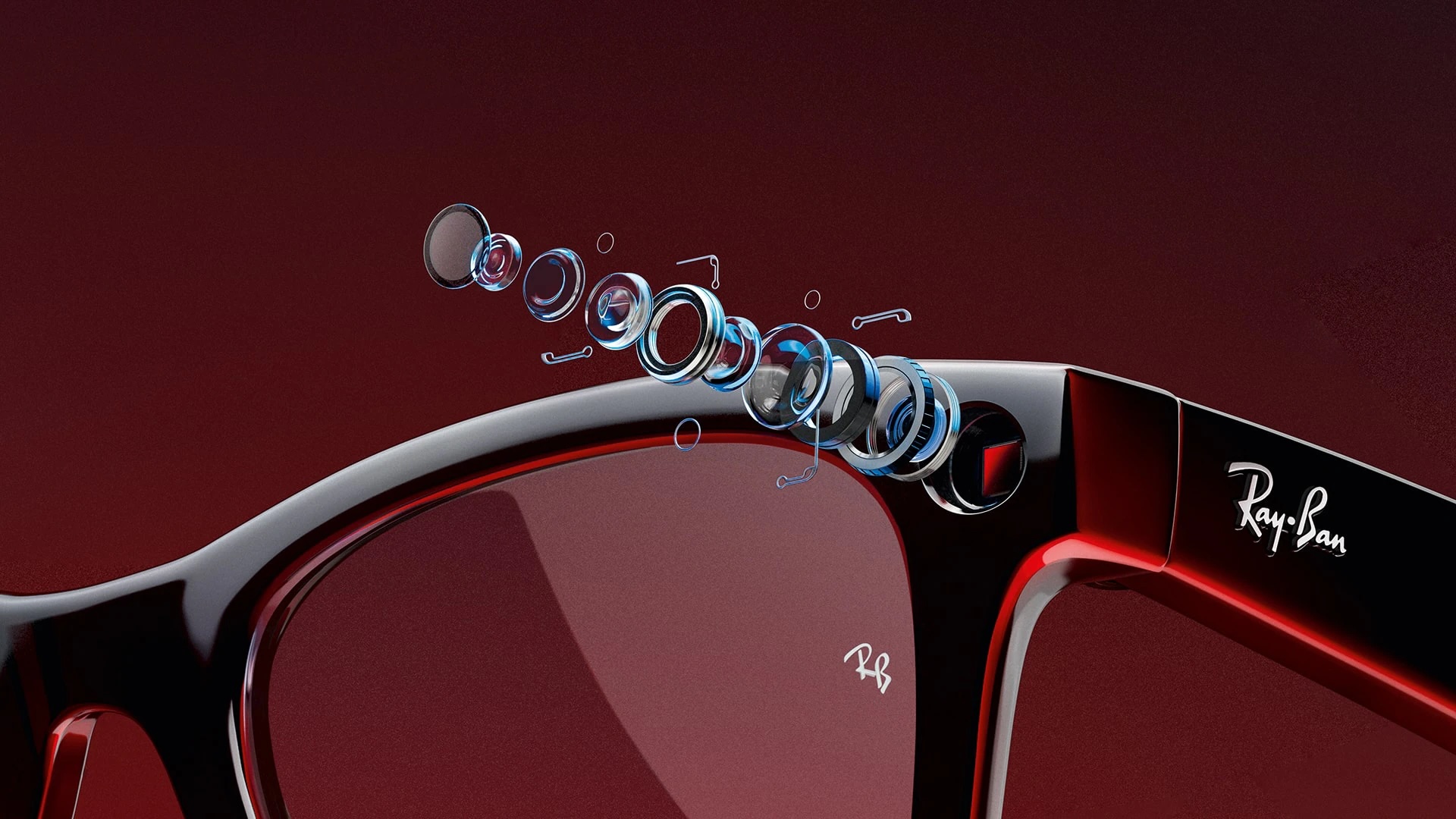
For the glasses, Apple is prototyping "a slew of new hardware and software-related privacy features" that are not available on current products, he said. He did not mention any specific features, but he noted that Apple's marketing will likely emphasize the privacy measures of its glasses compared to rival products like the Meta Ray-Bans.
In a world where some people are wary of being secretly recorded by camera-equipped glasses, Gurman said Apple has considered releasing smart glasses with cameras that assist with AI features, but lack photo and video recording capabilities. In fact, he said Apple has even prototyped smart glasses without a camera system entirely.
Still, the most likely outcome is that Apple's glasses will have cameras, but with the sort of privacy protections that the company is known for.
Like the Meta Ray-Bans, Apple's glasses would also have speakers and microphones for music, phone calls, and notifications announced by Siri.
Apple apparently aims to begin shipping the glasses to customers in late 2027.
This article, "Apple Planning to Unveil Privacy-Focused Smart Glasses at WWDC 2027" first appeared on MacRumors.com
Discuss this article in our forums
For the glasses, Apple is prototyping "a slew of new hardware and software-related privacy features" that are not available on current products, he said. He did not mention any specific features, but he noted that Apple's marketing will likely emphasize the privacy measures of its glasses compared to rival products like the Meta Ray-Bans.
In a world where some people are wary of being secretly recorded by camera-equipped glasses, Gurman said Apple has considered releasing smart glasses with cameras that assist with AI features, but lack photo and video recording capabilities. In fact, he said Apple has even prototyped smart glasses without a camera system entirely.
Still, the most likely outcome is that Apple's glasses will have cameras, but with the sort of privacy protections that the company is known for.
Like the Meta Ray-Bans, Apple's glasses would also have speakers and microphones for music, phone calls, and notifications announced by Siri.
Apple apparently aims to begin shipping the glasses to customers in late 2027.
Tags: Apple Glasses, Mark Gurman
Related Forum: Apple, Inc and Tech Industry
This article, "Apple Planning to Unveil Privacy-Focused Smart Glasses at WWDC 2027" first appeared on MacRumors.com
Discuss this article in our forums
Recommended Comments
Join the conversation
You can post now and register later. If you have an account, sign in now to post with your account.