_811205.png)
_e196d8.png)
_32b3d9.png)
_1c53fe.png)

After raising prices on all Macs and iPads worldwide last month, Apple has now increased the price of iPhone models in Japan.
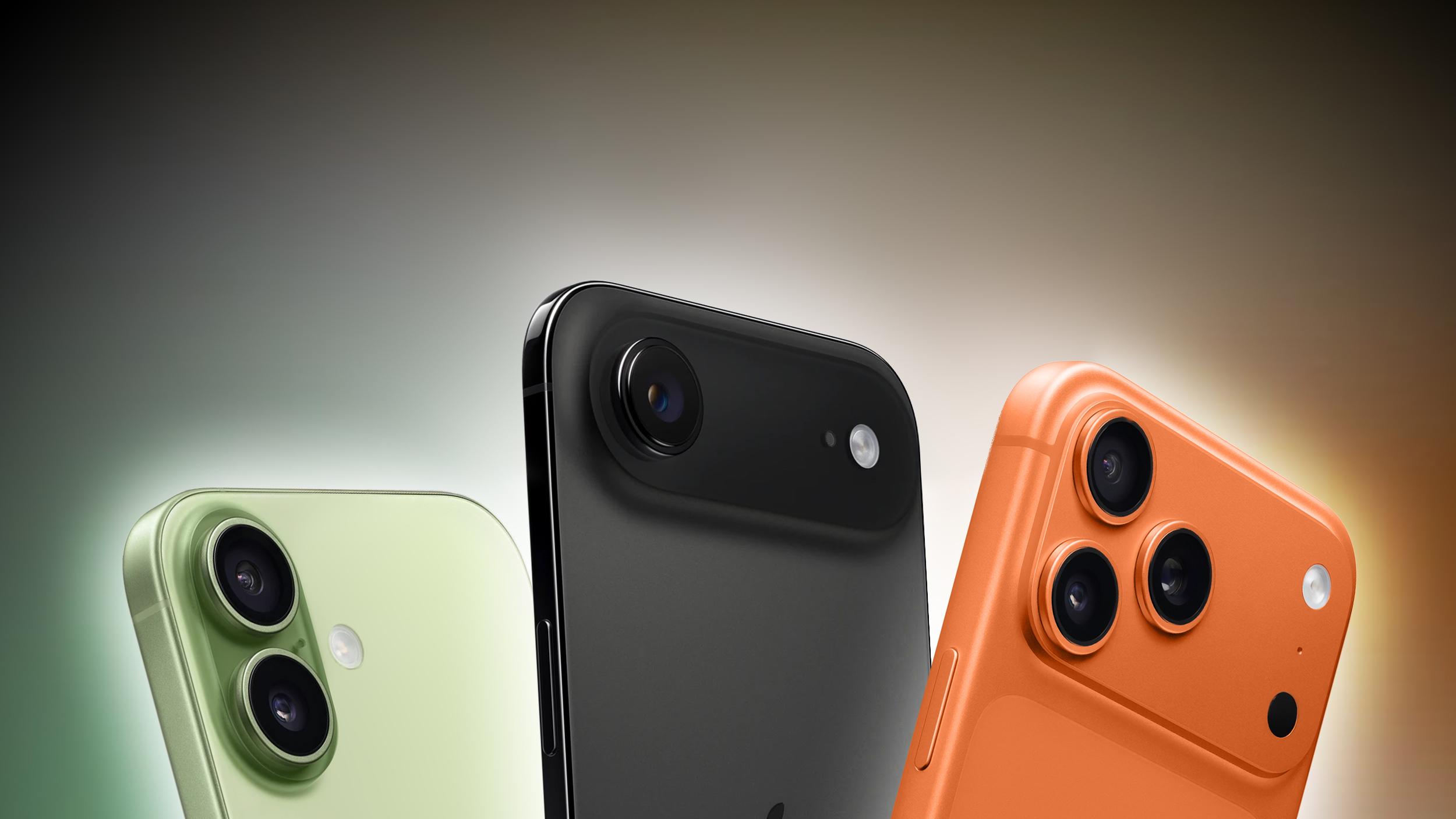
As spotted by the Spanish blog iPhoneros, the iPhone 16, iPhone 17e, iPhone 17, iPhone Air, iPhone 17 Pro, and iPhone 17 Pro Max all received price increases on Apple's online store in Japan today. Prices increased by up to 11%.
Model
Previous Price
New Price
Increase
iPhone 17 Pro Max
¥194,800
¥214,800
10.3%
iPhone 17 Pro
¥179,800
¥194,800
8.3%
iPhone Air
¥159,800
¥177,800
11.3%
iPhone 17
¥129,800
¥142,800
10%
iPhone 17e
¥99,800
¥107,800
8%
iPhone 16
¥114,800
¥124,800
8.7%
Apple attributed the Mac and iPad price increases last month to the ongoing memory chip shortage, which has driven up chip prices. In this case, however, the increases are likely due to the Japanese yen's depreciation against the U.S. dollar over the past year.
Apple did not raise iPhone prices today in the U.S. or any other countries that we checked.
Apple also raised the prices of iCloud+ and Apple Music plans in many countries today, including Japan, so price increases are a theme this Friday.
This article, "Apple Raises iPhone Prices in Japan" first appeared on MacRumors.com
Discuss this article in our forums
As spotted by the Spanish blog iPhoneros, the iPhone 16, iPhone 17e, iPhone 17, iPhone Air, iPhone 17 Pro, and iPhone 17 Pro Max all received price increases on Apple's online store in Japan today. Prices increased by up to 11%.
Model
Previous Price
New Price
Increase
iPhone 17 Pro Max
¥194,800
¥214,800
10.3%
iPhone 17 Pro
¥179,800
¥194,800
8.3%
iPhone Air
¥159,800
¥177,800
11.3%
iPhone 17
¥129,800
¥142,800
10%
iPhone 17e
¥99,800
¥107,800
8%
iPhone 16
¥114,800
¥124,800
8.7%
Apple attributed the Mac and iPad price increases last month to the ongoing memory chip shortage, which has driven up chip prices. In this case, however, the increases are likely due to the Japanese yen's depreciation against the U.S. dollar over the past year.
Apple did not raise iPhone prices today in the U.S. or any other countries that we checked.
Apple also raised the prices of iCloud+ and Apple Music plans in many countries today, including Japan, so price increases are a theme this Friday.
Tag: Japan
Buyer's Guide: iPhone 17 (Neutral), iPhone 17 Pro (Caution), iPhone 17e (Neutral), iPhone Air (Neutral)
Related Forum: iPhone
This article, "Apple Raises iPhone Prices in Japan" first appeared on MacRumors.com
Discuss this article in our forums
Recommended Comments
Join the conversation
You can post now and register later. If you have an account, sign in now to post with your account.