_811205.png)
_e196d8.png)
_32b3d9.png)
_1c53fe.png)

Following the WWDC 2026 keynote event, Apple has seeded the first betas of iOS 27, iPadOS 27, macOS 27, watchOS 27, tvOS 27, and visionOS 27 to developers for testing purposes.
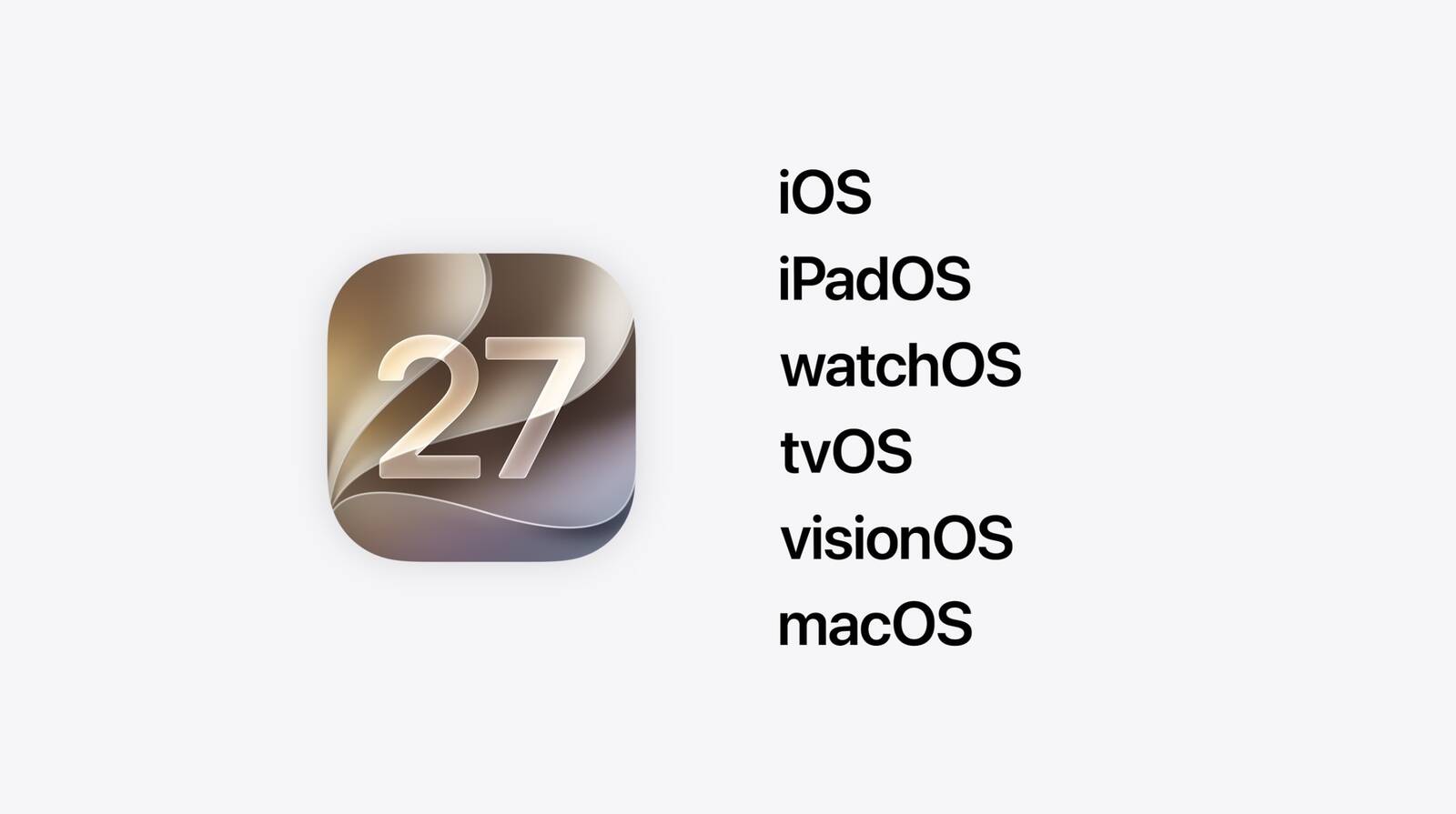
Registered developers can opt in to betas and download the software through the Settings app on each device.
The software includes many of the new features that were shown off earlier today, though some of what Apple demoed won't be available right away. Highlights include an updated version of Siri with a Siri app and new AI features for apps like Photos, Camera, and Wallet.
There are dozens of new features to go through, including hundreds of smaller tweaks and changes that we'll be writing about over the next several weeks. Make sure to stay tuned to MacRumors for hands-on coverage, guides, how-tos, and an in-depth look at everything you'll want to know about the new software.
Today's betas are limited to developers who will incorporate the new features into their apps. Apple will release a public beta so anyone can test out the software in July. iOS 27, iPadOS 27, macOS 27, watchOS 27, tvOS 27, and visionOS 27 will all launch to the public in the fall.
This article, "Apple Releases First iOS 27, iPadOS 27, and macOS 27 Betas to Developers" first appeared on MacRumors.com
Discuss this article in our forums
Registered developers can opt in to betas and download the software through the Settings app on each device.
The software includes many of the new features that were shown off earlier today, though some of what Apple demoed won't be available right away. Highlights include an updated version of Siri with a Siri app and new AI features for apps like Photos, Camera, and Wallet.
There are dozens of new features to go through, including hundreds of smaller tweaks and changes that we'll be writing about over the next several weeks. Make sure to stay tuned to MacRumors for hands-on coverage, guides, how-tos, and an in-depth look at everything you'll want to know about the new software.
Today's betas are limited to developers who will incorporate the new features into their apps. Apple will release a public beta so anyone can test out the software in July. iOS 27, iPadOS 27, macOS 27, watchOS 27, tvOS 27, and visionOS 27 will all launch to the public in the fall.
Buyer's Guide: Apple TV (Don't Buy), Vision Pro (Neutral)
This article, "Apple Releases First iOS 27, iPadOS 27, and macOS 27 Betas to Developers" first appeared on MacRumors.com
Discuss this article in our forums
Recommended Comments
Join the conversation
You can post now and register later. If you have an account, sign in now to post with your account.