_811205.png)
_e196d8.png)
_32b3d9.png)
_1c53fe.png)

Alongside iOS 26.2, iPadOS 26.2, and macOS Tahoe 26.2, Apple has released new HomePod 26.2 software for the HomePod and the HomePod mini. The update comes a month after Apple released HomePod Software 26.1.
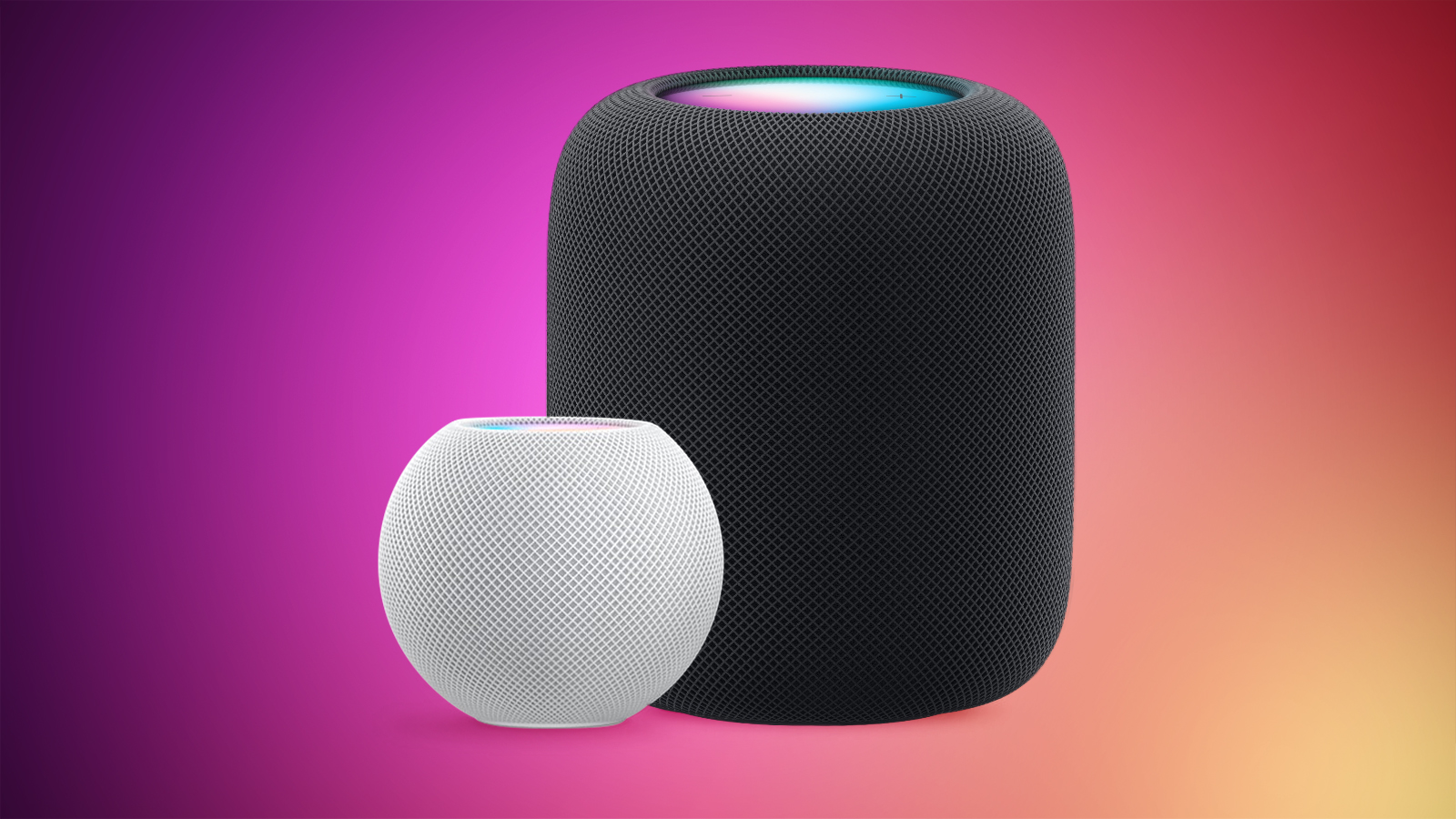
According to Apple's release notes, HomePod Software 26.2 includes performance and stability improvements.
HomePod software is installed automatically on the HomePod unless the feature is disabled, but the HomePod can also be manually updated in the Home app on iPhone, iPad, or Mac by tapping on the More button, choosing Home Settings, and then selecting the Software Update option.
This article, "Apple Releases HomePod Software 26.2 With Performance Improvements" first appeared on MacRumors.com
Discuss this article in our forums
According to Apple's release notes, HomePod Software 26.2 includes performance and stability improvements.
HomePod software is installed automatically on the HomePod unless the feature is disabled, but the HomePod can also be manually updated in the Home app on iPhone, iPad, or Mac by tapping on the More button, choosing Home Settings, and then selecting the Software Update option.
Related Roundups: HomePod, HomePod mini
Buyer's Guide: HomePod (Neutral), HomePod Mini (Don't Buy)
Related Forum: HomePod, HomeKit, CarPlay, Home & Auto Technology
This article, "Apple Releases HomePod Software 26.2 With Performance Improvements" first appeared on MacRumors.com
Discuss this article in our forums
Recommended Comments
Join the conversation
You can post now and register later. If you have an account, sign in now to post with your account.