_811205.png)
_e196d8.png)
_32b3d9.png)
_1c53fe.png)

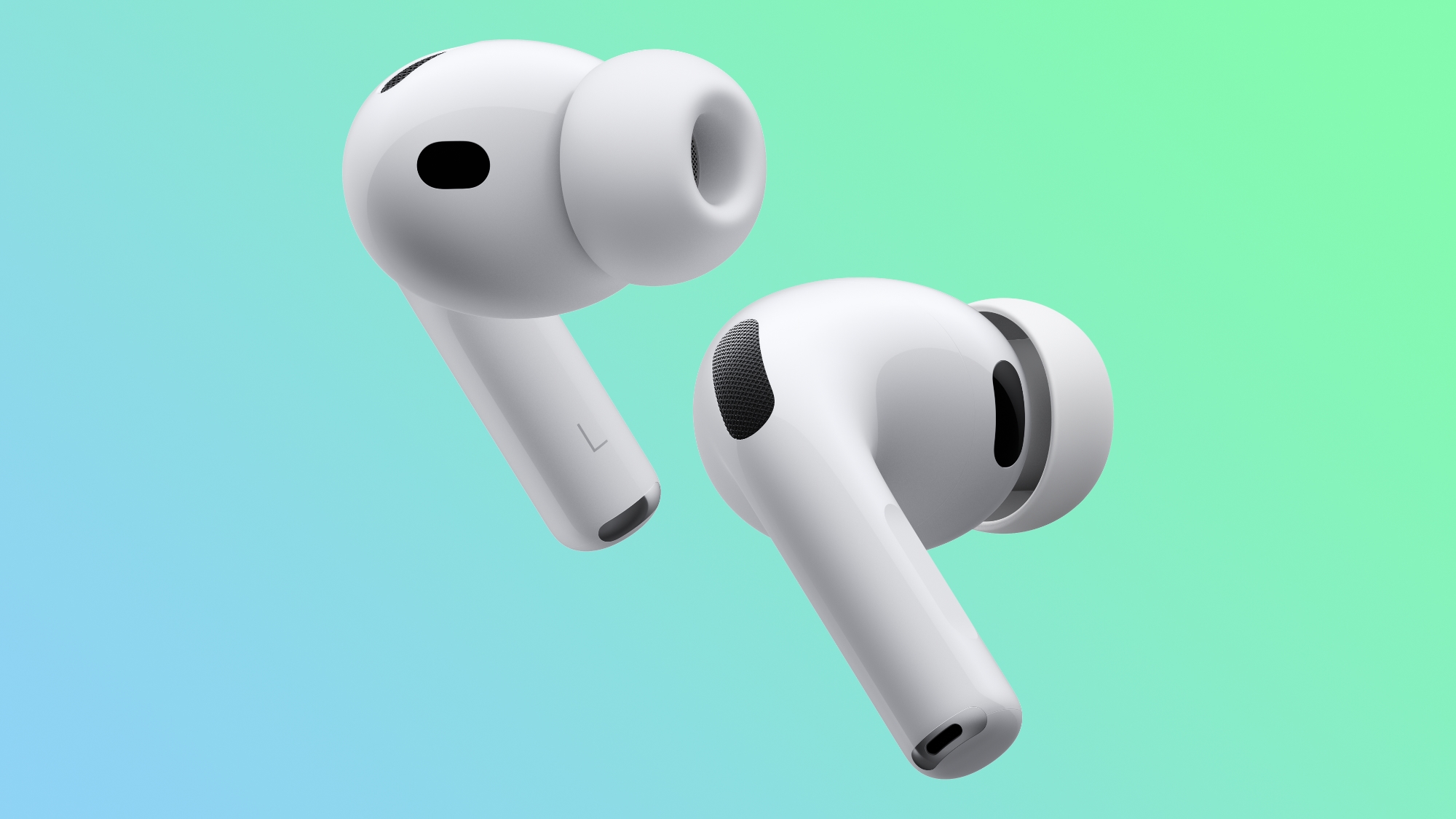
Apple today released a firmware update for the AirPods Pro 3. The latest firmware has a version number of 8B34, up from the previous version 8B30.
Apple has a support document for AirPods firmware updates, but it has yet to be updated to reflect the 8B34 update. There can sometimes be new features, but most often the release notes simply mention unspecified bug fixes and improvements.
How to install AirPods Pro firmware updates, according to Apple:
Make sure that your iPhone, iPad, or Mac is updated to the latest version of iOS, iPadOS, or macOS, and that Bluetooth is on.
Make sure that your AirPods are connected via Bluetooth to your iPhone, iPad, or Mac.
Connect your iPhone, iPad, or Mac to Wi-Fi.
Connect your charging case to power.
Put your AirPods in their charging case and close the lid. Keep the lid of the charging case closed, and keep your AirPods in Bluetooth range of your iPhone, iPad, or Mac.
Wait at least 30 minutes for the firmware to update.
Open the lid of the charging case to reconnect your AirPods to your iPhone, iPad, or Mac.
Check the firmware version again.
We will update this story once Apple provides releases notes for the 8B34 update.
AirPods Pro 3 were released in September, with key features including increased active noise cancellation, improved sound quality, longer battery life per charge, heart rate monitoring during workouts, and more.
This article, "Apple Releases New AirPods Pro 3 Firmware Update" first appeared on MacRumors.com
Discuss this article in our forums
Apple has a support document for AirPods firmware updates, but it has yet to be updated to reflect the 8B34 update. There can sometimes be new features, but most often the release notes simply mention unspecified bug fixes and improvements.
How to install AirPods Pro firmware updates, according to Apple:
Make sure that your iPhone, iPad, or Mac is updated to the latest version of iOS, iPadOS, or macOS, and that Bluetooth is on.
Make sure that your AirPods are connected via Bluetooth to your iPhone, iPad, or Mac.
Connect your iPhone, iPad, or Mac to Wi-Fi.
Connect your charging case to power.
Put your AirPods in their charging case and close the lid. Keep the lid of the charging case closed, and keep your AirPods in Bluetooth range of your iPhone, iPad, or Mac.
Wait at least 30 minutes for the firmware to update.
Open the lid of the charging case to reconnect your AirPods to your iPhone, iPad, or Mac.
Check the firmware version again.
We will update this story once Apple provides releases notes for the 8B34 update.
AirPods Pro 3 were released in September, with key features including increased active noise cancellation, improved sound quality, longer battery life per charge, heart rate monitoring during workouts, and more.
Related Roundup: AirPods Pro 3
Buyer's Guide: AirPods Pro (Buy Now)
Related Forum: AirPods
This article, "Apple Releases New AirPods Pro 3 Firmware Update" first appeared on MacRumors.com
Discuss this article in our forums
Recommended Comments
Join the conversation
You can post now and register later. If you have an account, sign in now to post with your account.