_811205.png)
_e196d8.png)
_32b3d9.png)
_1c53fe.png)

Apple today provided developers with the second betas of upcoming watchOS 26.6, tvOS 26.6, and visionOS 26.6 betas for testing purposes. The software comes three weeks after Apple seeded the first betas.
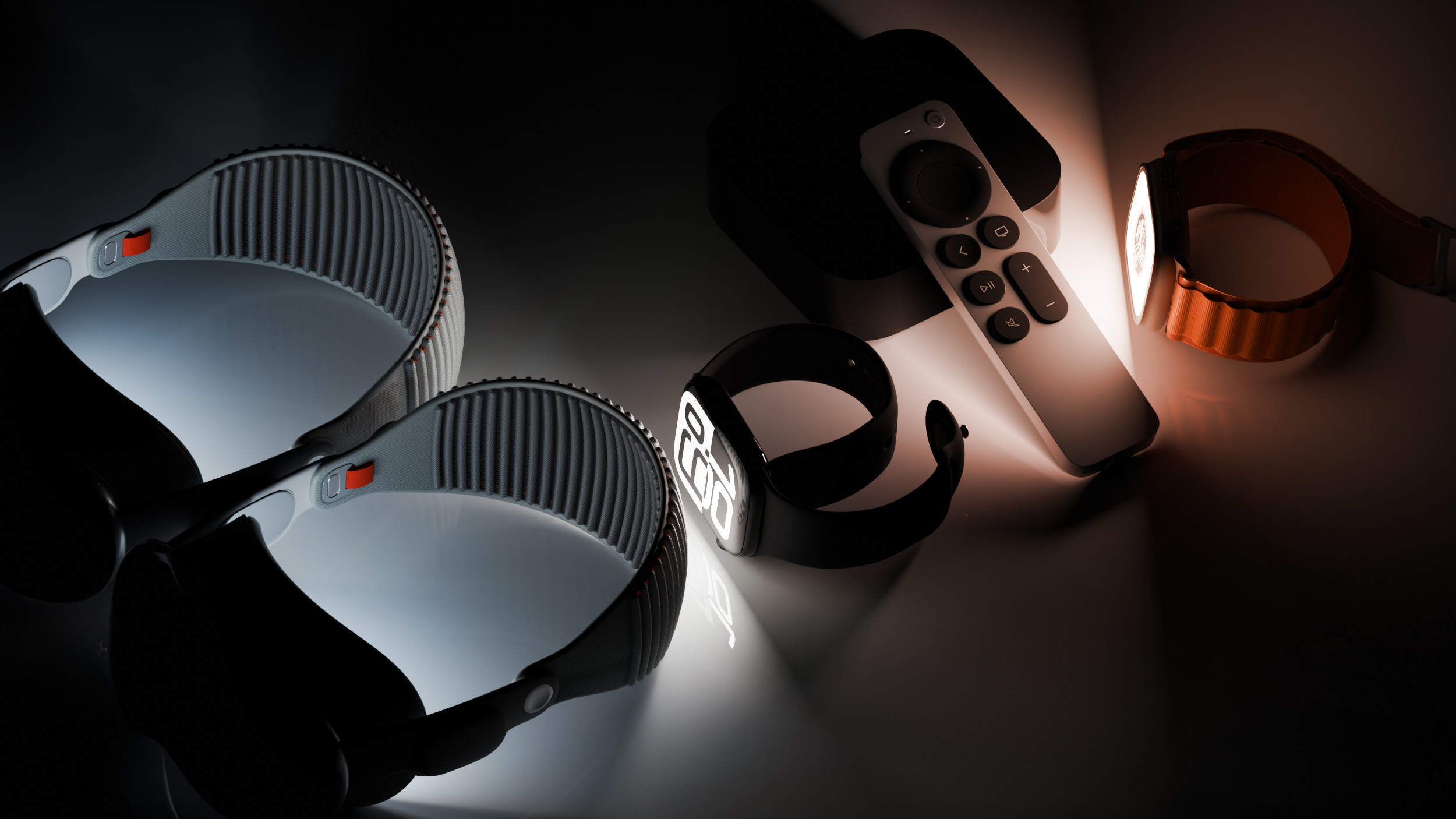
The software updates are available through the Settings app on each device, and because these are developer betas, a free developer account is required.
There's no word on what's in the software as of yet. watchOS, tvOS, and visionOS often get few features in each new beta, with updates primarily focusing on bug fixes and performance improvements.
This article, "Apple Releases Second watchOS 26.6, tvOS 26.6 and visionOS 26.6 Betas" first appeared on MacRumors.com
Discuss this article in our forums
The software updates are available through the Settings app on each device, and because these are developer betas, a free developer account is required.
There's no word on what's in the software as of yet. watchOS, tvOS, and visionOS often get few features in each new beta, with updates primarily focusing on bug fixes and performance improvements.
Buyer's Guide: Apple TV (Don't Buy), Vision Pro (Neutral)
This article, "Apple Releases Second watchOS 26.6, tvOS 26.6 and visionOS 26.6 Betas" first appeared on MacRumors.com
Discuss this article in our forums
Recommended Comments
Join the conversation
You can post now and register later. If you have an account, sign in now to post with your account.