_811205.png)
_e196d8.png)
_32b3d9.png)
_1c53fe.png)

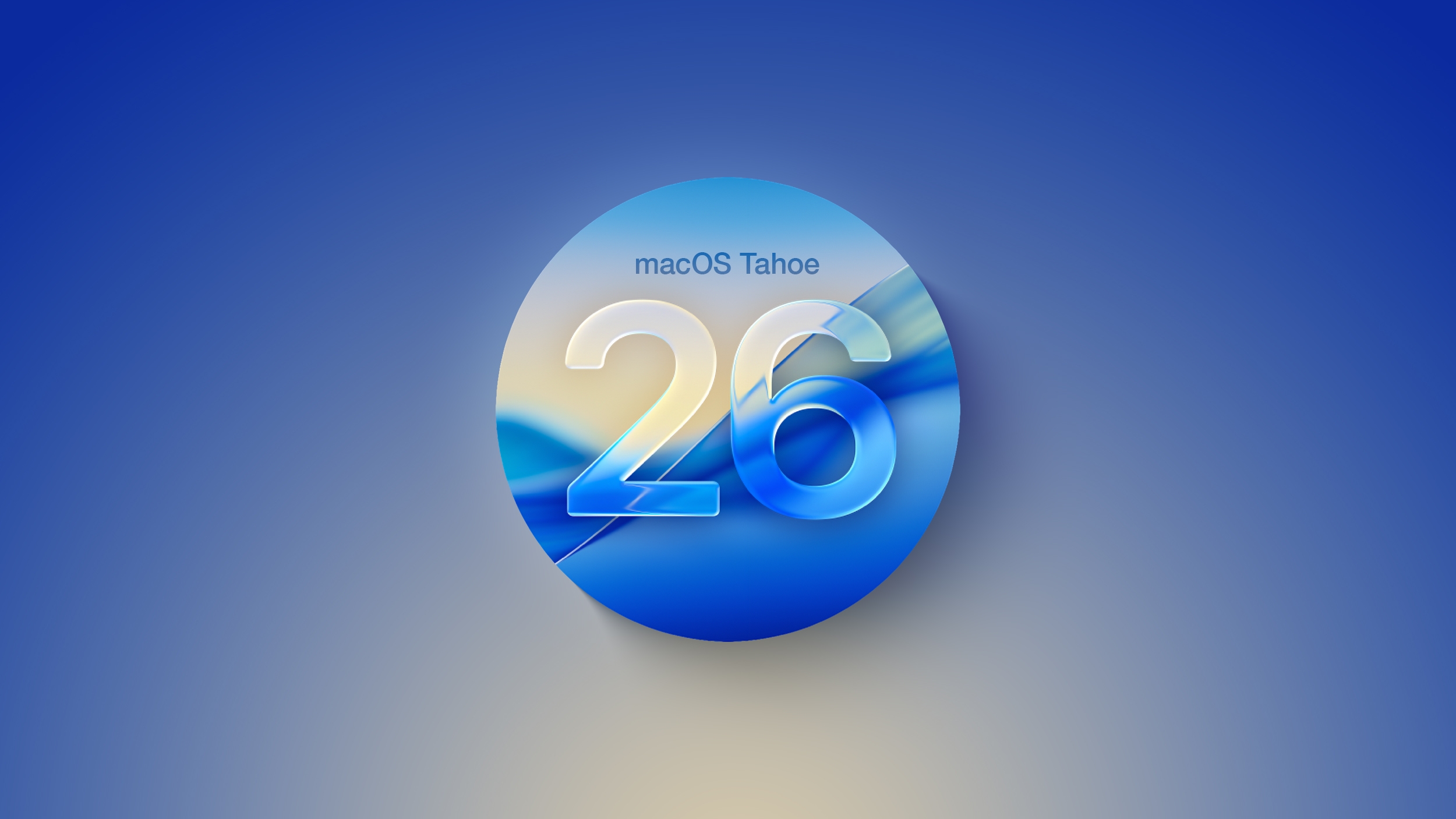
Apple today provided public beta testers with the third release of an upcoming macOS Tahoe 26.4 update for testing purposes. The public beta comes a week after Apple seeded the second beta.
After signing up for beta testing on Apple's beta site, public beta testers can download the updates using the Software Update section in the settings app for each update.
macOS Tahoe 26.4 includes several new features. The Compact tab layout has been reimplemented in Safari for those who missed having the option in earlier versions of macOS Tahoe, and there is a new Charge Limit feature that lets Mac users select a maximum charge level that ranges from 80 percent to 100 percent.
Apple silicon Mac users will see now see warnings about apps that are still using Rosetta 2, because Apple is phasing out Rosetta after macOS 27. macOS Tahoe is also the final version of macOS that will run on Intel-based Macs, and Apple is working to remove all lingering Intel features.
We could see additional features in upcoming versions of macOS Tahoe 26.4, such as new emoji characters. Apple is expected to test the update for the next several weeks, with a launch planned for the spring.
This article, "Apple Releases Third macOS Tahoe 26.4 Public Beta" first appeared on MacRumors.com
Discuss this article in our forums
After signing up for beta testing on Apple's beta site, public beta testers can download the updates using the Software Update section in the settings app for each update.
macOS Tahoe 26.4 includes several new features. The Compact tab layout has been reimplemented in Safari for those who missed having the option in earlier versions of macOS Tahoe, and there is a new Charge Limit feature that lets Mac users select a maximum charge level that ranges from 80 percent to 100 percent.
Apple silicon Mac users will see now see warnings about apps that are still using Rosetta 2, because Apple is phasing out Rosetta after macOS 27. macOS Tahoe is also the final version of macOS that will run on Intel-based Macs, and Apple is working to remove all lingering Intel features.
We could see additional features in upcoming versions of macOS Tahoe 26.4, such as new emoji characters. Apple is expected to test the update for the next several weeks, with a launch planned for the spring.
Related Roundup: macOS Tahoe
Related Forum: macOS Tahoe
This article, "Apple Releases Third macOS Tahoe 26.4 Public Beta" first appeared on MacRumors.com
Discuss this article in our forums
Recommended Comments
Join the conversation
You can post now and register later. If you have an account, sign in now to post with your account.