_811205.png)
_e196d8.png)
_32b3d9.png)
_1c53fe.png)

Apple today released tvOS 26.3, the third update to the tvOS operating system that came out last fall. tvOS 26.3 is available for the Apple TV 4K and the Apple TV HD, and it comes two months after Apple released tvOS 26.2.
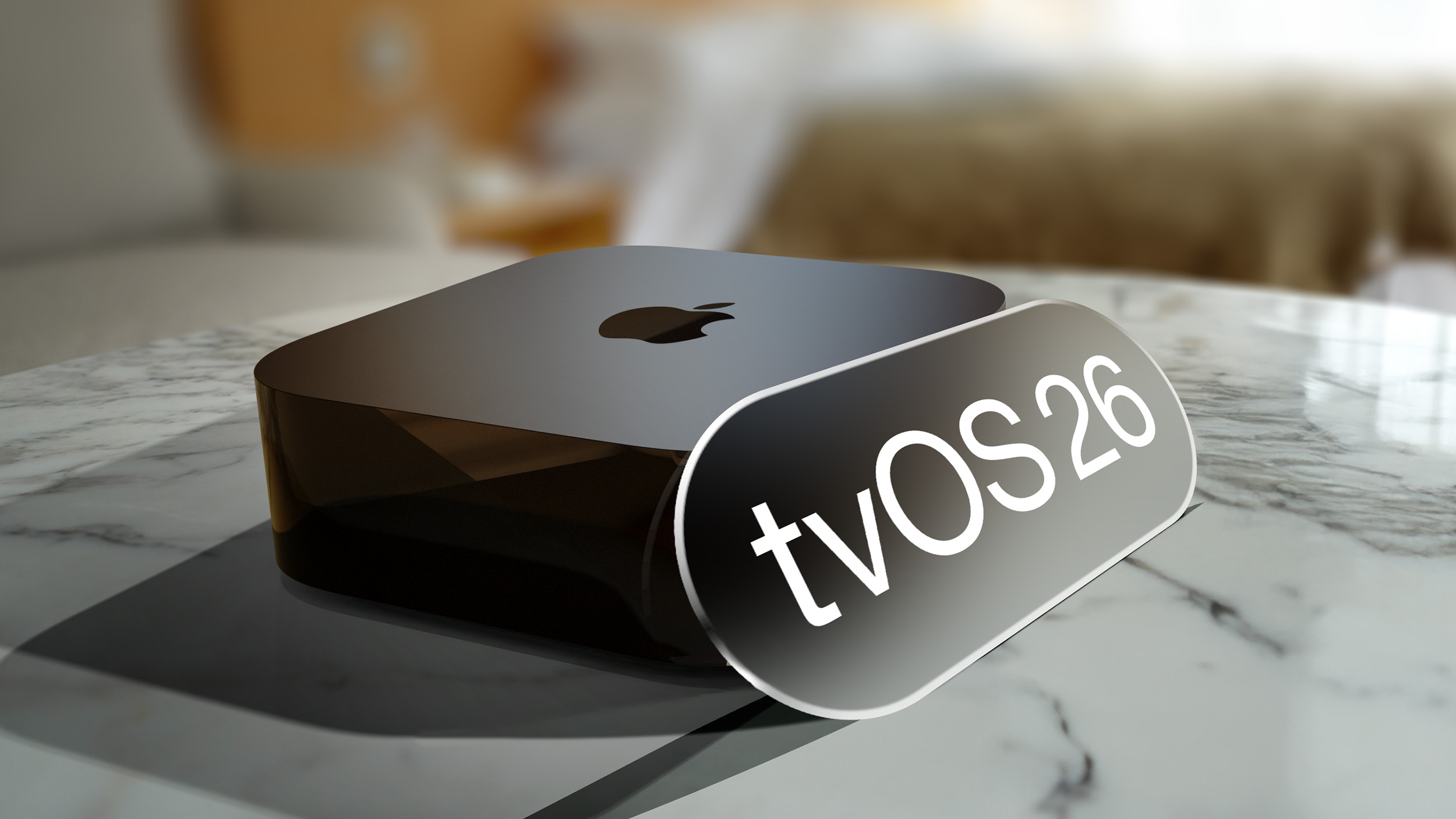
tvOS 26.3 can be downloaded using the Settings app on the Apple TV. Open up Settings and go to System > Software Update to get the new software. Apple TV owners who have automatic software updates activated will be upgraded to tvOS 26.3 automatically.
The tvOS 26.3 update includes bug fixes and security improvements, with full release notes for tvOS available through Apple's tvOS support document.
This article, "Apple Releases tvOS 26.3" first appeared on MacRumors.com
Discuss this article in our forums
tvOS 26.3 can be downloaded using the Settings app on the Apple TV. Open up Settings and go to System > Software Update to get the new software. Apple TV owners who have automatic software updates activated will be upgraded to tvOS 26.3 automatically.
The tvOS 26.3 update includes bug fixes and security improvements, with full release notes for tvOS available through Apple's tvOS support document.
Related Roundup: Apple TV
Buyer's Guide: Apple TV (Don't Buy)
Related Forum: Apple TV and Home Theater
This article, "Apple Releases tvOS 26.3" first appeared on MacRumors.com
Discuss this article in our forums
Recommended Comments
Join the conversation
You can post now and register later. If you have an account, sign in now to post with your account.