_811205.png)
_e196d8.png)
_32b3d9.png)
_1c53fe.png)

With tvOS 26.4, Apple has removed the dedicated iTunes Movies and iTunes TV Shows apps that listed content available for purchase. Buying movies and TV shows can be done through the Apple TV app instead.
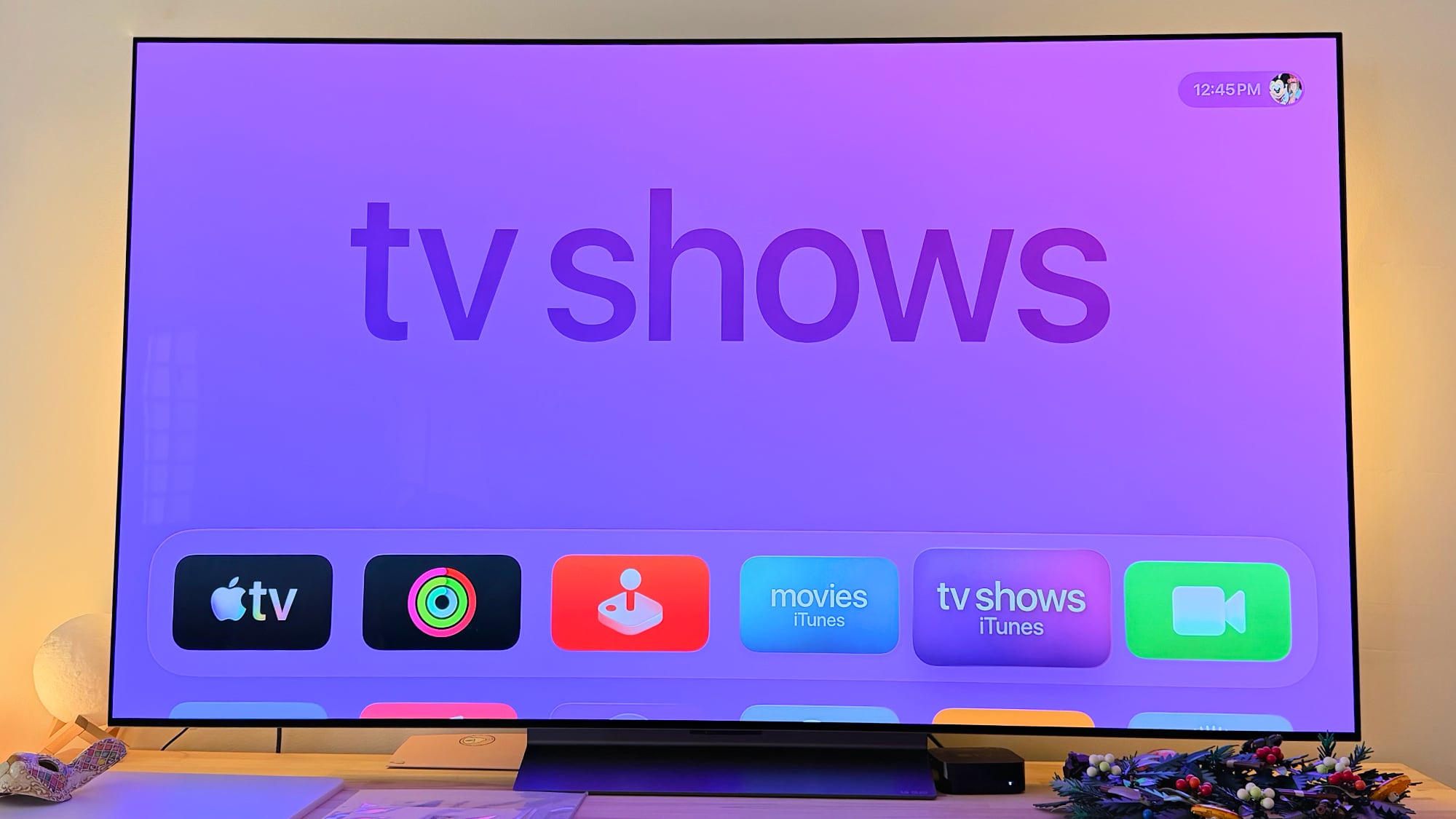
Apple started phasing out the iTunes Movies and iTunes TV Shows apps back in 2023, redirecting users to the Apple TV app for purchases. The apps remained available until now to provide customers with instructions on where to find their content, and to provide access to the iTunes Wish List.
Apple removed the TV Shows and Movies section in the iPhone and iPad TV app with the launch of iOS 17.2 and iPadOS 17.2, and eliminated iTunes wishlists in those updates. tvOS 17.2 also got rid of wish lists. After customer complaints, wishlist options were returned, but Apple again started warning about the end of wishlists last week.
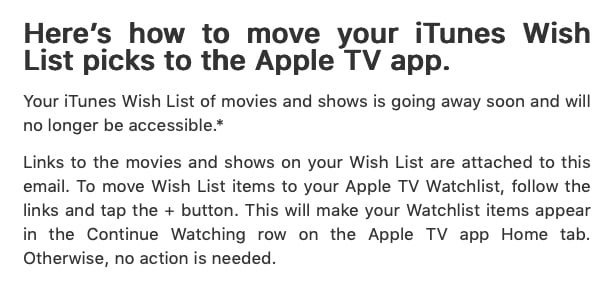
Customers that still have an iTunes Wish List with movies and TV shows have received emails letting them know the feature is being removed. The emails include links to migrate those lists to the Apple TV watchlist feature as an alternative.
Apple has been working to consolidate all movie and TV show viewing and buying to the TV app, so it's all in one place. There is no longer any iTunes-related app on the Apple TV, but the iPhone still has an iTunes Store option for purchasing music.
Apple has also updated the Apple TV Audio Format settings in tvOS 26.4. Dolby Atmos immersive audio has been replaced with Spatial Audio, and there is an option to convert to Dolby Digital 5.1, select Stereo Only, or turn on Auto mode. There's also a Continuous Audio Connection option for HDMI output.
tvOS 26.4 is available to developers and public beta testers at the current time, with a release planned for spring.
This article, "Apple Removes iTunes Movies and TV Shows Apps in tvOS 26.4" first appeared on MacRumors.com
Discuss this article in our forums
Apple started phasing out the iTunes Movies and iTunes TV Shows apps back in 2023, redirecting users to the Apple TV app for purchases. The apps remained available until now to provide customers with instructions on where to find their content, and to provide access to the iTunes Wish List.
Apple removed the TV Shows and Movies section in the iPhone and iPad TV app with the launch of iOS 17.2 and iPadOS 17.2, and eliminated iTunes wishlists in those updates. tvOS 17.2 also got rid of wish lists. After customer complaints, wishlist options were returned, but Apple again started warning about the end of wishlists last week.
Customers that still have an iTunes Wish List with movies and TV shows have received emails letting them know the feature is being removed. The emails include links to migrate those lists to the Apple TV watchlist feature as an alternative.
Apple has been working to consolidate all movie and TV show viewing and buying to the TV app, so it's all in one place. There is no longer any iTunes-related app on the Apple TV, but the iPhone still has an iTunes Store option for purchasing music.
Apple has also updated the Apple TV Audio Format settings in tvOS 26.4. Dolby Atmos immersive audio has been replaced with Spatial Audio, and there is an option to convert to Dolby Digital 5.1, select Stereo Only, or turn on Auto mode. There's also a Continuous Audio Connection option for HDMI output.
tvOS 26.4 is available to developers and public beta testers at the current time, with a release planned for spring.
Related Roundup: Apple TV
Buyer's Guide: Apple TV (Don't Buy)
Related Forum: Apple TV and Home Theater
This article, "Apple Removes iTunes Movies and TV Shows Apps in tvOS 26.4" first appeared on MacRumors.com
Discuss this article in our forums
Recommended Comments
Join the conversation
You can post now and register later. If you have an account, sign in now to post with your account.