_811205.png)
_e196d8.png)
_32b3d9.png)
_1c53fe.png)

Apple is offering discounts of up to 1,000 yuan ($144) on some products in China in anticipation of a holiday shopping rush and competitive pricing from local vendors, reports the South China Morning Post.
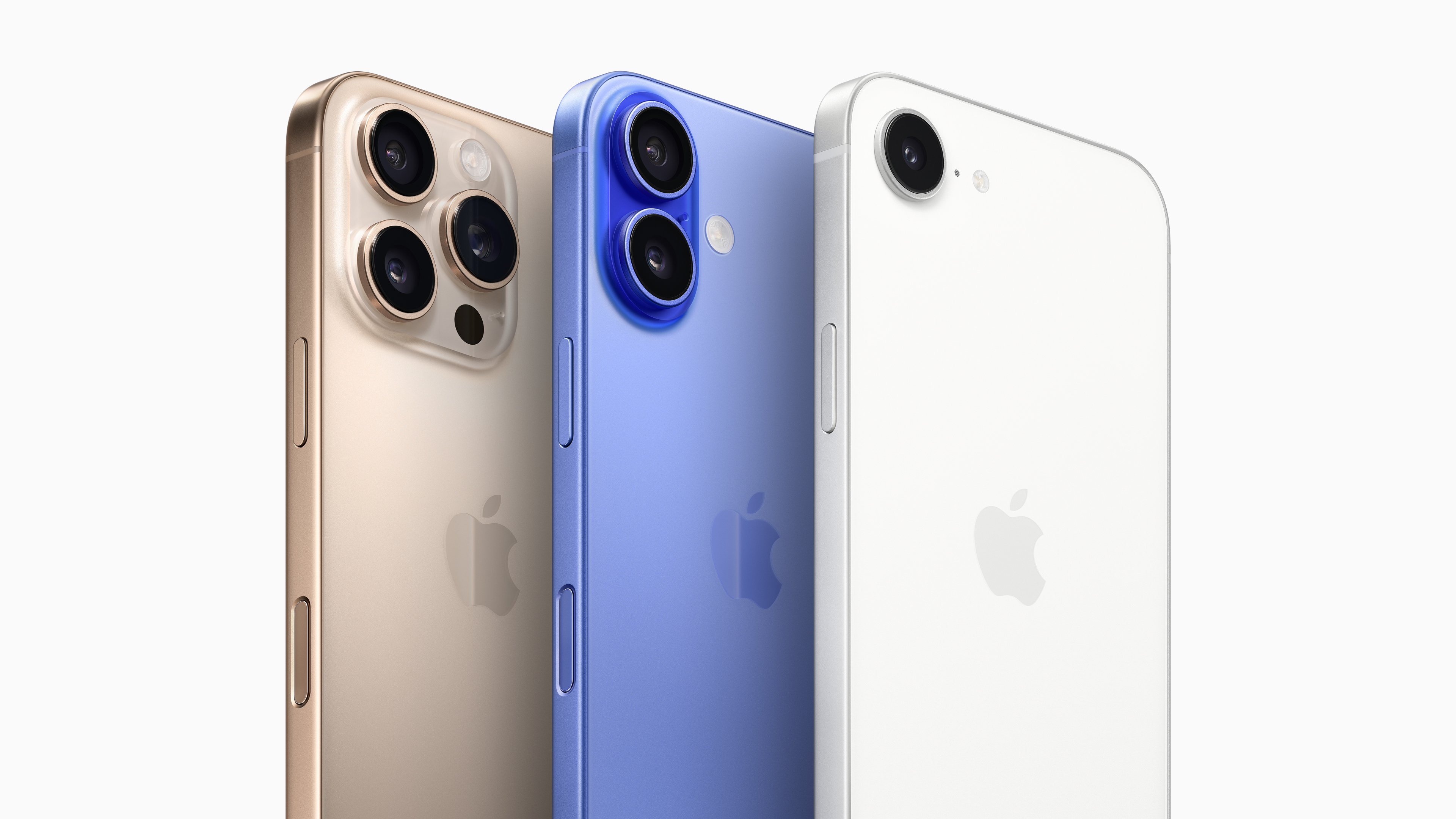
Ahead of February's Lunar New Year, Apple's mainland China website and official stores are offering limited-time discounts on products including the iPhone 16 and iPhone 16 Plus, as well as some MacBook, iPad, Apple Watch, and AirPods models. The discounts come into effect between January 24 and January 27.
Apple led the Chinese smartphone market in the fourth quarter of 2025 with a 22 percent share, thanks to strong iPhone 17 sales. Despite the demand, sales are said to have been falling month on month, and the promotions are aimed at countering the decline.
China's smartphone market shrank 1.6 percent year on year in Q4 2025, while full-year shipments declined 0.6 percent. Counterpoint analysts have put the decline down to weak demand amid rising prices and global memory shortages.
Chinese government policies appear to have played a role too. Under government subsidies, consumers of electronics get a 15% refund of products that are priced under 6,000 yuan ($820). Apple partly missed out on the program, since its iPhone Pro models exceed the price cutoff, giving its local rivals an edge.
This article, "Apple Responds to Slowing China Sales With Lunar New Year Discounts" first appeared on MacRumors.com
Discuss this article in our forums
Ahead of February's Lunar New Year, Apple's mainland China website and official stores are offering limited-time discounts on products including the iPhone 16 and iPhone 16 Plus, as well as some MacBook, iPad, Apple Watch, and AirPods models. The discounts come into effect between January 24 and January 27.
Apple led the Chinese smartphone market in the fourth quarter of 2025 with a 22 percent share, thanks to strong iPhone 17 sales. Despite the demand, sales are said to have been falling month on month, and the promotions are aimed at countering the decline.
China's smartphone market shrank 1.6 percent year on year in Q4 2025, while full-year shipments declined 0.6 percent. Counterpoint analysts have put the decline down to weak demand amid rising prices and global memory shortages.
Chinese government policies appear to have played a role too. Under government subsidies, consumers of electronics get a 15% refund of products that are priced under 6,000 yuan ($820). Apple partly missed out on the program, since its iPhone Pro models exceed the price cutoff, giving its local rivals an edge.
Tag: China
This article, "Apple Responds to Slowing China Sales With Lunar New Year Discounts" first appeared on MacRumors.com
Discuss this article in our forums
Recommended Comments
Join the conversation
You can post now and register later. If you have an account, sign in now to post with your account.