_811205.png)
_e196d8.png)
_32b3d9.png)
_1c53fe.png)

Apple has announced a major overhaul of Image Playground, introducing a new generative model capable of photorealistic image creation alongside expanded editing and sharing capabilities.
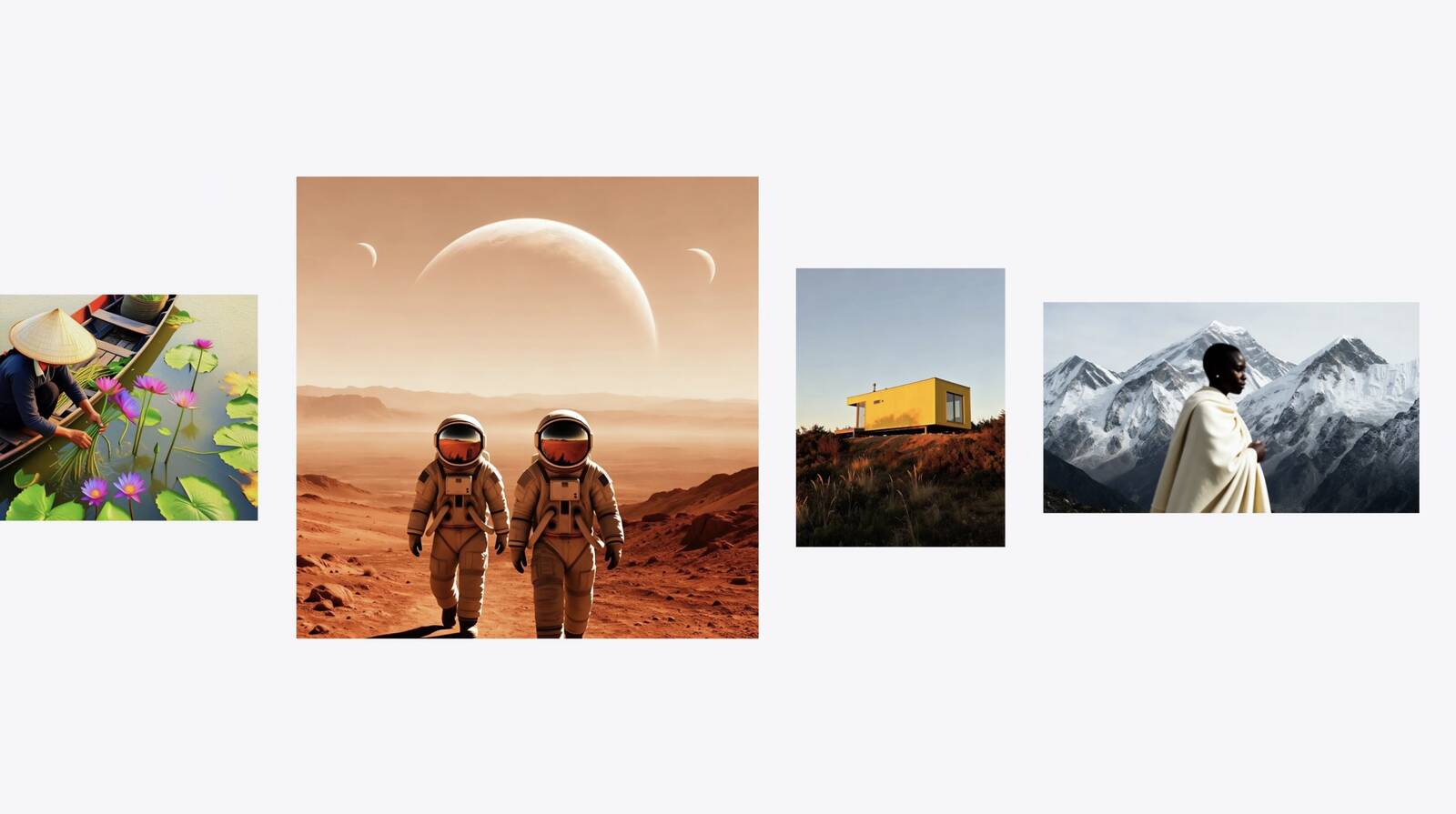
The updated app is powered by a new generative model that runs on Private Cloud Compute, enabling it to produce high-quality images in virtually any style, including photorealistic output for the first time. All generated images will automatically carry a hidden SynthID watermark to identify them as AI-generated.
Image Playground now supports photo-based editing in addition to creation. Users can describe changes they want to make to an existing image, or use touch gestures such as tapping, circling, or brushing to highlight specific objects and move or resize them. Photos can also be transformed into different styles using a text description, and people from a user's photo library can be included in generated images.
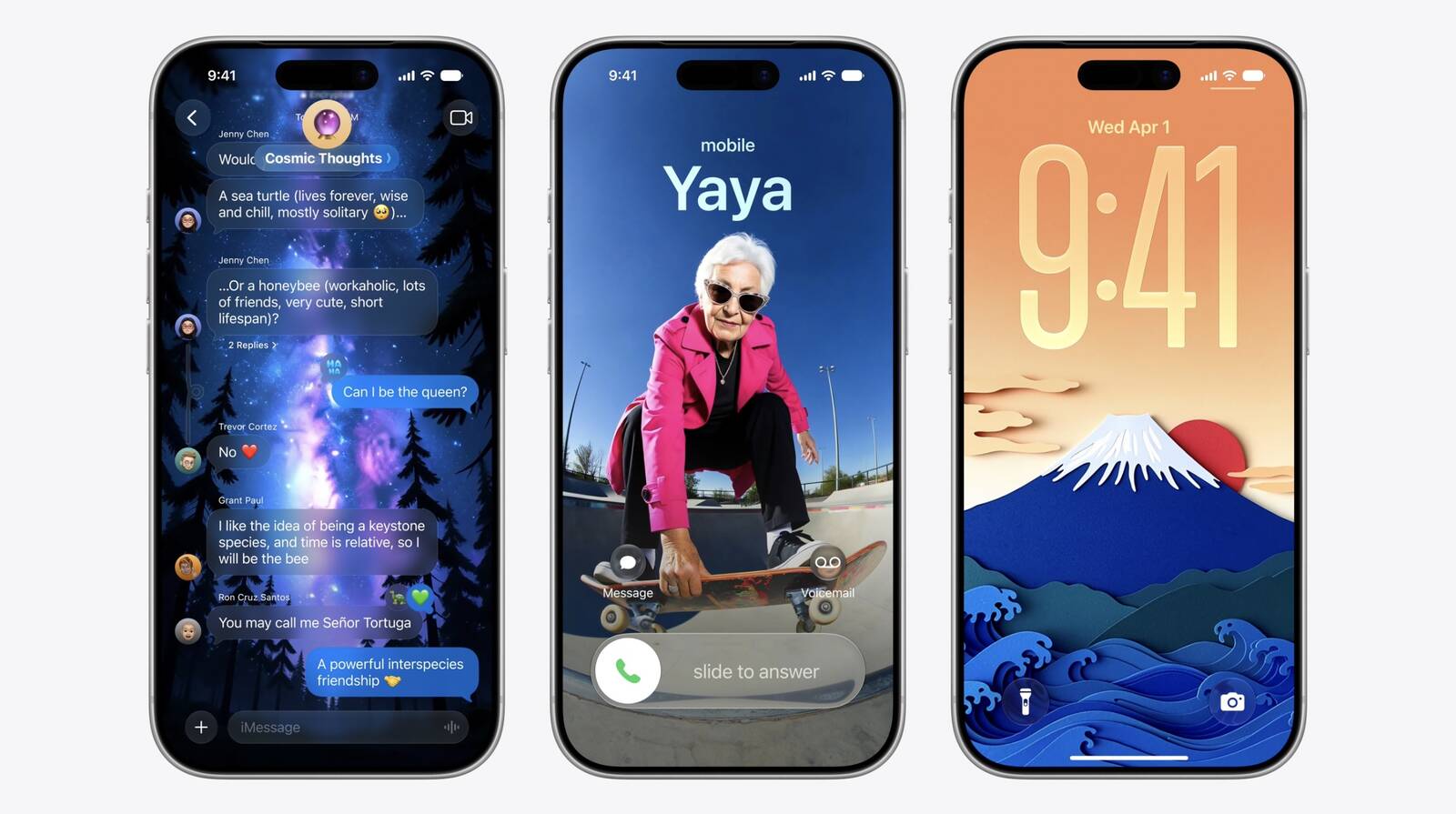
The experience extends further into iOS with new output destinations. In addition to Messages, generated images can now be used as Lock Screen wallpapers and Contact Posters. Users can also choose an aspect ratio when creating images, such as landscape for a website header or portrait for a flyer.
Developers will have access to the new capabilities through the Image Playground API, allowing third-party apps to integrate photorealistic generation and editing features directly.
This article, "Apple Revamps Image Playground With Photorealistic Generation and New Editing Tools" first appeared on MacRumors.com
Discuss this article in our forums
The updated app is powered by a new generative model that runs on Private Cloud Compute, enabling it to produce high-quality images in virtually any style, including photorealistic output for the first time. All generated images will automatically carry a hidden SynthID watermark to identify them as AI-generated.
Image Playground now supports photo-based editing in addition to creation. Users can describe changes they want to make to an existing image, or use touch gestures such as tapping, circling, or brushing to highlight specific objects and move or resize them. Photos can also be transformed into different styles using a text description, and people from a user's photo library can be included in generated images.
The experience extends further into iOS with new output destinations. In addition to Messages, generated images can now be used as Lock Screen wallpapers and Contact Posters. Users can also choose an aspect ratio when creating images, such as landscape for a website header or portrait for a flyer.
Developers will have access to the new capabilities through the Image Playground API, allowing third-party apps to integrate photorealistic generation and editing features directly.
Tag: Image Playground
This article, "Apple Revamps Image Playground With Photorealistic Generation and New Editing Tools" first appeared on MacRumors.com
Discuss this article in our forums
Recommended Comments
Join the conversation
You can post now and register later. If you have an account, sign in now to post with your account.