_811205.png)
_e196d8.png)
_32b3d9.png)
_1c53fe.png)

Apple is now selling refurbished versions of the Apple Watch Series 11, Apple Watch Ultra 3, and Apple Watch SE 3 at discounted prices.
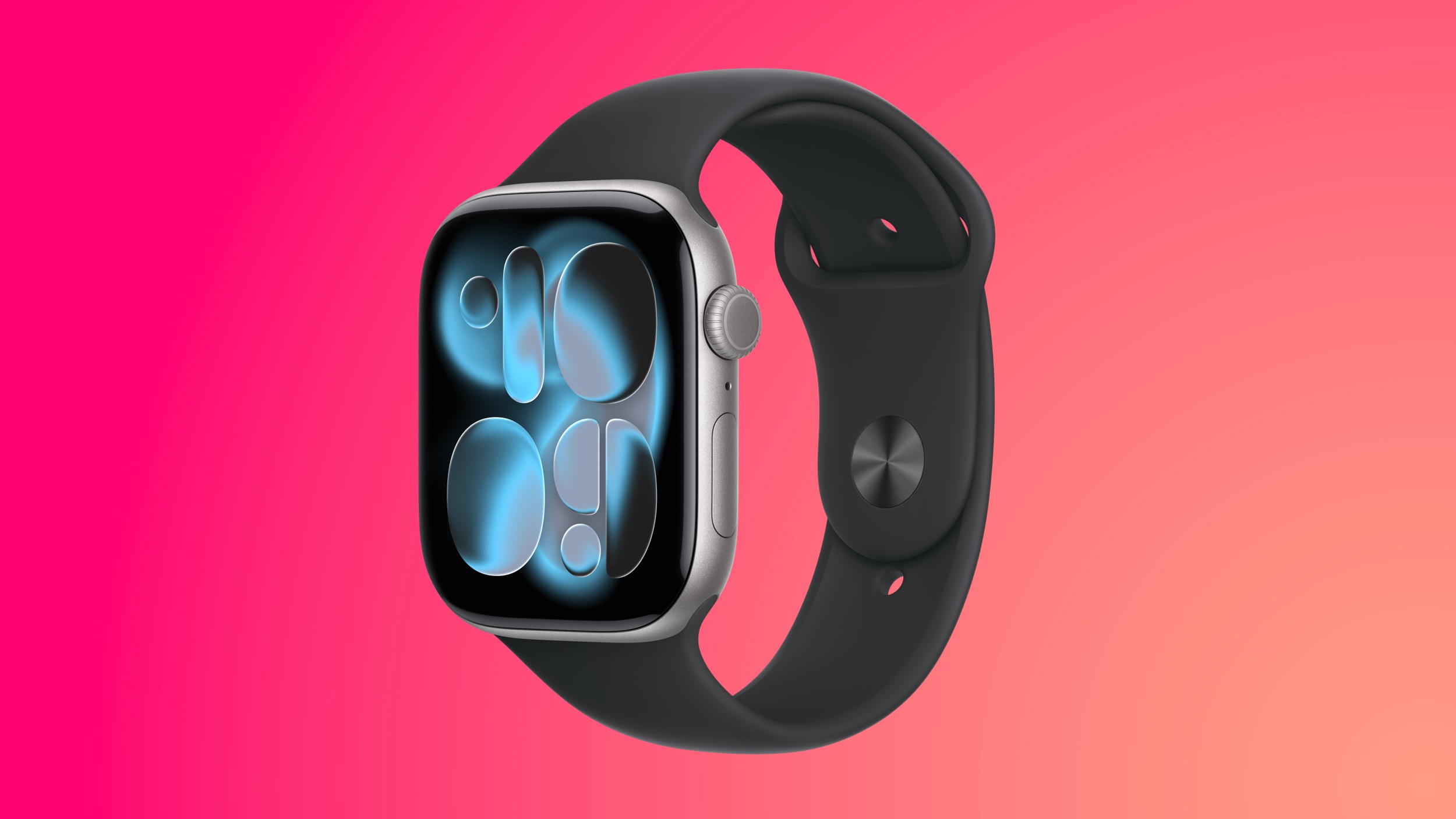
This is the first time the Series 11, Ultra 3, and SE 3 have been available through Apple's online refurbished store since the devices launched last September.
Refurbished pricing on the 46mm GPS Apple Watch Series 11 starts at $369, down from $429, while Apple Watch Ultra 3 pricing starts at $699, down from $799. Apple Watch SE 3 40mm models start at $209, which is $40 less than the standard $249 price.
Apple has limited colors and sizes available for the Apple Watch Series 11, but refurbished stock changes regularly. If you're looking for a specific color, you can check back later to see if it's in stock. Both Apple Watch Ultra 3 colors are available, and there are also several SE 3 options in stock.
Refurbished devices go through a rigorous cleaning and inspection process prior to sale, according to Apple. Refurbished products feature the same one-year limited warranty as newly purchased devices, and they are eligible for AppleCare+.
Apple offers around a 15 percent discount on its refurbished products, but you can get even better prices from third-party sellers. Amazon has the Apple Watch Series 11 available starting at $299 this week.
This article, "Apple Starts Selling Refurbished Apple Watch Series 11, Ultra 3, and SE 3" first appeared on MacRumors.com
Discuss this article in our forums
This is the first time the Series 11, Ultra 3, and SE 3 have been available through Apple's online refurbished store since the devices launched last September.
Refurbished pricing on the 46mm GPS Apple Watch Series 11 starts at $369, down from $429, while Apple Watch Ultra 3 pricing starts at $699, down from $799. Apple Watch SE 3 40mm models start at $209, which is $40 less than the standard $249 price.
Apple has limited colors and sizes available for the Apple Watch Series 11, but refurbished stock changes regularly. If you're looking for a specific color, you can check back later to see if it's in stock. Both Apple Watch Ultra 3 colors are available, and there are also several SE 3 options in stock.
Refurbished devices go through a rigorous cleaning and inspection process prior to sale, according to Apple. Refurbished products feature the same one-year limited warranty as newly purchased devices, and they are eligible for AppleCare+.
Apple offers around a 15 percent discount on its refurbished products, but you can get even better prices from third-party sellers. Amazon has the Apple Watch Series 11 available starting at $299 this week.
Related Forum: Apple Watch
This article, "Apple Starts Selling Refurbished Apple Watch Series 11, Ultra 3, and SE 3" first appeared on MacRumors.com
Discuss this article in our forums
Recommended Comments
Join the conversation
You can post now and register later. If you have an account, sign in now to post with your account.