_811205.png)
_e196d8.png)
_32b3d9.png)
_1c53fe.png)

Apple is planning more Mac refreshes for the rest of the year, Bloomberg's Mark Gurman writes.
In the latest edition of his "Power On" newsletter, Gurman said that, following the introduction of the M5 MacBook Air, M5 Pro and M5 Max MacBook Pro, and MacBook Pro, Apple is preparing for further Mac refreshes to complete the 2026 lineup.
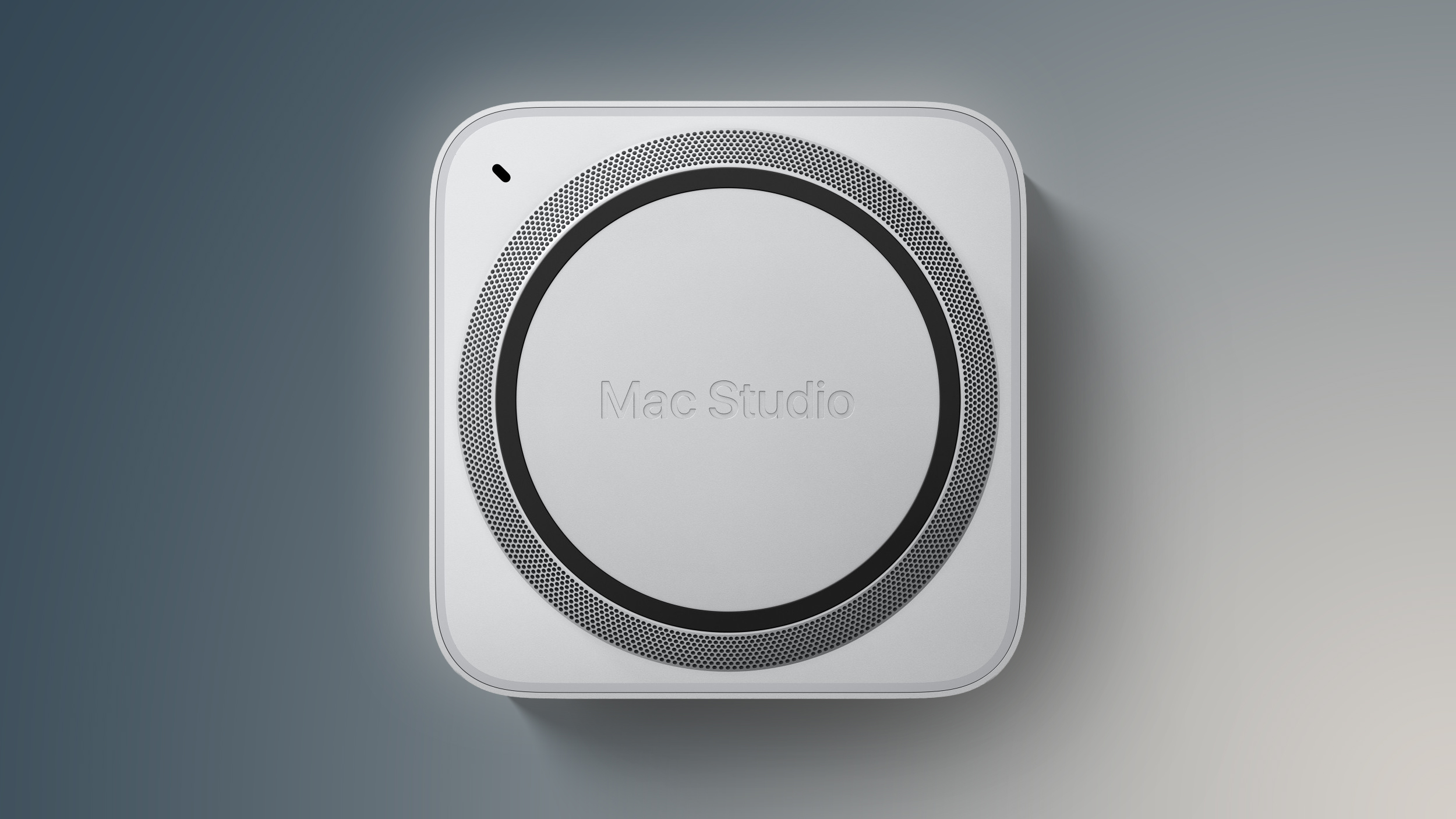
These include an upgraded Mac Studio, which Gurman expects to arrive in the middle of 2026, followed by new iMac and Mac mini models. While the new Mac Studio and Mac mini "will look identical to the current iterations," the 2026 iMac will feature a "refreshed color palette."
A new, high-end MacBook, potentially called the "MacBook Ultra," is expected to arrive around the end of the year. It will feature the Mac's first touchscreen and an OLED display.
Although Gurman did not mention chips, the new Mac Studio is likely to feature the M5 Max chip and either an M4 or M5 Ultra chip, the Mac mini will probably offer M5 and M5 Pro variants, and the iMac is almost certain to get the M5 chip.

This article, "Apple Still Has More New Macs Planned for 2026" first appeared on MacRumors.com
Discuss this article in our forums
In the latest edition of his "Power On" newsletter, Gurman said that, following the introduction of the M5 MacBook Air, M5 Pro and M5 Max MacBook Pro, and MacBook Pro, Apple is preparing for further Mac refreshes to complete the 2026 lineup.
These include an upgraded Mac Studio, which Gurman expects to arrive in the middle of 2026, followed by new iMac and Mac mini models. While the new Mac Studio and Mac mini "will look identical to the current iterations," the 2026 iMac will feature a "refreshed color palette."
A new, high-end MacBook, potentially called the "MacBook Ultra," is expected to arrive around the end of the year. It will feature the Mac's first touchscreen and an OLED display.
Although Gurman did not mention chips, the new Mac Studio is likely to feature the M5 Max chip and either an M4 or M5 Ultra chip, the Mac mini will probably offer M5 and M5 Pro variants, and the iMac is almost certain to get the M5 chip.
Tags: Bloomberg, Mark Gurman
This article, "Apple Still Has More New Macs Planned for 2026" first appeared on MacRumors.com
Discuss this article in our forums
Recommended Comments
Join the conversation
You can post now and register later. If you have an account, sign in now to post with your account.