_811205.png)
_e196d8.png)
_32b3d9.png)
_1c53fe.png)

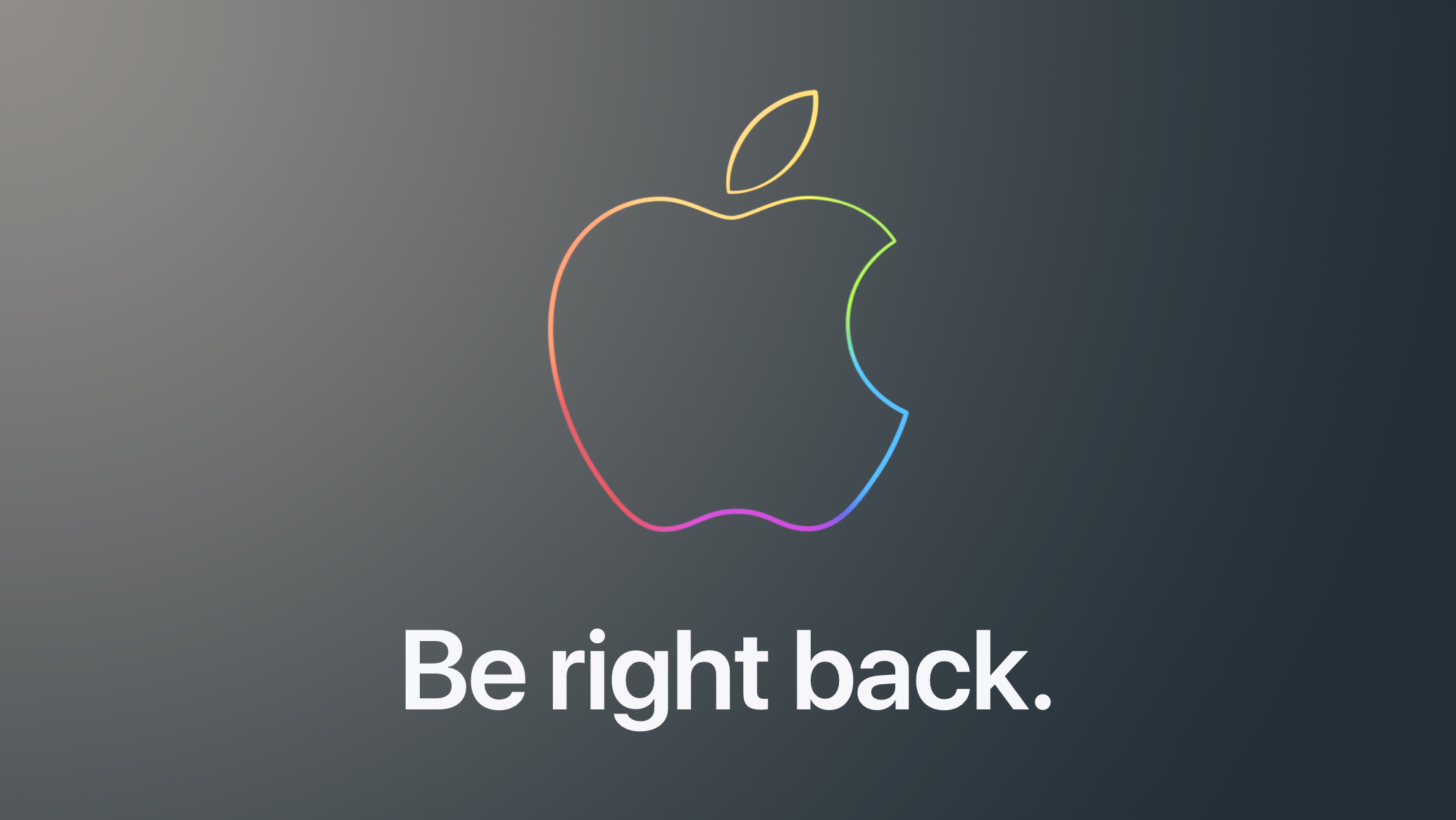
Apple's online store has gone down, just minutes before the company is expected to announce a lower-cost MacBook, which may be named MacBook Neo.
Apple already unveiled six products this week, including an iPhone 17e, a new iPad Air, new MacBook Air and MacBook Pro models, an updated Studio Display, and an all-new Studio Display XDR that replaces the Pro Display XDR.
To learn about these new products, read our coverage of Apple's announcements:
Apple Unveils iPad Air With M4 Chip, Increased RAM, Wi-Fi 7, and More
Apple Announces MacBook Air With M5 Chip and 512GB Base Storage
Apple Unveils MacBook Pro Featuring M5 Pro and M5 Max Chips
Apple Updates Studio Display With Thunderbolt 5 and More
Apple Introduces All-New Studio Display XDR: 120Hz, Mini-LED, and MoreMacRumors is attending an "Apple Experience" in New York today at 9 a.m. Eastern Time, so stay tuned for hands-on coverage. At this gathering, Apple is preparing to show attendees a video, which is likely to reveal the new MacBook.
This article, "Apple Store Down Ahead of Rumored 'MacBook Neo' Announcement" first appeared on MacRumors.com
Discuss this article in our forums
Apple already unveiled six products this week, including an iPhone 17e, a new iPad Air, new MacBook Air and MacBook Pro models, an updated Studio Display, and an all-new Studio Display XDR that replaces the Pro Display XDR.
To learn about these new products, read our coverage of Apple's announcements:
Apple Unveils iPad Air With M4 Chip, Increased RAM, Wi-Fi 7, and More
Apple Announces MacBook Air With M5 Chip and 512GB Base Storage
Apple Unveils MacBook Pro Featuring M5 Pro and M5 Max Chips
Apple Updates Studio Display With Thunderbolt 5 and More
Apple Introduces All-New Studio Display XDR: 120Hz, Mini-LED, and MoreMacRumors is attending an "Apple Experience" in New York today at 9 a.m. Eastern Time, so stay tuned for hands-on coverage. At this gathering, Apple is preparing to show attendees a video, which is likely to reveal the new MacBook.
Tag: Apple Store
This article, "Apple Store Down Ahead of Rumored 'MacBook Neo' Announcement" first appeared on MacRumors.com
Discuss this article in our forums
Recommended Comments
Join the conversation
You can post now and register later. If you have an account, sign in now to post with your account.