_811205.png)
_e196d8.png)
_32b3d9.png)
_1c53fe.png)

Apple's retail inventory of iPhone 16e and iPad Air models has reportedly dwindled to almost nothing as the company inches towards the release of new versions of both devices. They are expected to launch in the coming weeks.
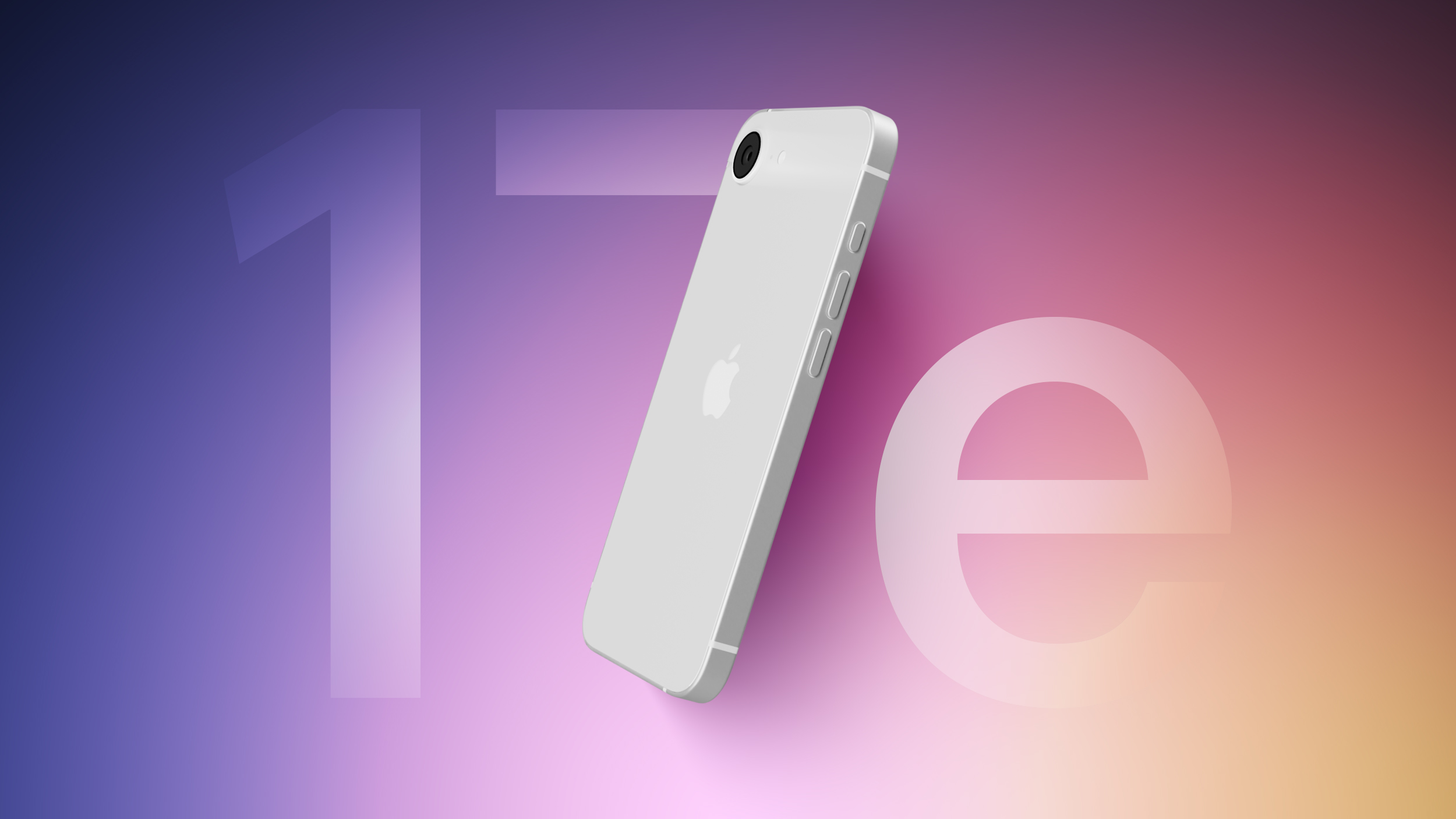
In a post on X (Twitter), Bloomberg reporter Mark Gurman said that stock of iPhone 16e models has "basically dried out," while the iPad Air is seeing shortages as well, based on what his Apple retail contacts are telling him.
Just this past weekend, Gurman reported that the iPhone 17e is set to launch "imminently" with four new features, including the A19 chip, MagSafe connectivity, Apple's new cellular C1X modem chip, and its N1 chip for Bluetooth, Wi-Fi, and Thread connectivity. The device is expected to retain the same $599 starting price as its predecessor.
Gurman also said Apple is planning to launch a new entry-level iPad 12 and a new iPad Air in the near future. Both devices are not expected to feature design changes or major enhancements, and will instead feature new chips. The 12th-generation iPad is set to feature the A18 chip, while the eighth-generation iPad Air will apparently feature the M4 chip.
We'll have all the details of Apple's product launches as soon as they happen, right here on MacRumors, so stay tuned.
This article, "Apple Stores See iPhone 16e, iPad Air Shortages as New Models Near" first appeared on MacRumors.com
Discuss this article in our forums
In a post on X (Twitter), Bloomberg reporter Mark Gurman said that stock of iPhone 16e models has "basically dried out," while the iPad Air is seeing shortages as well, based on what his Apple retail contacts are telling him.
Just this past weekend, Gurman reported that the iPhone 17e is set to launch "imminently" with four new features, including the A19 chip, MagSafe connectivity, Apple's new cellular C1X modem chip, and its N1 chip for Bluetooth, Wi-Fi, and Thread connectivity. The device is expected to retain the same $599 starting price as its predecessor.
Gurman also said Apple is planning to launch a new entry-level iPad 12 and a new iPad Air in the near future. Both devices are not expected to feature design changes or major enhancements, and will instead feature new chips. The 12th-generation iPad is set to feature the A18 chip, while the eighth-generation iPad Air will apparently feature the M4 chip.
We'll have all the details of Apple's product launches as soon as they happen, right here on MacRumors, so stay tuned.
Related Roundups: iPad Air , iPhone 16e
Tag: Mark Gurman
Buyer's Guide: iPad Air (Neutral), iPhone 16e (Caution)
This article, "Apple Stores See iPhone 16e, iPad Air Shortages as New Models Near" first appeared on MacRumors.com
Discuss this article in our forums
Recommended Comments
Join the conversation
You can post now and register later. If you have an account, sign in now to post with your account.