_811205.png)
_e196d8.png)
_32b3d9.png)
_1c53fe.png)

In 2022, Apple began rolling out Tap to Pay on iPhone, a system that allows small business owners and other merchants to accept contactless payments on an iPhone, with no point-of-sale hardware required. The feature allows customers to pay by simply tapping their iPhone or Apple Watch, credit card or debit card, or other contactless payment option on the merchant's iPhone. Payment is securely completed using NFC, like Apple Pay.
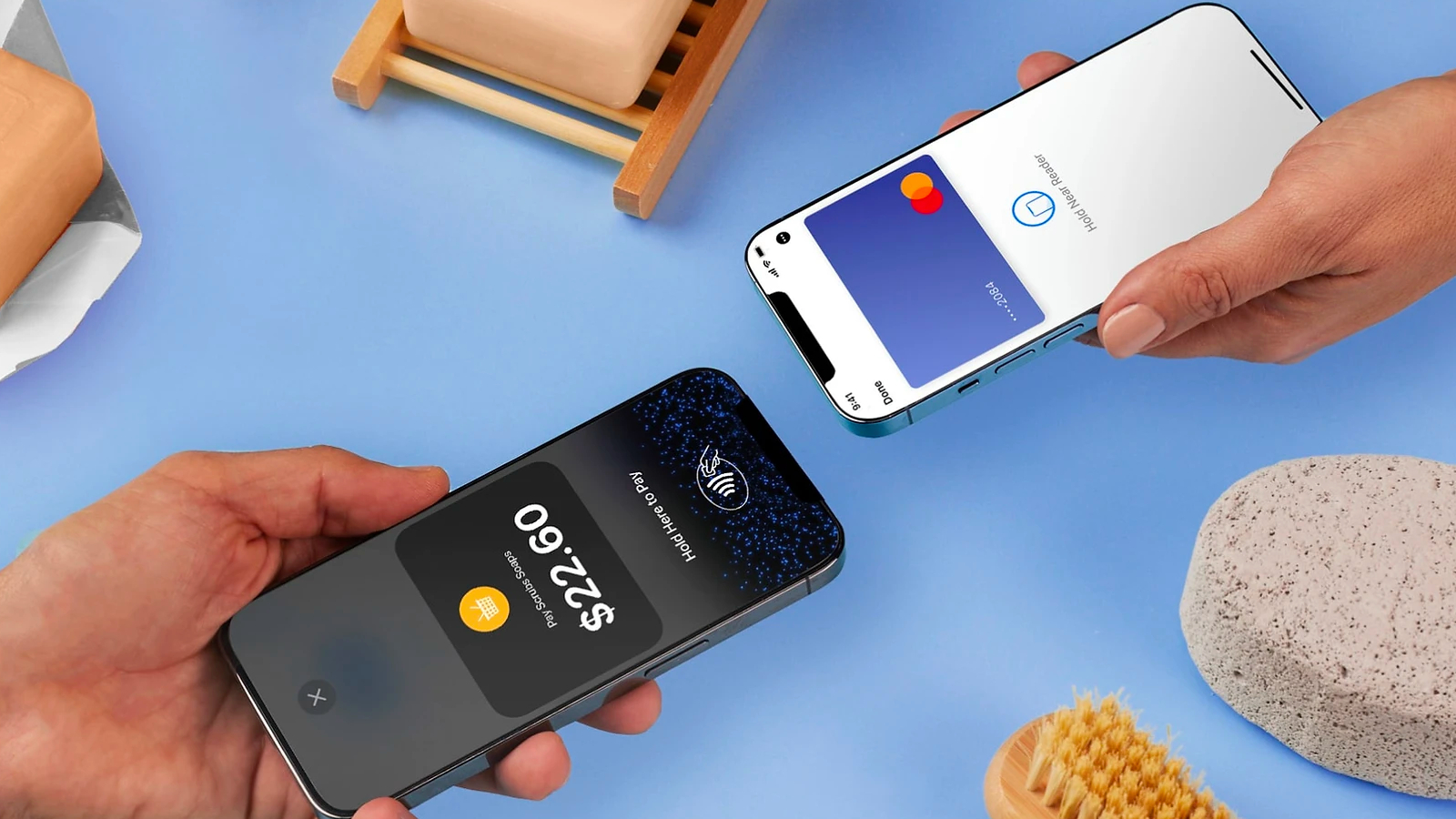
Some of Apple's retail employees have been using iPhone 14 units with Tap to Pay on iPhone, instead of a Bluetooth credit card reader affixed to the back of the device, and now the company apparently plans to go a step further.
Bloomberg's Mark Gurman today said Apple will be giving more retail employees newer iPhone 16 units to expand its in-store usage of Tap to Pay on iPhone.
"The tap-to-pay system in the iPhone 14 can sometimes be finicky and not support metal cards like American Express Platinum or Chase Sapphire Reserve," he explained. "But Apple has found that the iPhone 16 does a better job and eliminates the need for store employees to carry around the specialized terminals."
iOS 27 builds upon Tap to Pay on iPhone with a new "Tap to Share" feature.
This article, "Apple Stores to Expand Use of 'Tap to Pay on iPhone'" first appeared on MacRumors.com
Discuss this article in our forums
Some of Apple's retail employees have been using iPhone 14 units with Tap to Pay on iPhone, instead of a Bluetooth credit card reader affixed to the back of the device, and now the company apparently plans to go a step further.
Bloomberg's Mark Gurman today said Apple will be giving more retail employees newer iPhone 16 units to expand its in-store usage of Tap to Pay on iPhone.
"The tap-to-pay system in the iPhone 14 can sometimes be finicky and not support metal cards like American Express Platinum or Chase Sapphire Reserve," he explained. "But Apple has found that the iPhone 16 does a better job and eliminates the need for store employees to carry around the specialized terminals."
iOS 27 builds upon Tap to Pay on iPhone with a new "Tap to Share" feature.
This article, "Apple Stores to Expand Use of 'Tap to Pay on iPhone'" first appeared on MacRumors.com
Discuss this article in our forums
Recommended Comments
Join the conversation
You can post now and register later. If you have an account, sign in now to post with your account.