_811205.png)
_e196d8.png)
_32b3d9.png)
_1c53fe.png)

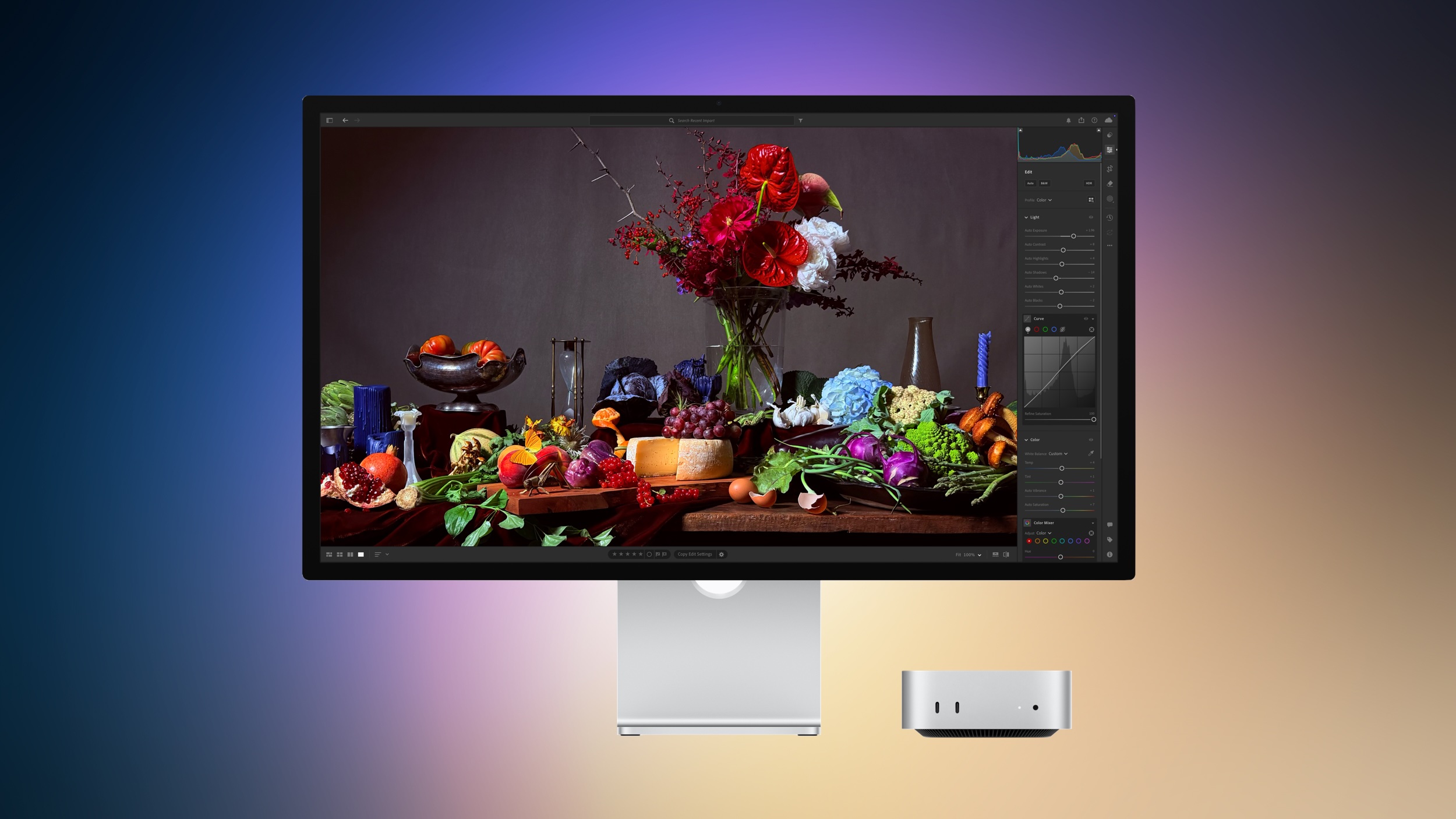
Amazon today has introduced the first big pre-order discounts on the brand new Apple Studio Display lineup, with up to $300 off these monitors. The Studio Display deals join pre-order discounts on M4 iPad Air, MacBook Neo, and more on Amazon and other retailers.
 Note: MacRumors is an affiliate partner with Amazon. When you click a link and make a purchase, we may receive a small payment, which helps us keep the site running.
There are three models of the 2026 Studio Display on sale right now, including two Nano-texture glass models and one Standard Glass model. The biggest discount is on the Nano-texture Glass Studio Display with Tilt- and Height-Adjustable Stand for $1,999.00, down from $2,299.00.
The Studio Display is a 27-inch monitor with a 5K Retina LCD display, built-in camera, speaker system, and microphone array. If you're on the hunt for more discounts, be sure to visit our Apple Deals roundup where we recap the best Apple-related bargains of the past week.
Interested in hearing more about the best deals you can find in 2026? Sign up for our Deals Newsletter and we'll keep you updated so you don't miss the biggest deals of the season!
This article, "Apple Studio Display Gets First Pre-Order Discounts at Up to $300 Off" first appeared on MacRumors.com
Discuss this article in our forums
Note: MacRumors is an affiliate partner with Amazon. When you click a link and make a purchase, we may receive a small payment, which helps us keep the site running.
There are three models of the 2026 Studio Display on sale right now, including two Nano-texture glass models and one Standard Glass model. The biggest discount is on the Nano-texture Glass Studio Display with Tilt- and Height-Adjustable Stand for $1,999.00, down from $2,299.00.
The Studio Display is a 27-inch monitor with a 5K Retina LCD display, built-in camera, speaker system, and microphone array. If you're on the hunt for more discounts, be sure to visit our Apple Deals roundup where we recap the best Apple-related bargains of the past week.
Deals Newsletter
Interested in hearing more about the best deals you can find in 2026? Sign up for our Deals Newsletter and we'll keep you updated so you don't miss the biggest deals of the season!
Related Roundup: Apple Deals
This article, "Apple Studio Display Gets First Pre-Order Discounts at Up to $300 Off" first appeared on MacRumors.com
Discuss this article in our forums
Recommended Comments
Join the conversation
You can post now and register later. If you have an account, sign in now to post with your account.