_811205.png)
_e196d8.png)
_32b3d9.png)
_1c53fe.png)

The Connectivity Standards Alliance, which includes Apple, today released the Aliro 1.0 specification. Aliro is a new standard aimed at improving the way that smart door locks work with smartphones and wearables.
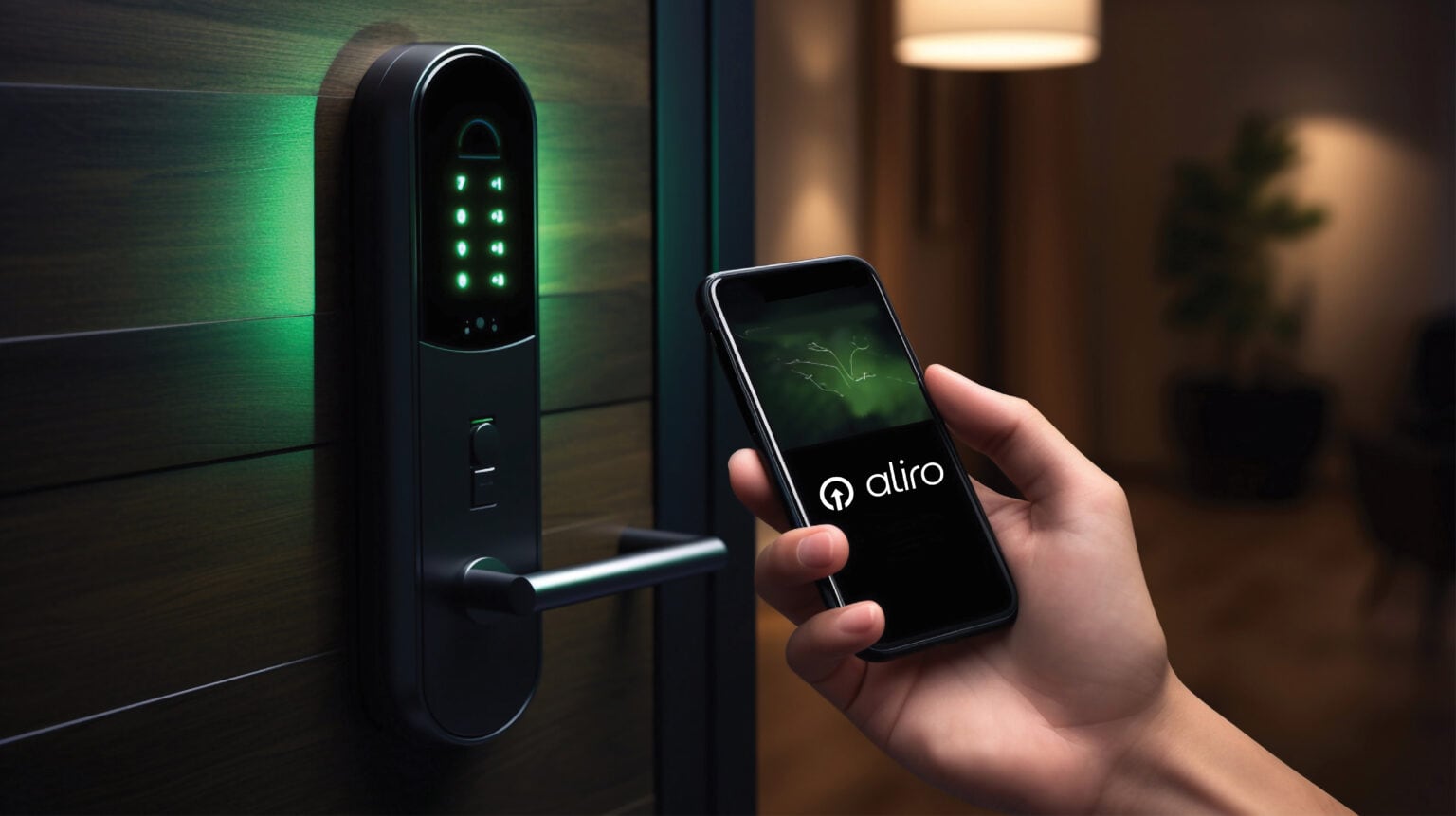
Aliro supports interoperability between mobile devices, wearables, and access control readers, so smart locks can work with any smartphone or wearable device without the need for a dedicated app. It is aimed at improving smart locks for the home, but also for corporate offices, universities, and hotels.
Apple, Google, and Samsung support Aliro, and Aliro-enabled locks will be able to be added to wallet apps on iPhone and Android devices. Major smart home companies that produce smart locks have also signed on to support Aliro. The Alliance says that Apple, Allegion, Aqara, Google, HID, Kastle, Kwikset, Last Lock, Nordic Semiconductor, Nuki Home Solutions, NXP Semiconductors, Qorvo, Samsung, and STMicroelectronics will be among the first to achieve Aliro 1.0 certification.
With Aliro, more smart locks should support Apple Home Key for hands-free unlocking with NFC and UWB.
The Aliro 1.0 specification includes a framework for using asymmetric cryptography for secure interactions between user devices and readers, without sacrificing user privacy. It supports multiple communication methods, including NFC, Bluetooth LE, and ultra wideband (UWB).
Aliro will be updated over time to meet new market and ecosystem requirements. Features like secure key sharing will come in the future.
This article, "Apple-Supported Aliro 1.0 Smart Lock Standard Officially Released" first appeared on MacRumors.com
Discuss this article in our forums
Aliro supports interoperability between mobile devices, wearables, and access control readers, so smart locks can work with any smartphone or wearable device without the need for a dedicated app. It is aimed at improving smart locks for the home, but also for corporate offices, universities, and hotels.
Apple, Google, and Samsung support Aliro, and Aliro-enabled locks will be able to be added to wallet apps on iPhone and Android devices. Major smart home companies that produce smart locks have also signed on to support Aliro. The Alliance says that Apple, Allegion, Aqara, Google, HID, Kastle, Kwikset, Last Lock, Nordic Semiconductor, Nuki Home Solutions, NXP Semiconductors, Qorvo, Samsung, and STMicroelectronics will be among the first to achieve Aliro 1.0 certification.
With Aliro, more smart locks should support Apple Home Key for hands-free unlocking with NFC and UWB.
The Aliro 1.0 specification includes a framework for using asymmetric cryptography for secure interactions between user devices and readers, without sacrificing user privacy. It supports multiple communication methods, including NFC, Bluetooth LE, and ultra wideband (UWB).
Aliro will be updated over time to meet new market and ecosystem requirements. Features like secure key sharing will come in the future.
Tag: Aliro
This article, "Apple-Supported Aliro 1.0 Smart Lock Standard Officially Released" first appeared on MacRumors.com
Discuss this article in our forums
Recommended Comments
Join the conversation
You can post now and register later. If you have an account, sign in now to post with your account.