_811205.png)
_e196d8.png)
_32b3d9.png)
_1c53fe.png)

Apple today announced a new Education Hub in Bengaluru as part of an expanded effort to provide technical training and skills development for employees across its supply chain in India.
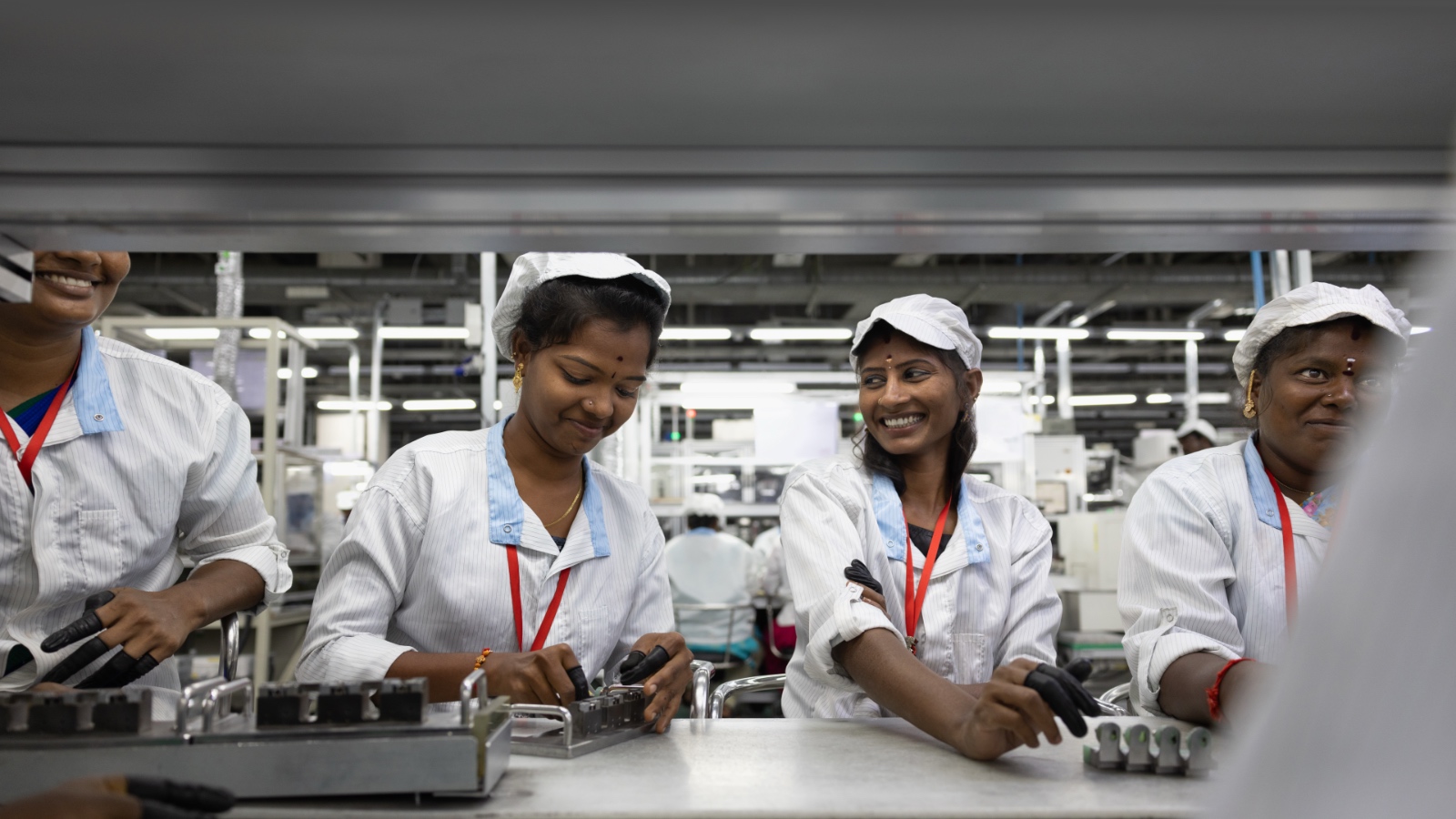
Apple said the new Apple Education Hub in Bengaluru will serve as a centralized training and coordination facility for supplier employees in India, marking the company's first education hub of its kind in the country. The hub will begin offering courses in March and operates in collaboration with Manipal Academy of Higher Education, which will provide faculty and curriculum support focused initially on digital literacy and Swift programming.
In parallel with the Bengaluru hub, Apple is broadening its suite of development courses at more than 25 supplier facilities across the country. The updated curriculum will be introduced starting with Tata Electronics and is designed to cover digital literacy, Swift coding, robotics, automation technology, and smart manufacturing practices. Apple said these offerings are funded through its global $50 million Supplier Employee Development Fund, which supports education and skills training initiatives across the company's supply chain.
The company said the new courses build on an existing portfolio of more than 75 programs currently available to supplier employees in India. The offerings span technical skills, professional development, health education, and rights awareness training, which Apple says are designed to ensure workers are informed about workplace standards and protections. Apple works with international organizations and local partners to deliver these programs.
Apple's expanded training effort also includes plans to scale its robotics education program, which launched in India in December 2024. The initiative focuses on training factory educators in dedicated robotics labs, after which those educators adapt the material and conduct hands-on sessions within their own facilities. Apple said it plans to extend the robotics program to additional supplier sites in India later this year.
Apple also announced plans to grow its Vocational Education for Persons with Disabilities program in India. The program recently launched with Salcomp and seeks to provide employment and professional development opportunities for people with disabilities within Apple's supply chain, as well as improve safety, accessibility, and inclusivity practices at manufacturing facilities. To date, the program has supported more than 18,000 supplier employees around the world and builds on Apple's partnership with Enable India.
This article, "Apple Teaching Swift and Robotics Across Its India Supply Chain" first appeared on MacRumors.com
Discuss this article in our forums
Apple said the new Apple Education Hub in Bengaluru will serve as a centralized training and coordination facility for supplier employees in India, marking the company's first education hub of its kind in the country. The hub will begin offering courses in March and operates in collaboration with Manipal Academy of Higher Education, which will provide faculty and curriculum support focused initially on digital literacy and Swift programming.
In parallel with the Bengaluru hub, Apple is broadening its suite of development courses at more than 25 supplier facilities across the country. The updated curriculum will be introduced starting with Tata Electronics and is designed to cover digital literacy, Swift coding, robotics, automation technology, and smart manufacturing practices. Apple said these offerings are funded through its global $50 million Supplier Employee Development Fund, which supports education and skills training initiatives across the company's supply chain.
The same spirit of innovation that drives our products also guides our commitment to supporting people across our global supply chain. We are thrilled to expand our technical training courses in India, giving thousands of employees the opportunity to learn valuable new skills and explore new paths for career growth.
The company said the new courses build on an existing portfolio of more than 75 programs currently available to supplier employees in India. The offerings span technical skills, professional development, health education, and rights awareness training, which Apple says are designed to ensure workers are informed about workplace standards and protections. Apple works with international organizations and local partners to deliver these programs.
Apple's expanded training effort also includes plans to scale its robotics education program, which launched in India in December 2024. The initiative focuses on training factory educators in dedicated robotics labs, after which those educators adapt the material and conduct hands-on sessions within their own facilities. Apple said it plans to extend the robotics program to additional supplier sites in India later this year.
Apple also announced plans to grow its Vocational Education for Persons with Disabilities program in India. The program recently launched with Salcomp and seeks to provide employment and professional development opportunities for people with disabilities within Apple's supply chain, as well as improve safety, accessibility, and inclusivity practices at manufacturing facilities. To date, the program has supported more than 18,000 supplier employees around the world and builds on Apple's partnership with Enable India.
Tag: India
This article, "Apple Teaching Swift and Robotics Across Its India Supply Chain" first appeared on MacRumors.com
Discuss this article in our forums
Recommended Comments
Join the conversation
You can post now and register later. If you have an account, sign in now to post with your account.