_811205.png)
_e196d8.png)
_32b3d9.png)
_1c53fe.png)

Apple this week revealed its annual New Year Sale in Japan, offering Apple Gift Cards worth up to ¥38,000 alongside a free limited-edition AirTag for qualifying iPhone purchases.
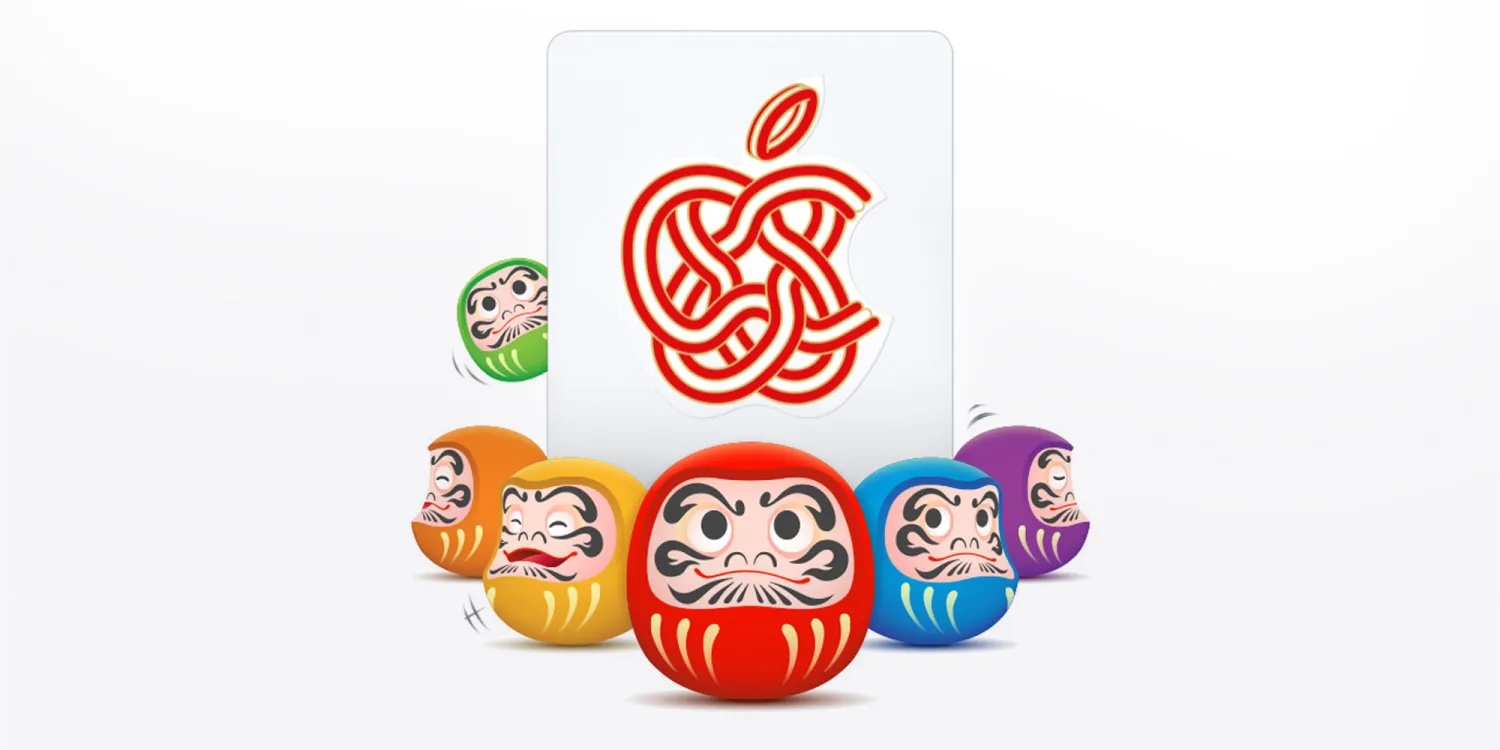
The AirTag features a special engraving of a Daruma, a traditional Japanese talisman commonly associated with perseverance, good fortune, and the achievement of goals. The AirTag offer is limited to 65,000 units in total and will be distributed on a first-come, first-served basis.
Customers can receive gift cards worth up to ¥12,000 for eligible iPhone purchases, up to ¥38,000 for Mac purchases, and up to ¥15,000 for iPad purchases. Apple Watch purchases qualify for gift cards worth up to ¥8,000, while AirPods purchases are eligible for gift cards valued at up to ¥12,000.
The promotion will run from January 2 through January 5 and is available through Apple retail stores and the Apple Online Store in Japan. The New Year Sale has become a recurring annual event for Apple in Japan, where holiday retail traditions differ from those in the United States and Europe.
This article, "Apple to Give Away Free Limited-Edition AirTag in Japan" first appeared on MacRumors.com
Discuss this article in our forums
The AirTag features a special engraving of a Daruma, a traditional Japanese talisman commonly associated with perseverance, good fortune, and the achievement of goals. The AirTag offer is limited to 65,000 units in total and will be distributed on a first-come, first-served basis.
だるまAirTagかわいいな
— Noric2025 (@Noric2014) December 26, 2025
>>
Appleの初売り
また、初売り限定の特別バージョンとして、Daruma(だるま)をあしらったAirTagも登場。対象のiPhone 16、iPhone 16 Plus、iPhone 16eを購入した先着6万5000名にプレゼントされます。#Apple #Apple初売り pic.twitter.com/TYpXqwYRla
Customers can receive gift cards worth up to ¥12,000 for eligible iPhone purchases, up to ¥38,000 for Mac purchases, and up to ¥15,000 for iPad purchases. Apple Watch purchases qualify for gift cards worth up to ¥8,000, while AirPods purchases are eligible for gift cards valued at up to ¥12,000.
The promotion will run from January 2 through January 5 and is available through Apple retail stores and the Apple Online Store in Japan. The New Year Sale has become a recurring annual event for Apple in Japan, where holiday retail traditions differ from those in the United States and Europe.
Tag: Japan
This article, "Apple to Give Away Free Limited-Edition AirTag in Japan" first appeared on MacRumors.com
Discuss this article in our forums
Recommended Comments
Join the conversation
You can post now and register later. If you have an account, sign in now to post with your account.