_811205.png)
_e196d8.png)
_32b3d9.png)
_1c53fe.png)

In an email to developers this week, Apple indicated that it will begin showing additional ads in App Store search results starting Tuesday, March 3.
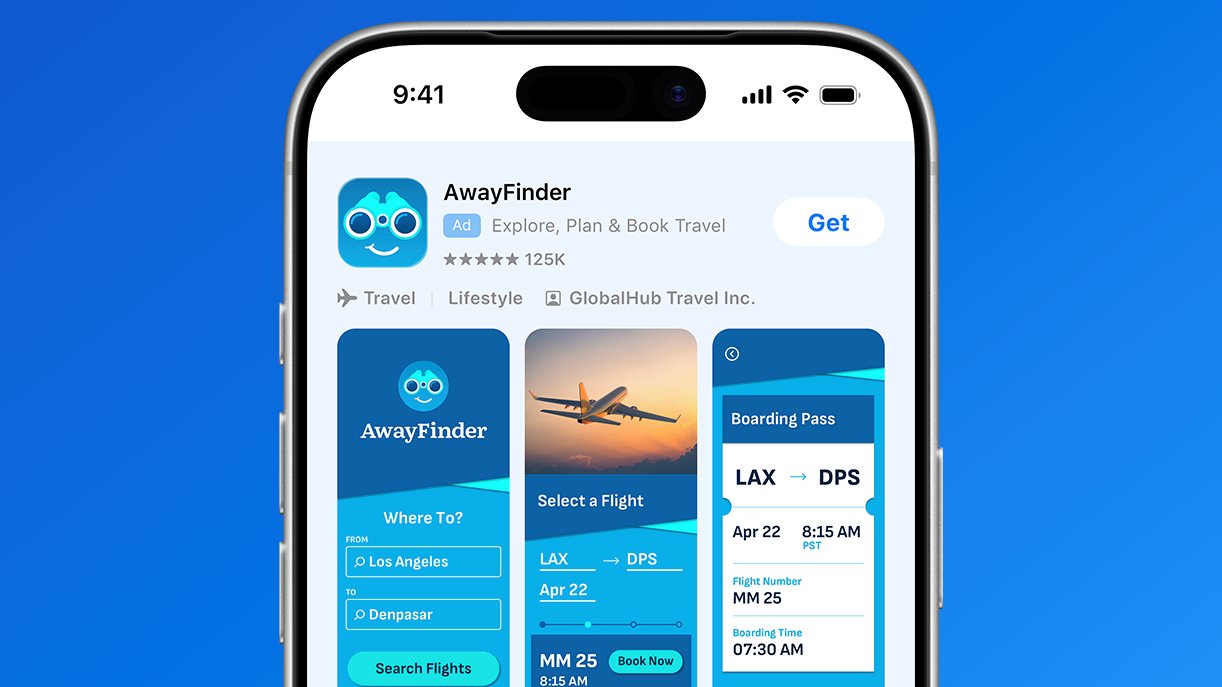
The extra ads will first appear in the App Store in the U.K. and Japan, followed by other markets like the U.S. by the end of March, according to Apple.
Apple first announced that it would be expanding the number of ad slots in the App Store search results last month, but it had not provided an exact date for the change until now. Currently, developers can only pay to have an app appear in a single slot at the top of the search results, but Apple said there will now be multiple slots further down.
Apple shared more details on its website:
Ads are also shown in the App Store's "Today" tab, in a "You Might Also Like" section at the bottom of individual app listings, and in the search tab's "Suggested" section. Apple rebranded its "Search Ads" business as "Apple Ads" last year, as it reportedly prepares to begin showing ads in more places, such as Apple Maps.
This article, "Apple to Show More Ads in App Store Starting in March" first appeared on MacRumors.com
Discuss this article in our forums
The extra ads will first appear in the App Store in the U.K. and Japan, followed by other markets like the U.S. by the end of March, according to Apple.
Apple first announced that it would be expanding the number of ad slots in the App Store search results last month, but it had not provided an exact date for the change until now. Currently, developers can only pay to have an app appear in a single slot at the top of the search results, but Apple said there will now be multiple slots further down.
Apple shared more details on its website:
Search is the way most people find and download apps on the App Store, with nearly 65 percent of downloads happening directly after a search. To help give advertisers more opportunities to drive downloads from search results, Apple Ads will introduce additional ads across search queries. The additional ads will roll out in phases, appearing across all markets by the end of March. You don't need to change your campaign in order to be eligible for any new positions. Your ad will run in either the existing position — at the top of search results — or further down in search results. If you have a search results campaign running, your ad will be automatically eligible for all available positions, but you can't select or bid for a particular one.The extra ad slots will be visible on iPhone and iPad devices running iOS 26.2 or iPadOS 26.2 and later. Apps with paid placement have an "Ad" label.
Ads are also shown in the App Store's "Today" tab, in a "You Might Also Like" section at the bottom of individual app listings, and in the search tab's "Suggested" section. Apple rebranded its "Search Ads" business as "Apple Ads" last year, as it reportedly prepares to begin showing ads in more places, such as Apple Maps.
This article, "Apple to Show More Ads in App Store Starting in March" first appeared on MacRumors.com
Discuss this article in our forums
Recommended Comments
Join the conversation
You can post now and register later. If you have an account, sign in now to post with your account.