_811205.png)
_e196d8.png)
_32b3d9.png)
_1c53fe.png)

Apple today introduced a new iPad Air, with key upgrades including the M4 chip, an increased 12GB of RAM, an N1 chip for Wi-Fi 7, and a C1X cellular modem.
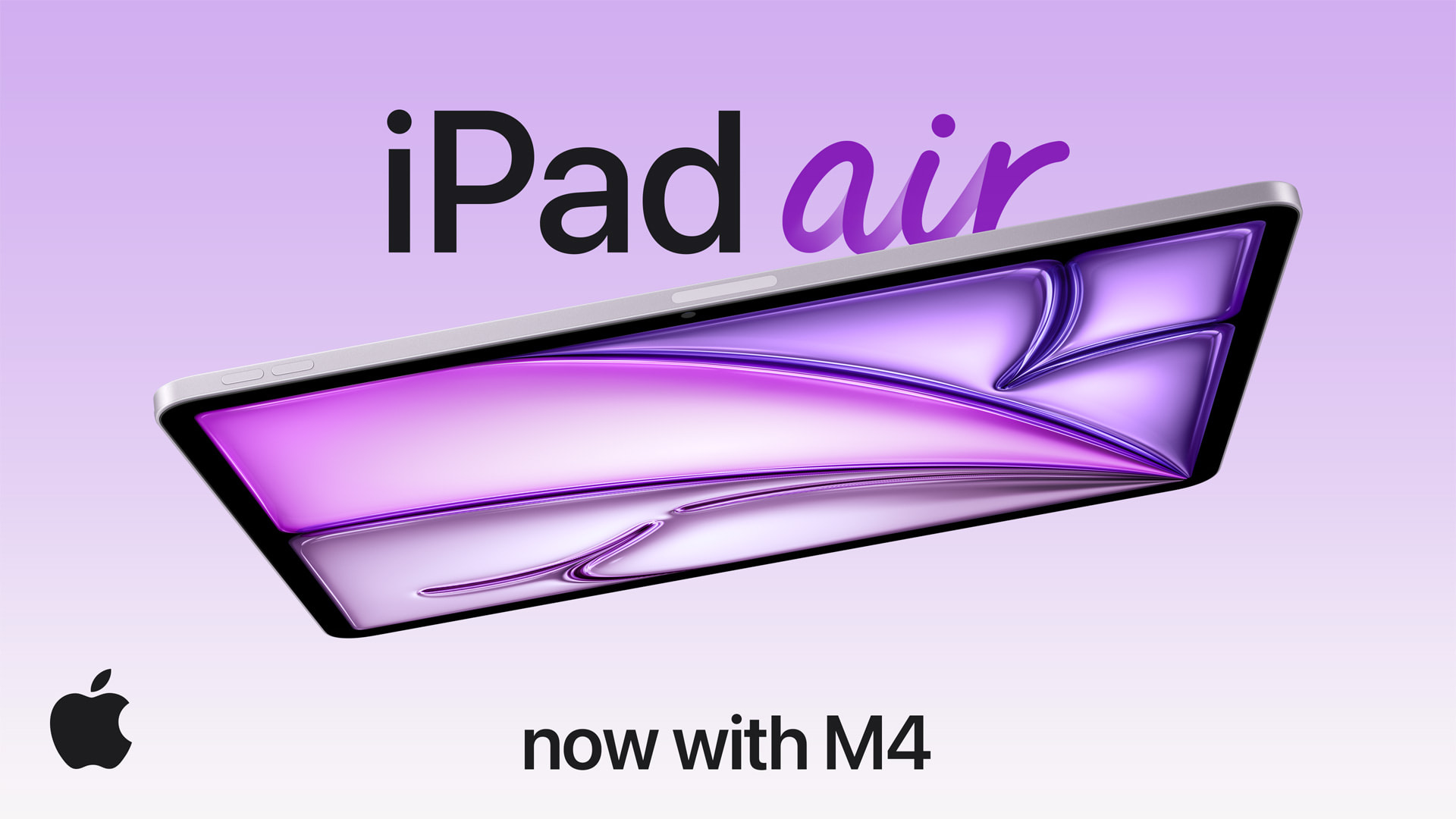
While the new iPad Air features upgraded specs, the device has the same overall external design as the previous-generation model.
The new iPad Air can be pre-ordered on Apple.com and in the Apple Store app starting Wednesday, March 4, with availability set to begin Wednesday, March 11. In the U.S., pricing continues to start at $599 for the 11-inch model, and at $799 for the 13-inch model. Color options remain Blue, Purple, Starlight, and Space Gray.
This article, "Apple Unveils iPad Air With M4 Chip, Increased RAM, Wi-Fi 7, and More" first appeared on MacRumors.com
Discuss this article in our forums
While the new iPad Air features upgraded specs, the device has the same overall external design as the previous-generation model.
The new iPad Air can be pre-ordered on Apple.com and in the Apple Store app starting Wednesday, March 4, with availability set to begin Wednesday, March 11. In the U.S., pricing continues to start at $599 for the 11-inch model, and at $799 for the 13-inch model. Color options remain Blue, Purple, Starlight, and Space Gray.
Related Roundup: iPad Air
Buyer's Guide: iPad Air (Don't Buy)
Related Forum: iPad
This article, "Apple Unveils iPad Air With M4 Chip, Increased RAM, Wi-Fi 7, and More" first appeared on MacRumors.com
Discuss this article in our forums
Recommended Comments
Join the conversation
You can post now and register later. If you have an account, sign in now to post with your account.