_811205.png)
_e196d8.png)
_32b3d9.png)
_1c53fe.png)

Apple today introduced the next-generation AirTag, with key features including longer range for tracking items and a louder speaker.
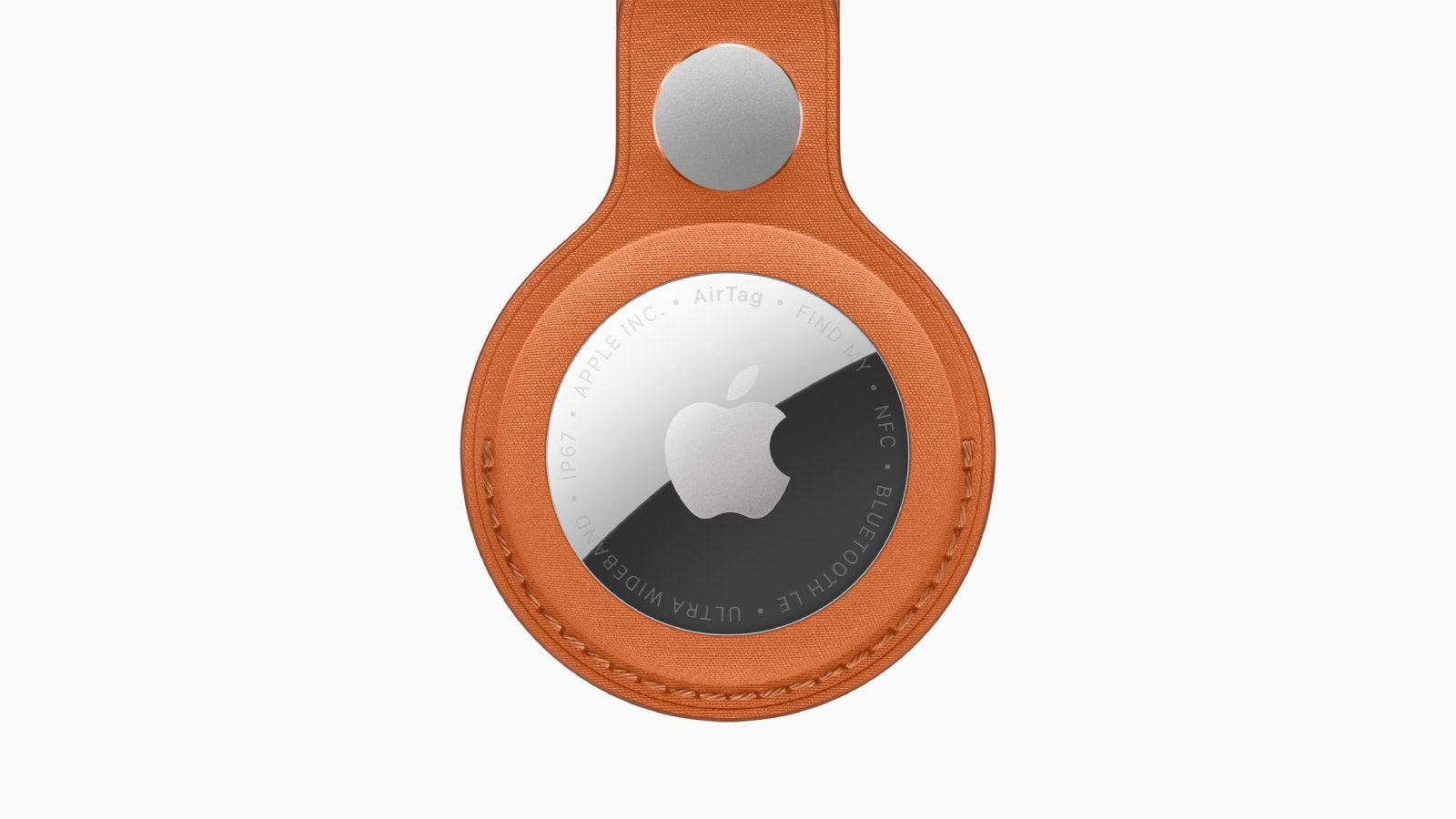
With the new AirTag, Apple says the Precision Finding feature works up to 50% farther away from an item compared to the previous-generation model. The new AirTag also features an upgraded Bluetooth chip for improved overall range.
An updated internal design results in the new AirTag having a 50% louder speaker compared to the previous-generation model, according to Apple.
The new AirTag is available to order on Apple.com and in the Apple Store app starting today, and it will be available at Apple Store locations later this week. In the U.S., pricing remains set at $29 for an individual AirTag, while a four pack continues to cost $99.
This article, "Apple Unveils New AirTag With Longer Range, Louder Speaker, and More" first appeared on MacRumors.com
Discuss this article in our forums
With the new AirTag, Apple says the Precision Finding feature works up to 50% farther away from an item compared to the previous-generation model. The new AirTag also features an upgraded Bluetooth chip for improved overall range.
An updated internal design results in the new AirTag having a 50% louder speaker compared to the previous-generation model, according to Apple.
The new AirTag is available to order on Apple.com and in the Apple Store app starting today, and it will be available at Apple Store locations later this week. In the U.S., pricing remains set at $29 for an individual AirTag, while a four pack continues to cost $99.
Tag: AirTag
This article, "Apple Unveils New AirTag With Longer Range, Louder Speaker, and More" first appeared on MacRumors.com
Discuss this article in our forums
Recommended Comments
Join the conversation
You can post now and register later. If you have an account, sign in now to post with your account.