_811205.png)
_e196d8.png)
_32b3d9.png)
_1c53fe.png)

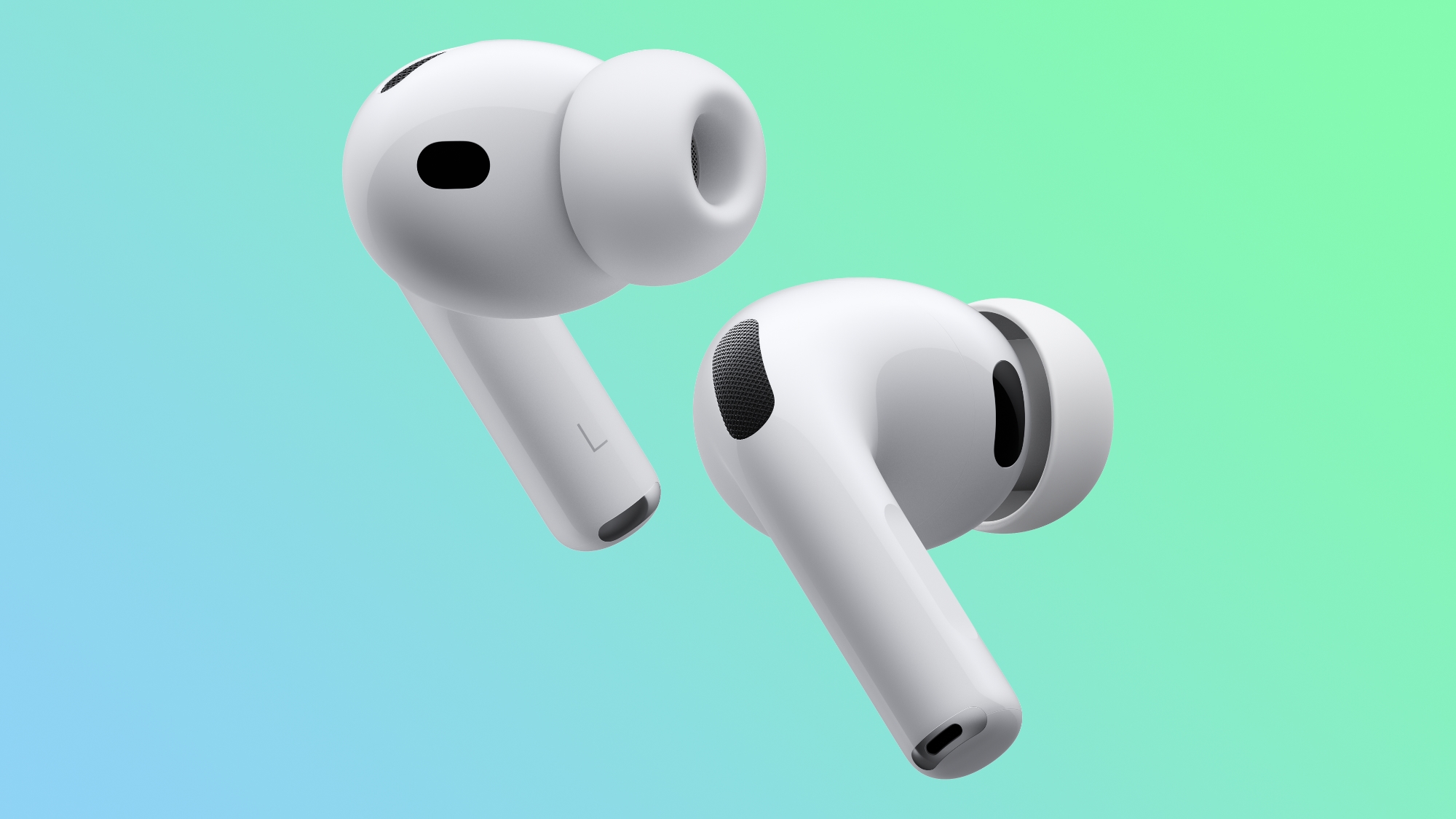
AirPods Pro 3 demand was so strong after they launched in September last year that Apple's CEO Tim Cook said the company was caught off guard.
"AirPods Pro 3 were supply-constrained during the quarter, and we think we would have grown year over year if we would not have been constrained," Cook told The Wall Street Journal, in a report published alongside Apple's record-breaking earnings results for the fourth quarter of the 2025 calendar year.
AirPods Pro 3 no longer have any extended delivery delays on Apple's online store, so it would appear that Apple has caught up on supply by now.
AirPods Pro 3 feature increased active noise cancellation, improved sound quality, longer battery life per charge, heart rate monitoring during workouts, improved fit for many users, increased water resistance, a new XXS ear tip size, and more.
This article, "Apple Was Caught Off Guard by AirPods Pro 3 Popularity" first appeared on MacRumors.com
Discuss this article in our forums
"AirPods Pro 3 were supply-constrained during the quarter, and we think we would have grown year over year if we would not have been constrained," Cook told The Wall Street Journal, in a report published alongside Apple's record-breaking earnings results for the fourth quarter of the 2025 calendar year.
AirPods Pro 3 no longer have any extended delivery delays on Apple's online store, so it would appear that Apple has caught up on supply by now.
AirPods Pro 3 feature increased active noise cancellation, improved sound quality, longer battery life per charge, heart rate monitoring during workouts, improved fit for many users, increased water resistance, a new XXS ear tip size, and more.
Related Roundup: AirPods Pro 3
Buyer's Guide: AirPods Pro (Buy Now)
Related Forum: AirPods
This article, "Apple Was Caught Off Guard by AirPods Pro 3 Popularity" first appeared on MacRumors.com
Discuss this article in our forums
Recommended Comments
Join the conversation
You can post now and register later. If you have an account, sign in now to post with your account.