_811205.png)
_e196d8.png)
_32b3d9.png)
_1c53fe.png)

Apple today launched its atrial fibrillation history feature for Apple Watch in mainland China.
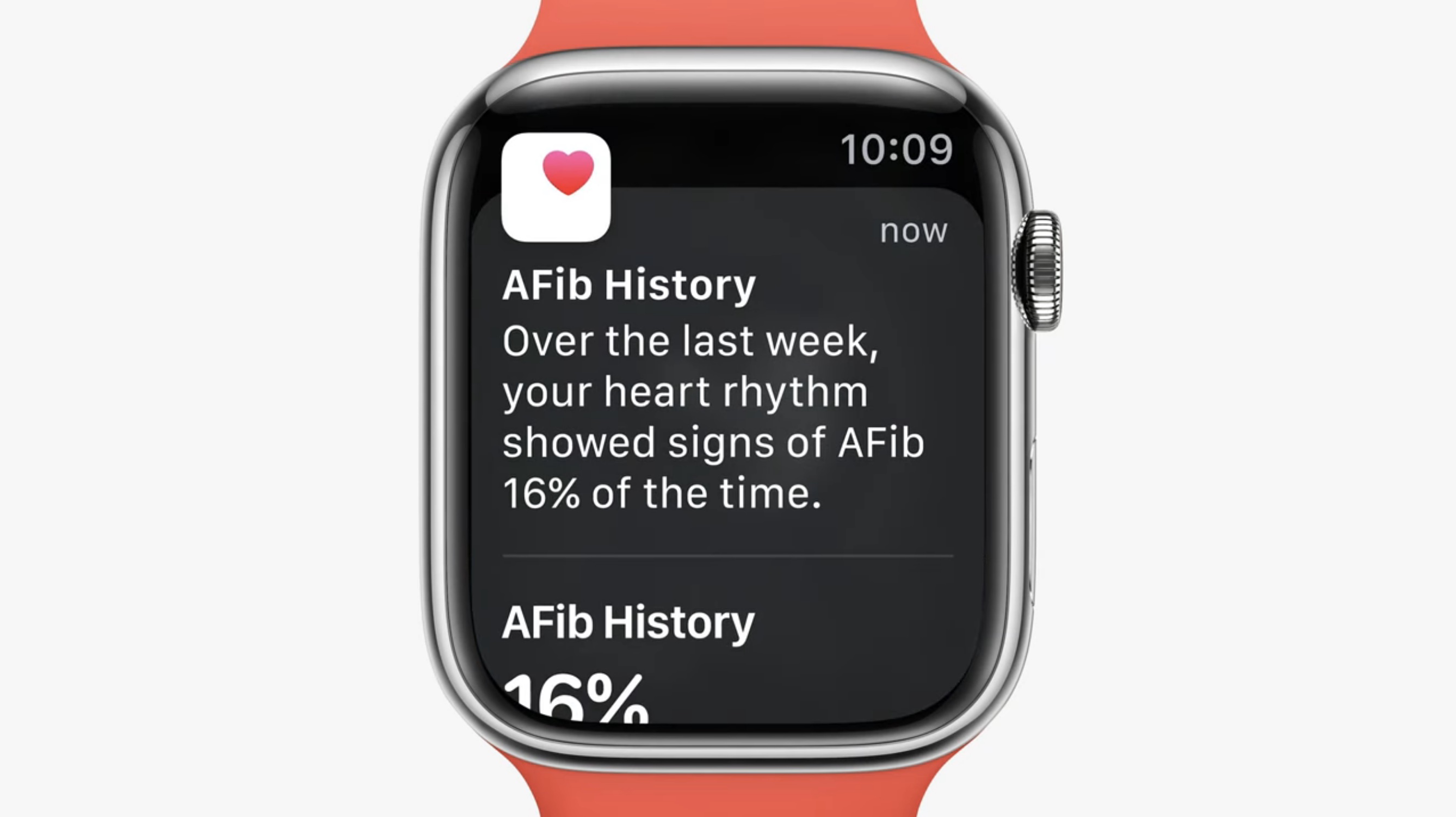
Since 2022, Apple Watch in the U.S. has supported AFib History, which allows users diagnosed with atrial fibrillation to view an estimate of how frequently their heart is in this type of irregular rhythm.
The feature analyzes pulse rate data collected by a photoplethysmography (PPG) sensor to identify episodes consistent with AFib and provides the user with a retrospective estimate of AFib burden (a measure of the amount of time spent in AFib during past Apple Watch wear). Apple says the feature is intended for individuals aged 22 years or older who have been diagnosed with atrial fibrillation by a physician.
Capabilities like ECG and AFib tracking are typically classified as medical or quasi-medical functions, requiring approval from China's National Medical Products Administration (NMPA), hence the delayed launch.
ECG, Irregular Heart Rhythm Notifications, and AFib History are features that can be used by Apple Watch owners in over 150 countries worldwide. Apple maintains a dedicated list of Apple Watch feature availability on its website.
This article, "Apple Watch AFib History Feature Launches in Mainland China" first appeared on MacRumors.com
Discuss this article in our forums
Since 2022, Apple Watch in the U.S. has supported AFib History, which allows users diagnosed with atrial fibrillation to view an estimate of how frequently their heart is in this type of irregular rhythm.
The feature analyzes pulse rate data collected by a photoplethysmography (PPG) sensor to identify episodes consistent with AFib and provides the user with a retrospective estimate of AFib burden (a measure of the amount of time spent in AFib during past Apple Watch wear). Apple says the feature is intended for individuals aged 22 years or older who have been diagnosed with atrial fibrillation by a physician.
Capabilities like ECG and AFib tracking are typically classified as medical or quasi-medical functions, requiring approval from China's National Medical Products Administration (NMPA), hence the delayed launch.
ECG, Irregular Heart Rhythm Notifications, and AFib History are features that can be used by Apple Watch owners in over 150 countries worldwide. Apple maintains a dedicated list of Apple Watch feature availability on its website.
Related Roundup: Apple Watch 11
Tag: China
Buyer's Guide: Apple Watch (Neutral)
This article, "Apple Watch AFib History Feature Launches in Mainland China" first appeared on MacRumors.com
Discuss this article in our forums
Recommended Comments
Join the conversation
You can post now and register later. If you have an account, sign in now to post with your account.