_811205.png)
_e196d8.png)
_32b3d9.png)
_1c53fe.png)

Advanced display panels destined for Apple's first foldable iPhone are reportedly nearing mass production.
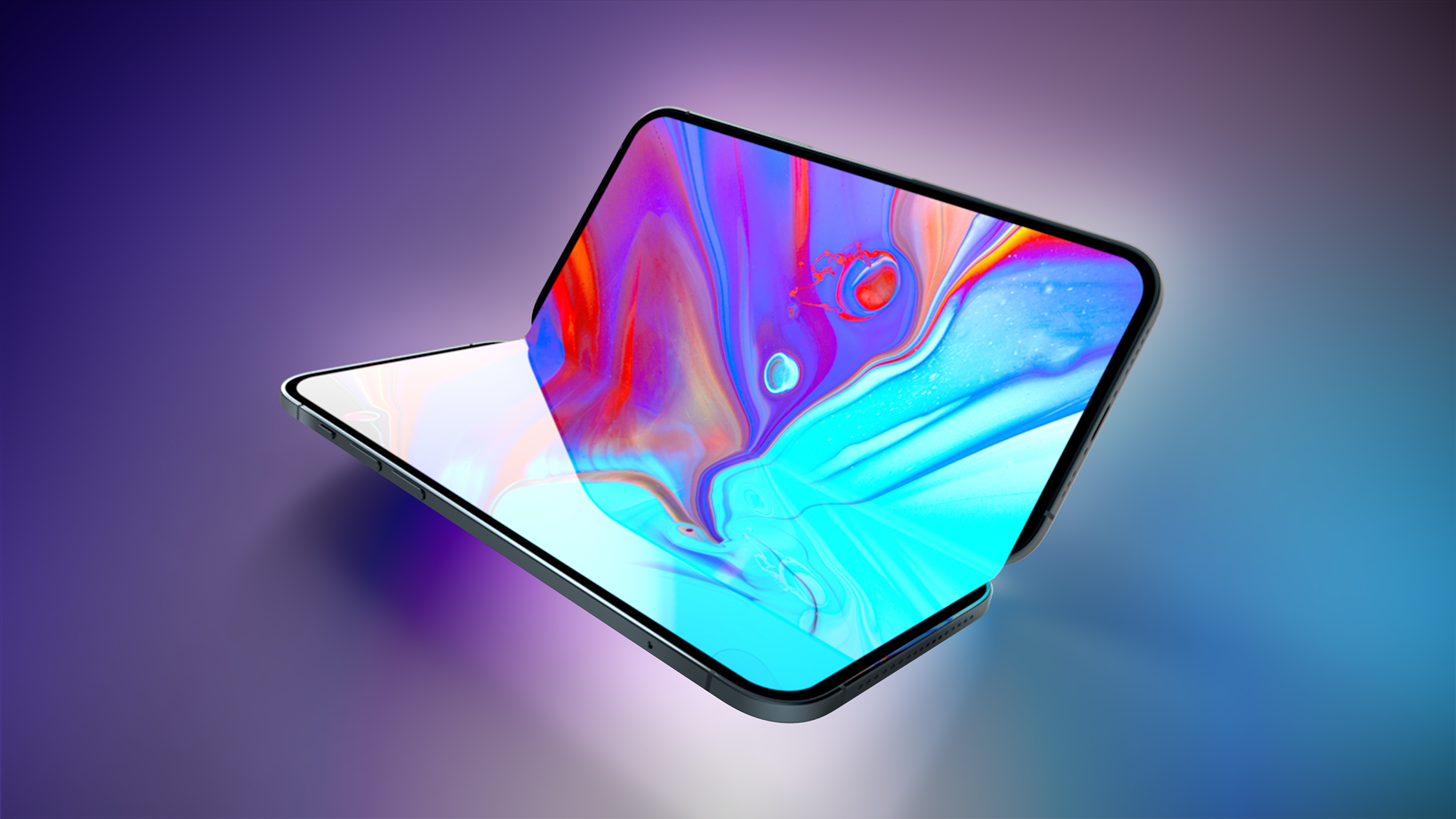
The Weibo leaker known as "Instant Digital" today said that Samsung Display is set to begin mass production of OLED panels for the first foldable iPhone in May 2026. Meanwhile, the user "Fixed Focus Digital" claims that the foldable iPhone's screen may be flatter than many of the existing foldable devices currently on sale, suggesting that Apple has largely solved the crease problem.
Previous reports have variously described the Samsung panel as as being "virtually crease free" and having "no crease at all." Bloomberg's Mark Gurman claims that the new display technology Apple is using reduces the crease without eliminating it entirely, but the result is "not perfect."
Rumors suggest that Apple's first foldable iPhone will feature a 7.8-inch crease-free inner display, a 5.5-inch cover display, Touch ID, two rear cameras, the A20 chip, and the "C2" modem. It is expected to launch alongside the iPhone 18 Pro and iPhone 18 Pro Max in the fall. Production will almost certainly ramp up as we approach that time of year.
This article, "Apple's First Foldable Displays Nearing Mass Production" first appeared on MacRumors.com
Discuss this article in our forums
The Weibo leaker known as "Instant Digital" today said that Samsung Display is set to begin mass production of OLED panels for the first foldable iPhone in May 2026. Meanwhile, the user "Fixed Focus Digital" claims that the foldable iPhone's screen may be flatter than many of the existing foldable devices currently on sale, suggesting that Apple has largely solved the crease problem.
Previous reports have variously described the Samsung panel as as being "virtually crease free" and having "no crease at all." Bloomberg's Mark Gurman claims that the new display technology Apple is using reduces the crease without eliminating it entirely, but the result is "not perfect."
Rumors suggest that Apple's first foldable iPhone will feature a 7.8-inch crease-free inner display, a 5.5-inch cover display, Touch ID, two rear cameras, the A20 chip, and the "C2" modem. It is expected to launch alongside the iPhone 18 Pro and iPhone 18 Pro Max in the fall. Production will almost certainly ramp up as we approach that time of year.
This article, "Apple's First Foldable Displays Nearing Mass Production" first appeared on MacRumors.com
Discuss this article in our forums
Recommended Comments
Join the conversation
You can post now and register later. If you have an account, sign in now to post with your account.