_811205.png)
_e196d8.png)
_32b3d9.png)
_1c53fe.png)

Apple's next iPad mini will apparently be the first iPad with a water-resistant design, and the tablet is now expected to arrive by October.
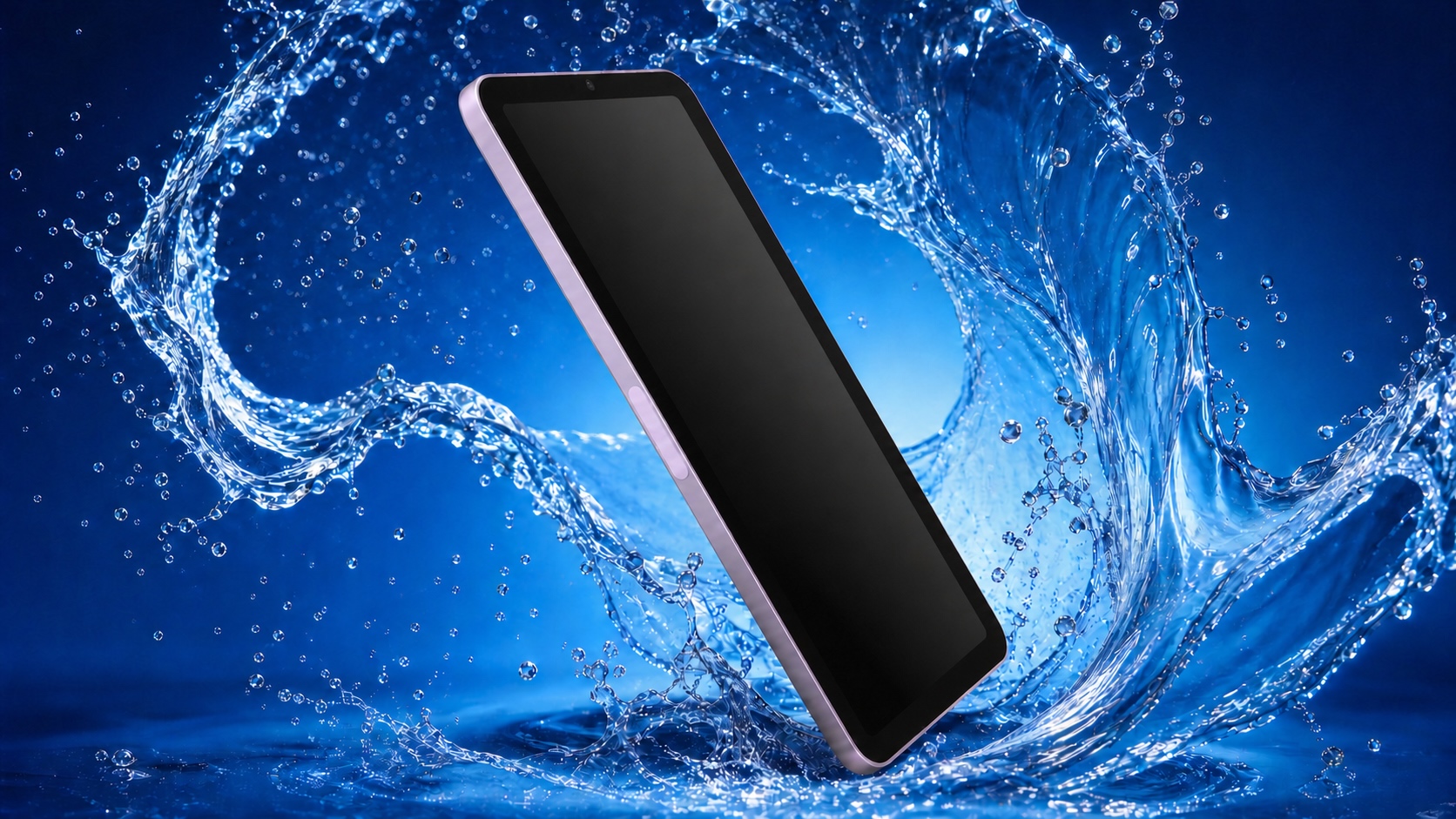
Bloomberg's Mark Gurman reported last year that Apple is working on an updated casing that offers protection comparable to the iPhone, making the iPad mini safe for casual use in wet environments like a bathroom or a pool area. No iPad currently carries an official water resistance rating, and Apple does not consider the existing models safe to get wet.
To achieve this, Apple has reportedly designed a vibration-based speaker system that removes the need for traditional speaker holes. Sound would instead emit from flat surfaces on the tablet's chassis, effectively turning parts of the body into a speaker diaphragm and eliminating one of the main routes through which water and dust enter a device.
The approach differs from the method Apple uses on the iPhone, which relies on adhesives and gaskets to seal speaker openings and other ingress points. It is not yet known what IP rating the iPad mini will carry. The iPhone is rated IP68 and can withstand submersion in water up to six meters deep for 30 minutes.
Apple has been building toward the technology for some time. A 2014 patent from the company describes a "mechanically actuated panel acoustic system" that vibrates flat panels to generate sound, negating the need for speaker grilles altogether.
A sealed design would also close one of the everyday gaps between the iPad mini and dedicated e-readers. Devices like the Kindle Paperwhite and Kobo Libra Color are rated to survive immersion, and the ability to read in the bath or by the pool has long been one of the practical advantages they hold over Apple's smallest tablet.
Gurman recently said that Apple plans to release the new iPad mini by October. Korean outlet ETNews reported in June that Samsung Display had begun mass production of OLED panels for the device, lending weight to a launch in that window.
Water resistance is one of at least four major changes expected this year. The switch to OLED will make the mini the second iPad line to adopt the technology after the iPad Pro, delivering higher contrast, true blacks, and better power efficiency than the LCD screen in the iPad mini 7. A Korean source claimed earlier this month that the panel is an 8.4-inch LTPS design clocked at 60Hz, which would rule out ProMotion.
Apple is also reportedly planning a "major processor leap" for the tablet. Code accidentally published by Apple pointed to the A19 Pro chip used in the iPhone Air, while other evidence in a macOS kernel debug kit suggests the device will use the unreleased A20 Pro.
Apple last updated the iPad mini in October 2024 with the A17 Pro chip and Apple Intelligence support. The tablet now starts at $599 following the company's sweeping price increases in June, and Gurman previously suggested the OLED model could command up to $100 more, though that estimate predated the June rises.
This article, "Apple's First Water-Resistant iPad to Launch Later This Year" first appeared on MacRumors.com
Discuss this article in our forums
Bloomberg's Mark Gurman reported last year that Apple is working on an updated casing that offers protection comparable to the iPhone, making the iPad mini safe for casual use in wet environments like a bathroom or a pool area. No iPad currently carries an official water resistance rating, and Apple does not consider the existing models safe to get wet.
To achieve this, Apple has reportedly designed a vibration-based speaker system that removes the need for traditional speaker holes. Sound would instead emit from flat surfaces on the tablet's chassis, effectively turning parts of the body into a speaker diaphragm and eliminating one of the main routes through which water and dust enter a device.
The approach differs from the method Apple uses on the iPhone, which relies on adhesives and gaskets to seal speaker openings and other ingress points. It is not yet known what IP rating the iPad mini will carry. The iPhone is rated IP68 and can withstand submersion in water up to six meters deep for 30 minutes.
Apple has been building toward the technology for some time. A 2014 patent from the company describes a "mechanically actuated panel acoustic system" that vibrates flat panels to generate sound, negating the need for speaker grilles altogether.
A sealed design would also close one of the everyday gaps between the iPad mini and dedicated e-readers. Devices like the Kindle Paperwhite and Kobo Libra Color are rated to survive immersion, and the ability to read in the bath or by the pool has long been one of the practical advantages they hold over Apple's smallest tablet.
Gurman recently said that Apple plans to release the new iPad mini by October. Korean outlet ETNews reported in June that Samsung Display had begun mass production of OLED panels for the device, lending weight to a launch in that window.
Water resistance is one of at least four major changes expected this year. The switch to OLED will make the mini the second iPad line to adopt the technology after the iPad Pro, delivering higher contrast, true blacks, and better power efficiency than the LCD screen in the iPad mini 7. A Korean source claimed earlier this month that the panel is an 8.4-inch LTPS design clocked at 60Hz, which would rule out ProMotion.
Apple is also reportedly planning a "major processor leap" for the tablet. Code accidentally published by Apple pointed to the A19 Pro chip used in the iPhone Air, while other evidence in a macOS kernel debug kit suggests the device will use the unreleased A20 Pro.
Apple last updated the iPad mini in October 2024 with the A17 Pro chip and Apple Intelligence support. The tablet now starts at $599 following the company's sweeping price increases in June, and Gurman previously suggested the OLED model could command up to $100 more, though that estimate predated the June rises.
This article, "Apple's First Water-Resistant iPad to Launch Later This Year" first appeared on MacRumors.com
Discuss this article in our forums
Recommended Comments
Join the conversation
You can post now and register later. If you have an account, sign in now to post with your account.