_811205.png)
_e196d8.png)
_32b3d9.png)
_1c53fe.png)

Brian Lynch, the senior director on Apple's home hardware engineering team, is leaving Apple for smart ring company Oura, reports Bloomberg. Lynch accepted a role as Oura's senior vice president of hardware engineering.
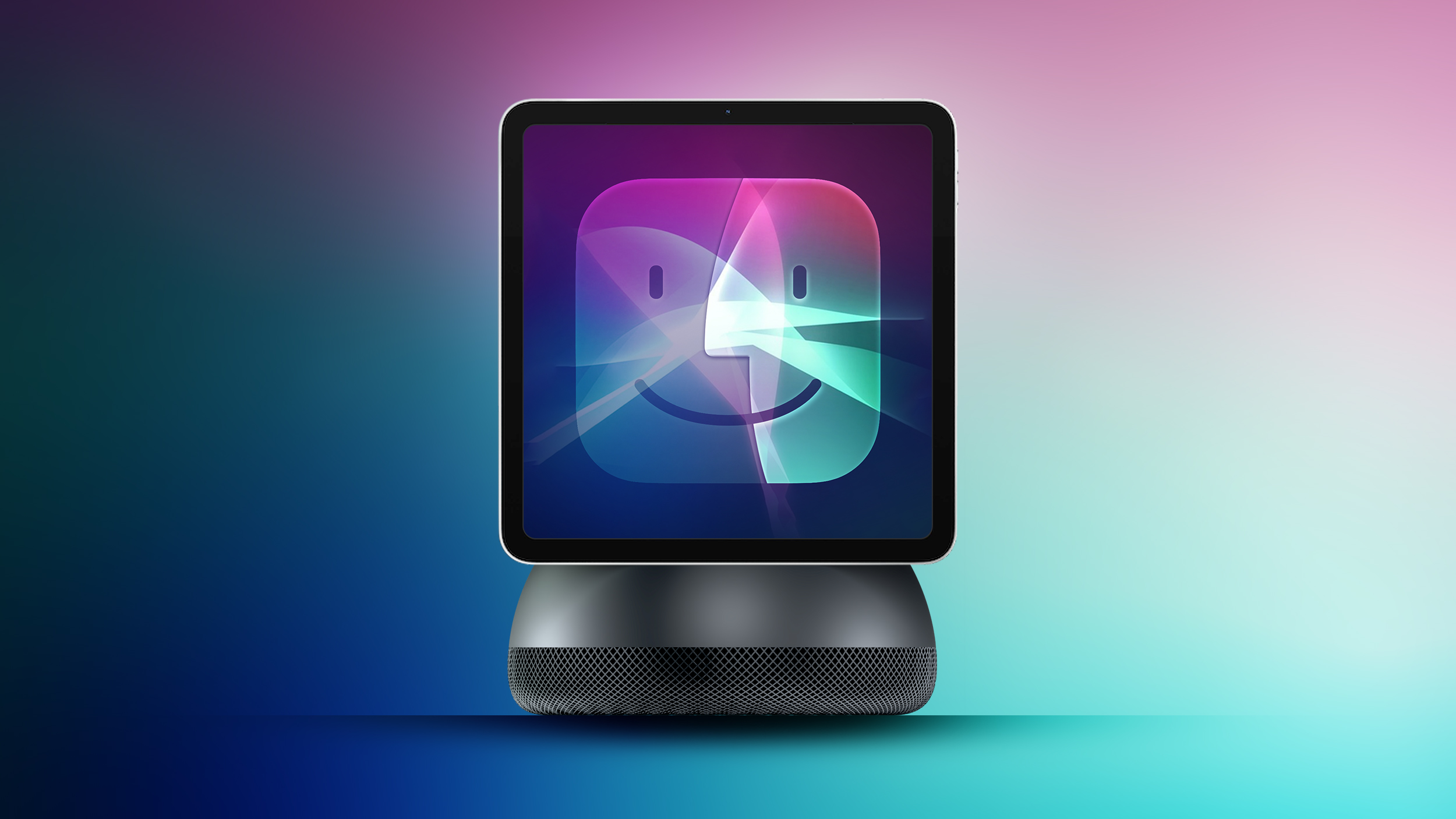
Oura has poached several employees from Apple over the last few years. Lynch's departure is apparently causing "fresh upheaval" on Apple's home products team as it is aiming to debut new home devices. Apple is rumored to be working on a smart home hub, but its launch has been pushed back due o Siri development delays.
The hub launch is now planned for September 2026, with other devices like a home security and automation sensor and a more advanced tabletop robot in development for 2027. Apple also has plans for smart glasses, a wearable AI pendant or pin, and AirPods with cameras.
Lynch worked at Apple for over 20 years, and prior to overseeing smart home devices, he was on Apple's now-shuttered car development team. Lynch worked under Matt Costello, who also oversees audio engineering and Beats devices. Costello reports to John Ternus, Apple's hardware engineering chief.
This article, "Apple's Head of Home Hardware Leaves for Smart Ring Maker Oura" first appeared on MacRumors.com
Discuss this article in our forums
Oura has poached several employees from Apple over the last few years. Lynch's departure is apparently causing "fresh upheaval" on Apple's home products team as it is aiming to debut new home devices. Apple is rumored to be working on a smart home hub, but its launch has been pushed back due o Siri development delays.
The hub launch is now planned for September 2026, with other devices like a home security and automation sensor and a more advanced tabletop robot in development for 2027. Apple also has plans for smart glasses, a wearable AI pendant or pin, and AirPods with cameras.
Lynch worked at Apple for over 20 years, and prior to overseeing smart home devices, he was on Apple's now-shuttered car development team. Lynch worked under Matt Costello, who also oversees audio engineering and Beats devices. Costello reports to John Ternus, Apple's hardware engineering chief.
Tags: Apple Ring, Bloomberg
This article, "Apple's Head of Home Hardware Leaves for Smart Ring Maker Oura" first appeared on MacRumors.com
Discuss this article in our forums
Recommended Comments
Join the conversation
You can post now and register later. If you have an account, sign in now to post with your account.