_811205.png)
_e196d8.png)
_32b3d9.png)
_1c53fe.png)

The next-generation HomePod mini won't include Apple's new N1 networking chip, according to code analysis provided by a MacRumors tipster.
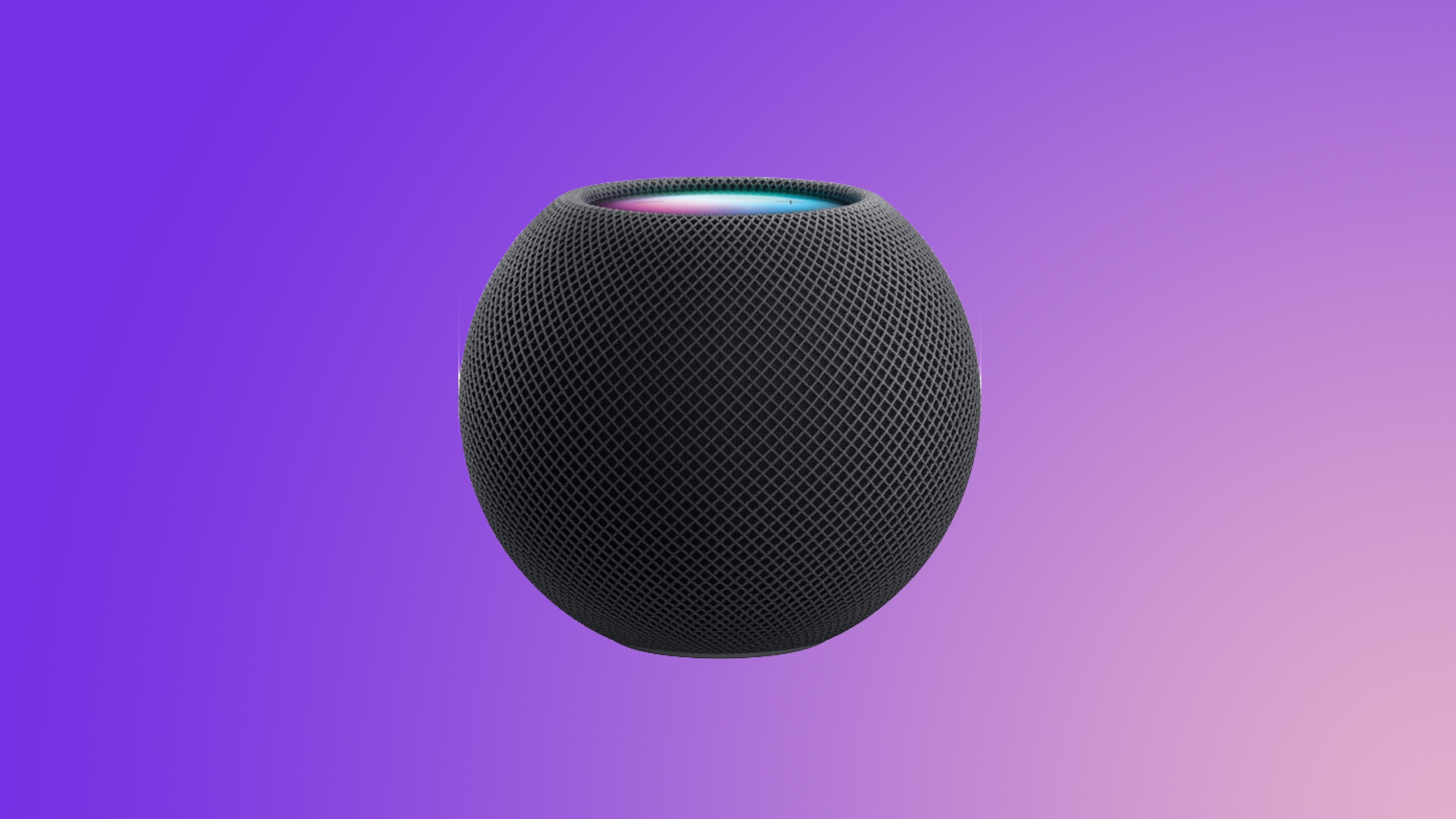
A macOS kernel debug kit distributed by Apple earlier this year included information on a number of upcoming devices, including the HomePod mini 2. Code associated with the HomePod mini 2 mentions the "Sunrise" wireless system, which is what Apple calls Bluetooth/Wi-Fi chips sourced from MediaTek. The N1 is called "Centauri" in Apple's internal systems.
Based on the Sunrise mention, it appears that the HomePod mini 2 won't be upgraded with the N1 networking chip, which contradicts some prior rumors we've heard about it. Bloomberg's Mark Gurman has suggested that both the Apple TV and HomePod mini will use Apple's N1 chip in the past.
It appears that Apple plans to use the N1 chip for premium devices, while entry-level products will stick with cheaper MediaTek hardware for now. The upcoming HomePod mini 2, the iPhone 17e, the iPad 12, and the A18 Pro MacBook are all expected to use MediaTek chips instead of Apple's chip.
The N1 was introduced in the iPhone 17 models, and it is Apple's first in-house networking chip. It supports Bluetooth 6, Wi-Fi 7, and Thread. Because it was designed by Apple, it better integrates with other hardware and software in Apple devices, leading to improved efficiency and reliability.
This article, "Apple's HomePod Mini 2 Might Not Get This Rumored Feature After All" first appeared on MacRumors.com
Discuss this article in our forums
A macOS kernel debug kit distributed by Apple earlier this year included information on a number of upcoming devices, including the HomePod mini 2. Code associated with the HomePod mini 2 mentions the "Sunrise" wireless system, which is what Apple calls Bluetooth/Wi-Fi chips sourced from MediaTek. The N1 is called "Centauri" in Apple's internal systems.
Based on the Sunrise mention, it appears that the HomePod mini 2 won't be upgraded with the N1 networking chip, which contradicts some prior rumors we've heard about it. Bloomberg's Mark Gurman has suggested that both the Apple TV and HomePod mini will use Apple's N1 chip in the past.
It appears that Apple plans to use the N1 chip for premium devices, while entry-level products will stick with cheaper MediaTek hardware for now. The upcoming HomePod mini 2, the iPhone 17e, the iPad 12, and the A18 Pro MacBook are all expected to use MediaTek chips instead of Apple's chip.
The N1 was introduced in the iPhone 17 models, and it is Apple's first in-house networking chip. It supports Bluetooth 6, Wi-Fi 7, and Thread. Because it was designed by Apple, it better integrates with other hardware and software in Apple devices, leading to improved efficiency and reliability.
Related Roundup: HomePod mini
Buyer's Guide: HomePod Mini (Don't Buy)
Related Forum: HomePod, HomeKit, CarPlay, Home & Auto Technology
This article, "Apple's HomePod Mini 2 Might Not Get This Rumored Feature After All" first appeared on MacRumors.com
Discuss this article in our forums
Recommended Comments
Join the conversation
You can post now and register later. If you have an account, sign in now to post with your account.