_811205.png)
_e196d8.png)
_32b3d9.png)
_1c53fe.png)

Apple has announced that its flagship Regent Street store in London, England reopens on Saturday, February 14, at 10 a.m. local time.
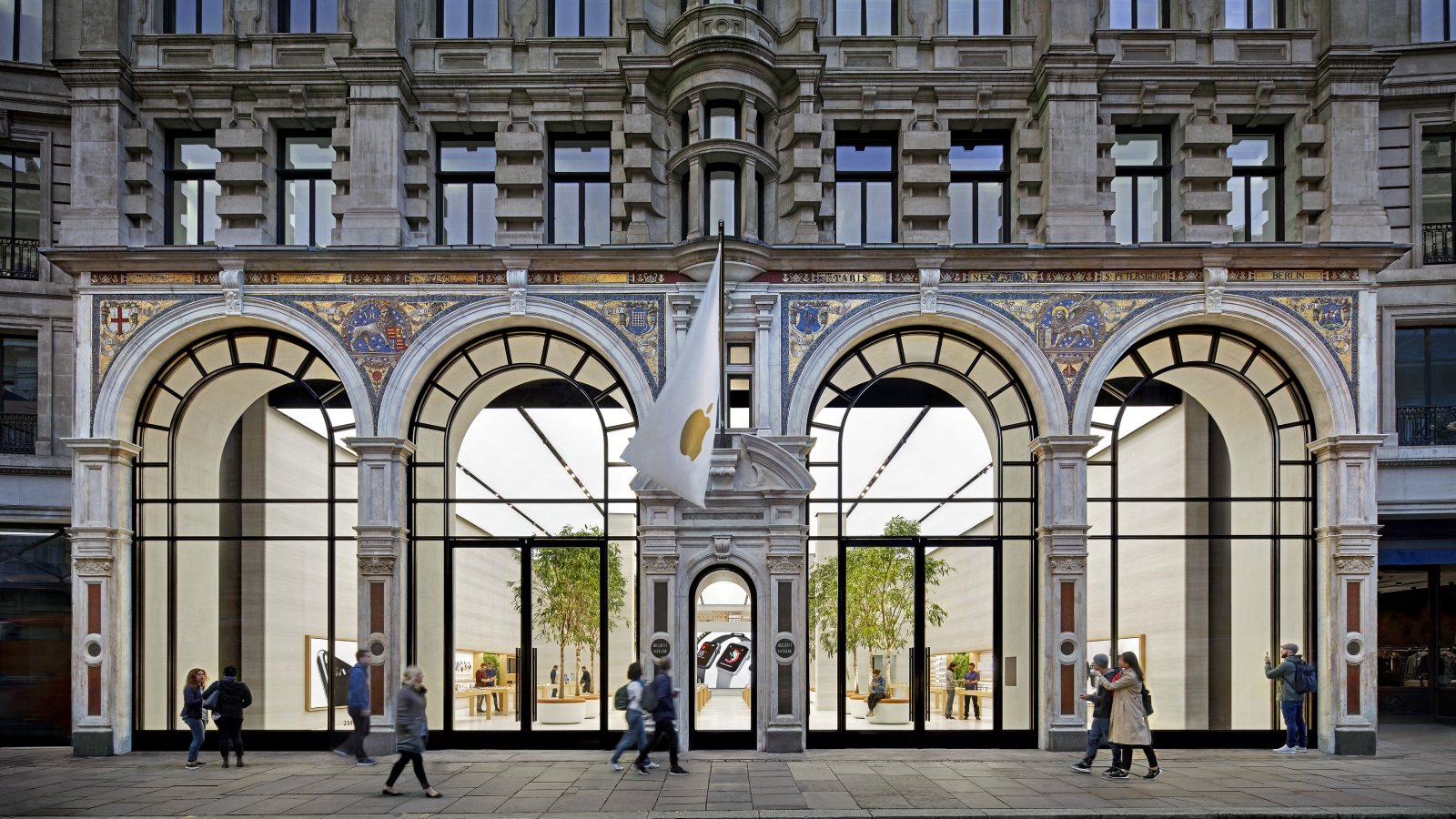
The store has been temporarily closed for "refurbishment" since Monday, January 12. The extent of the changes remains to be seen.
It is not yet clear if Apple made any changes that will be visible to customers. In some cases, Apple only updates a store's fixtures or back-of-house area, resulting in no visible differences to customers when business resumes.
Apple first opened up shop on London's world-famous Regent Street in 2004. The store was already remodeled in 2016.
This article, "Apple's Regent Street Store Reopening Soon After One-Month Closure" first appeared on MacRumors.com
Discuss this article in our forums
The store has been temporarily closed for "refurbishment" since Monday, January 12. The extent of the changes remains to be seen.
It is not yet clear if Apple made any changes that will be visible to customers. In some cases, Apple only updates a store's fixtures or back-of-house area, resulting in no visible differences to customers when business resumes.
Apple first opened up shop on London's world-famous Regent Street in 2004. The store was already remodeled in 2016.
Tag: Apple Store
This article, "Apple's Regent Street Store Reopening Soon After One-Month Closure" first appeared on MacRumors.com
Discuss this article in our forums
Recommended Comments
Join the conversation
You can post now and register later. If you have an account, sign in now to post with your account.