_811205.png)
_e196d8.png)
_32b3d9.png)
_1c53fe.png)

The new Studio Display XDR is designed for all kinds of professional work, and it is uniquely suited for use in the medical field.
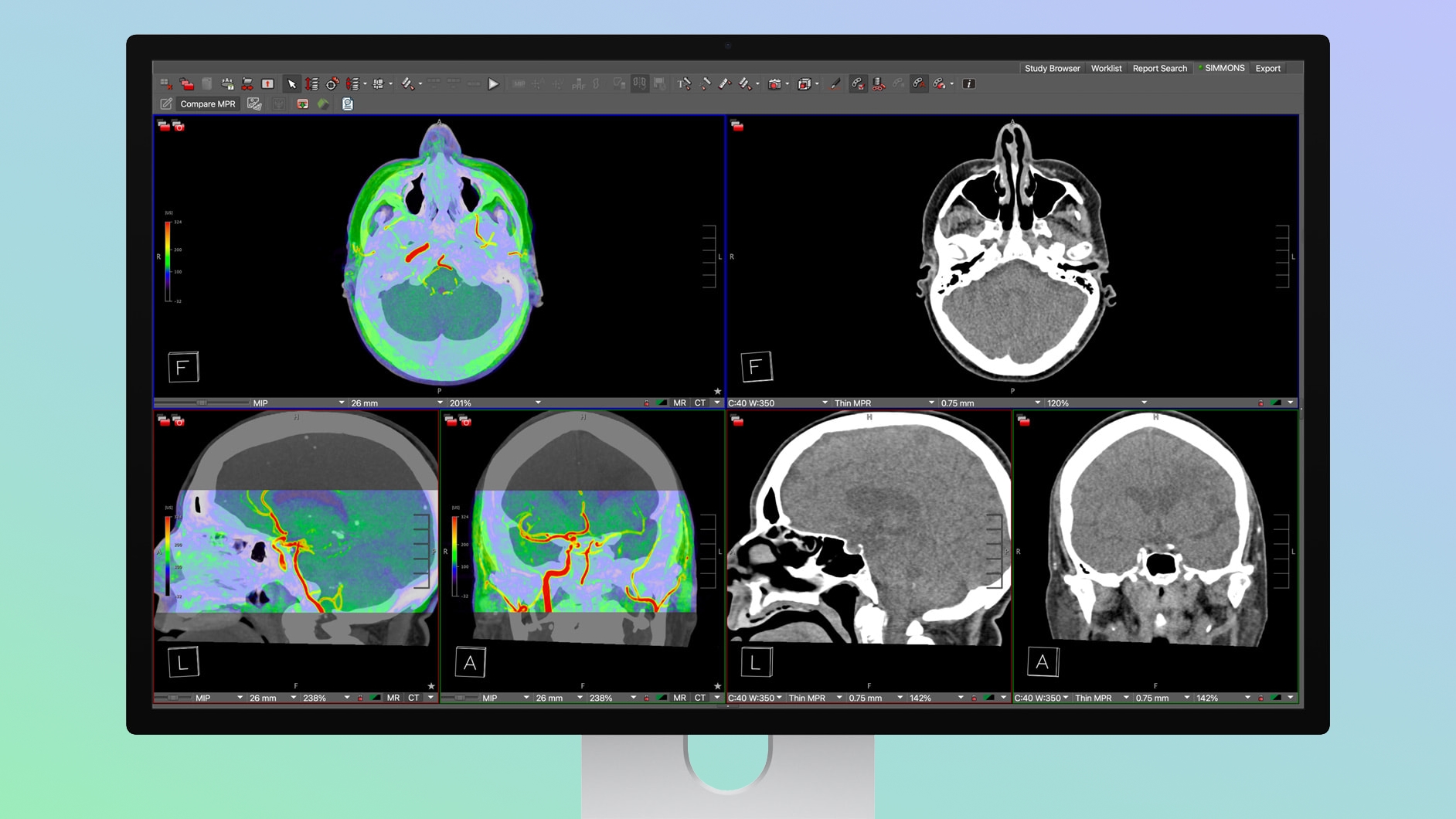
The Studio Display XDR supports DICOM medical imaging presets and a Medical Imaging Calibrator so it can be used for diagnostic radiology. Radiologists will be able to view images right on the Studio Display XDR without the need to use a single-purpose medical imaging display.
There is a display mode switching option for transitioning from a standard viewing mode to a radiology viewing mode. Pricing on the Studio Display XDR starts at $3,299, and it is more affordable than many specialized medical imaging monitors.
Apple says the Medical Imaging Calibrator that it created for the Studio Display XDR is pending FDA clearance and it should soon be available in the United States.
According to Apple, its aim with the new functionality is to continue to improve technology available to the healthcare community to boost patient care.
The Studio Display XDR also features a mini-LED backlight with 2,304 local dimming zones, 2000 nits of peak HDR brightness, a 1,000,000:1 contrast ratio, a 120Hz refresh rate, and advanced color accuracy.
Pre-orders for the Studio Display XDR will begin on Wednesday, March 4 at 9:15 a.m. Eastern Time, with a launch to follow on March 11.
This article, "Apple's Studio Display XDR Supports DICOM Medical Imaging for Diagnostic Radiology" first appeared on MacRumors.com
Discuss this article in our forums
The Studio Display XDR supports DICOM medical imaging presets and a Medical Imaging Calibrator so it can be used for diagnostic radiology. Radiologists will be able to view images right on the Studio Display XDR without the need to use a single-purpose medical imaging display.
There is a display mode switching option for transitioning from a standard viewing mode to a radiology viewing mode. Pricing on the Studio Display XDR starts at $3,299, and it is more affordable than many specialized medical imaging monitors.
Apple says the Medical Imaging Calibrator that it created for the Studio Display XDR is pending FDA clearance and it should soon be available in the United States.
According to Apple, its aim with the new functionality is to continue to improve technology available to the healthcare community to boost patient care.
The Studio Display XDR also features a mini-LED backlight with 2,304 local dimming zones, 2000 nits of peak HDR brightness, a 1,000,000:1 contrast ratio, a 120Hz refresh rate, and advanced color accuracy.
Pre-orders for the Studio Display XDR will begin on Wednesday, March 4 at 9:15 a.m. Eastern Time, with a launch to follow on March 11.
Related Roundups: Apple Pro Display XDR, Apple Studio Display
Related Forum: Mac Accessories
This article, "Apple's Studio Display XDR Supports DICOM Medical Imaging for Diagnostic Radiology" first appeared on MacRumors.com
Discuss this article in our forums
Recommended Comments
Join the conversation
You can post now and register later. If you have an account, sign in now to post with your account.